---
title: "Trickest Changelog"
canonical: https://trickest.com/docs/releases/changelog
description: "Platform updates and improvements"
---
# Trickest Changelog
## Watch your agent work. Step in when you need to.
Find your way around the agent’s desktop, take control when needed, and follow workflow changes with clearer connections and script names.
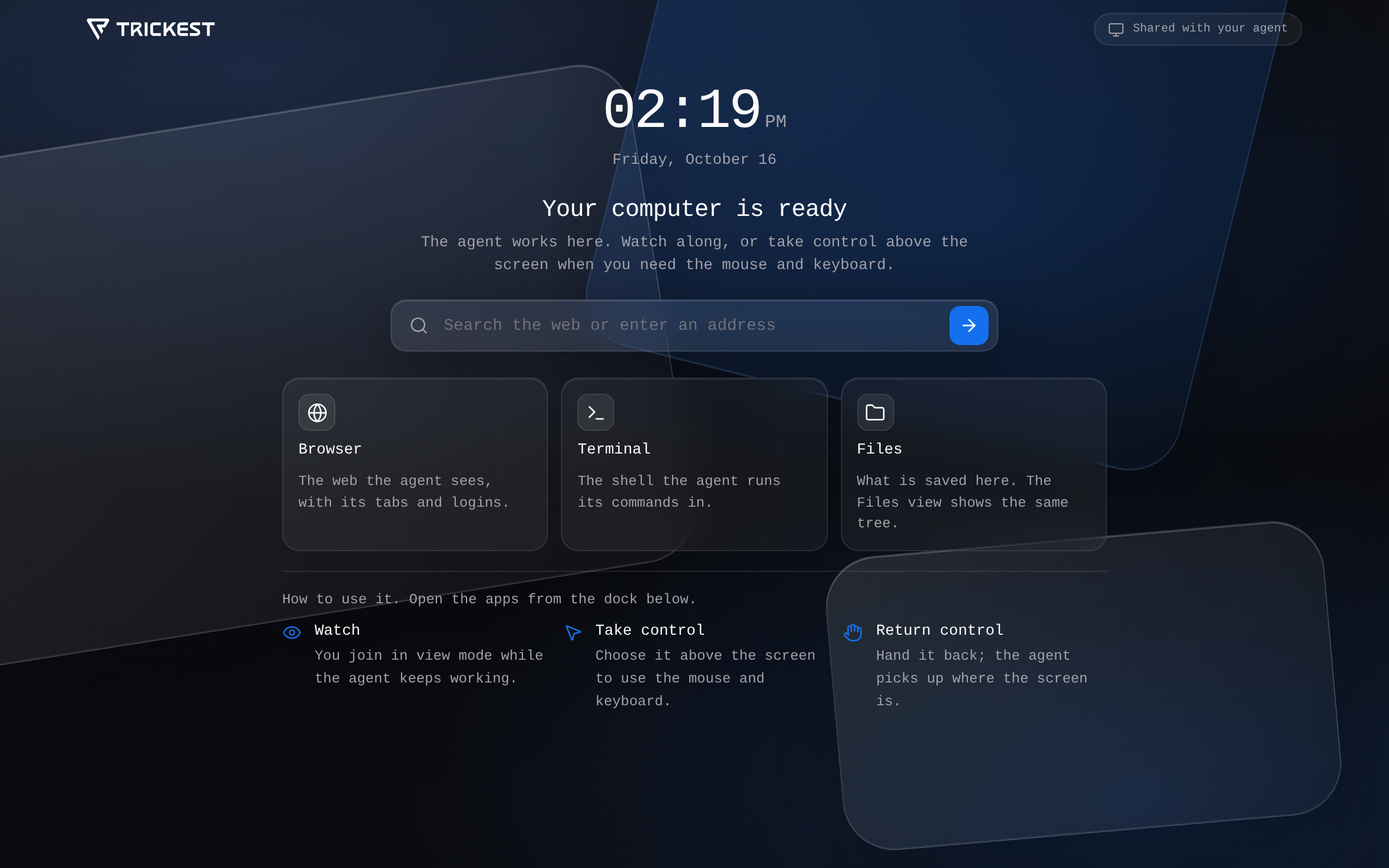 ### Computer Use
- **A new browser start page.** Search the web or enter an address, and find your way to Browser, Terminal and Files.
- **Watch and take control.** Follow the agent’s live desktop, take control to sign in or finish a manual step, then return control. The start page explains each step.
### Computer Use
- **A new browser start page.** Search the web or enter an address, and find your way to Browser, Terminal and Files.
- **Watch and take control.** Follow the agent’s live desktop, take control to sign in or finish a manual step, then return control. The start page explains each step.
Also in this release
### Workflow Editor
- **Read connected steps more easily.** Updated connection curves and layout spacing make paths through a busy workflow easier to follow.
- **Keep the layout you arranged.** Structural auto-layout changes are saved, and incoming agent edits update the canvas together.
- **Recognize script nodes.** Scripts display the name chosen by the agent instead of a generic script label.
 ### Agent Memory
- **Keep control of persistent instructions.** Changes to your profile and operating guidelines require approval when the agent works in an interactive conversation. That path refuses those edits in unattended sessions.
- **Know who saved a memory.** New memory records retain whether a person or an agent wrote them.
### Agent Memory
- **Keep control of persistent instructions.** Changes to your profile and operating guidelines require approval when the agent works in an interactive conversation. That path refuses those edits in unattended sessions.
- **Know who saved a memory.** New memory records retain whether a person or an agent wrote them.
## Bring reference files into the conversation.
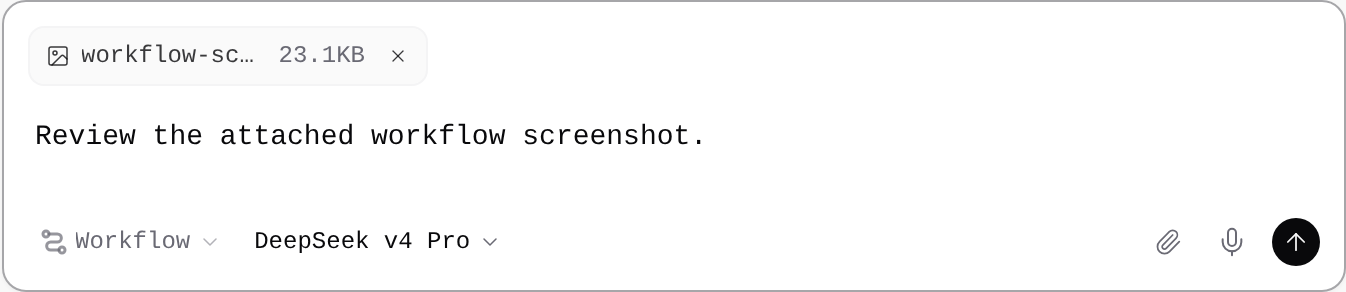
Drop images and files onto the chat composer to attach them while you write your request.
 ### Attachments
- **Drop files into your prompt.** Add a screenshot or reference file directly to either the new-chat composer or an existing conversation.
- **Review before sending.** Attached items appear beside your draft, where you can remove them before sending the message.
## Open Android apps beside your workflow.
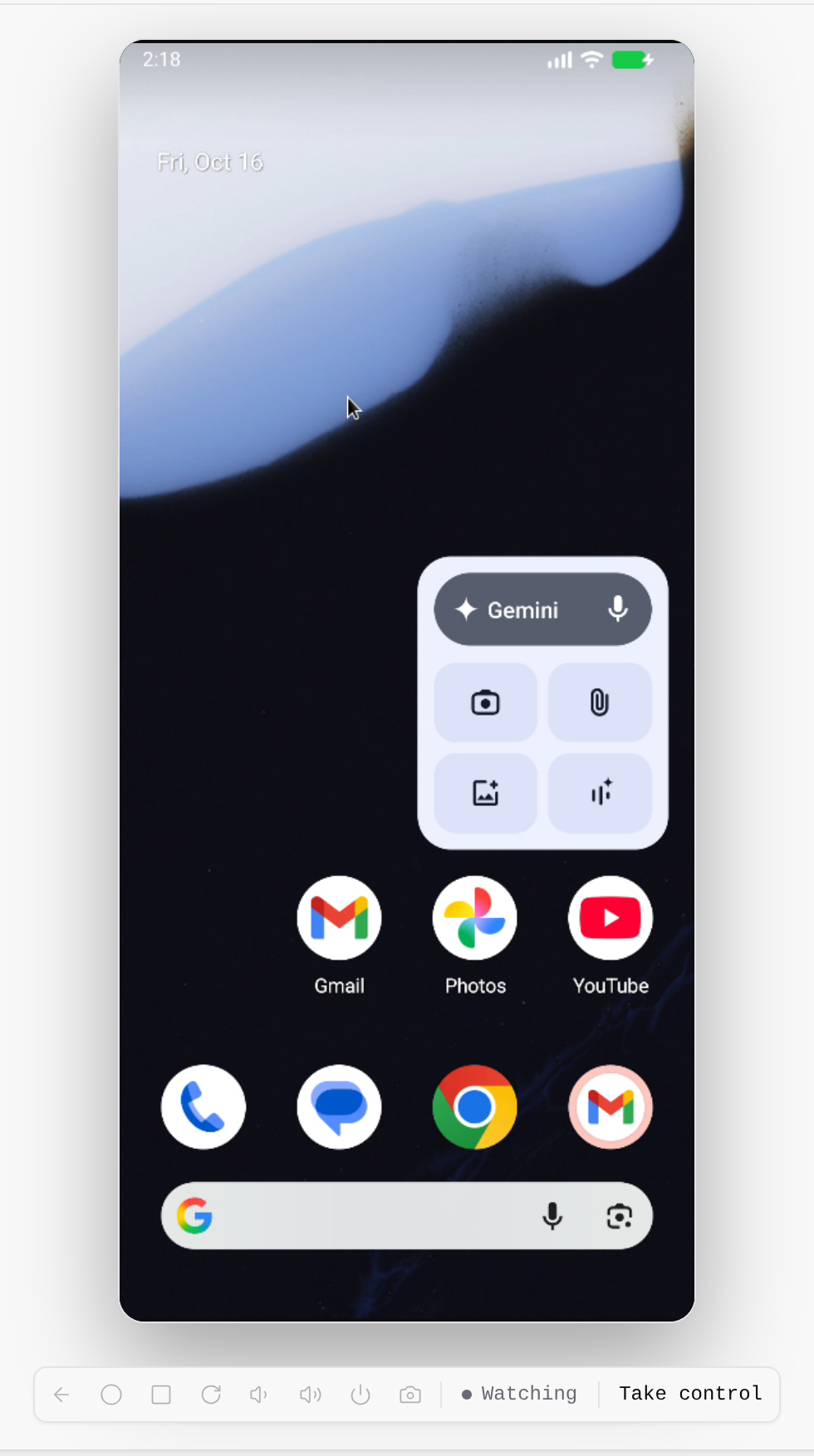
Open Mobile to start an Android device, follow setup, and watch the screen alongside your workflow. Mobile devices must be enabled for your organization.
### Attachments
- **Drop files into your prompt.** Add a screenshot or reference file directly to either the new-chat composer or an existing conversation.
- **Review before sending.** Attached items appear beside your draft, where you can remove them before sending the message.
## Open Android apps beside your workflow.
Open Mobile to start an Android device, follow setup, and watch the screen alongside your workflow. Mobile devices must be enabled for your organization.
 ### Mobile
- **Start from the workspace.** Choose Mobile to start the workflow’s device and follow its setup progress. First setup may ask your organization to review Android image licenses.
- **Work with Android apps.** Ask the agent to install an app from storage, inspect its screen, and save screenshots to the workspace or storage.
- **Watch or take control.** Follow the live device view and use Take control when you need to interact yourself.
## See what happened when your table was indexed.
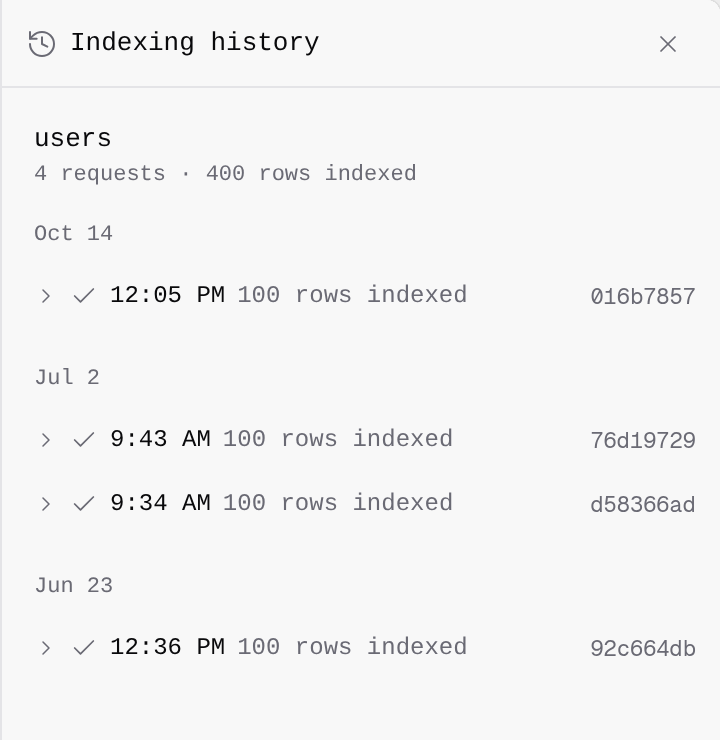
Open indexing history from a live table to inspect requests, row counts, and failures, even when the latest request succeeded.
### Mobile
- **Start from the workspace.** Choose Mobile to start the workflow’s device and follow its setup progress. First setup may ask your organization to review Android image licenses.
- **Work with Android apps.** Ask the agent to install an app from storage, inspect its screen, and save screenshots to the workspace or storage.
- **Watch or take control.** Follow the live device view and use Take control when you need to interact yourself.
## See what happened when your table was indexed.
Open indexing history from a live table to inspect requests, row counts, and failures, even when the latest request succeeded.
 ### Indexing History
- **Inspect every indexing request.** Open the table’s More actions menu and choose Indexing history. History remains available when there are no failed requests.
- **Find a failed request.** A failure badge opens the same history so you can inspect the request and its details.
## v1.1.0
### Computer Use
- **Live desktop streaming.** Watch agent desktop activity in real time or take direct control, with sessions preserved across refreshes.
- **Autonomous desktop tasks.** `trickest desktop do` completes multi-step desktop tasks through self-guided action loops.
- **Drive graphical apps.** Agents operate Blender, LibreOffice Calc, and other desktop apps with live scripting, OCR-guided clicks, and WebGL rendering.
- **Take control.** Step in to complete logins, CAPTCHAs, and two-factor authentication directly from the chat.
### Indexing History
- **Inspect every indexing request.** Open the table’s More actions menu and choose Indexing history. History remains available when there are no failed requests.
- **Find a failed request.** A failure badge opens the same history so you can inspect the request and its details.
## v1.1.0
### Computer Use
- **Live desktop streaming.** Watch agent desktop activity in real time or take direct control, with sessions preserved across refreshes.
- **Autonomous desktop tasks.** `trickest desktop do` completes multi-step desktop tasks through self-guided action loops.
- **Drive graphical apps.** Agents operate Blender, LibreOffice Calc, and other desktop apps with live scripting, OCR-guided clicks, and WebGL rendering.
- **Take control.** Step in to complete logins, CAPTCHAs, and two-factor authentication directly from the chat.
Also in this release
### AI Chat & Agent
- **A steadier agent on long turns.** Deep reasoning sessions stay active without timing out, and desktop screenshots manage context more efficiently.
- **Live desktop previews.** Active desktop sessions stream live inside the conversation card, expanding to full view with a click.
### Workspace
- **A customizable sidebar.** Reorder, show, or hide sections, with badges that appear when something needs attention.
- **Dedicated Inbox, Search, and Automations views.** Tailor your workspace with focused entry points and inline space creation.
- **Resizable agent rail.** Drag or keyboard-adjust the agent side rail width, with preferences saved across sessions.
 ### Workflow Editor
- **One-click auto-layout.** Rearrange workflows instantly with a single click, and toggle horizontal/vertical orientation from the toolbar.
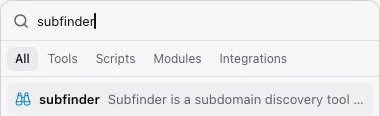
- **Redesigned node picker.** Browse and add tools faster with a compact popover, quick starters, popular and recent integrations, and categorized drill-downs.
- **Restore earlier versions.** Roll back to a prior workflow version with a single click from the run status pill.
- **Smoother editor loading.** A seamless layout skeleton preserves draft content without flicker during version updates.
### Workflow Editor
- **One-click auto-layout.** Rearrange workflows instantly with a single click, and toggle horizontal/vertical orientation from the toolbar.
- **Redesigned node picker.** Browse and add tools faster with a compact popover, quick starters, popular and recent integrations, and categorized drill-downs.
- **Restore earlier versions.** Roll back to a prior workflow version with a single click from the run status pill.
- **Smoother editor loading.** A seamless layout skeleton preserves draft content without flicker during version updates.
 ### Database
- **A dedicated tables rail.** Inspect data with docked, type-aware row details, day-grouped index history, and direct table URLs.
- **Progressive table loading.** Tables render live immediately while analysis streams in.
### Files & Storage
- **Inline CSV previews.** Preview CSV files inline alongside refreshed catalog and workflow cards.
- **Integrated terminal in Files.** Run commands directly from the Files view with full browser navigation controls.
### Catalog & Lists
- **Refreshed catalog cards.** Workflow, run, template, and library items show graph previews, space insights, and workspace filters in a cleaner layout.
### Settings
- **Reorganized settings.** Grouped sections (Personal, Agent, Infrastructure, Vault, Developer) with directory detail views for teams and aligned tables for members and secret variables.
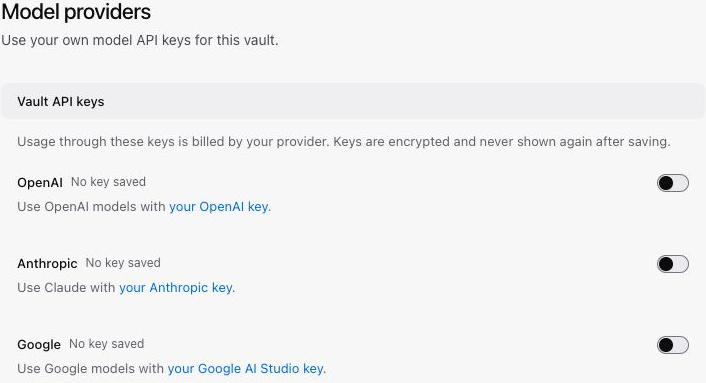
- **Google AI Studio BYOK.** Add custom Google AI keys via quick-connect alongside Anthropic and OpenAI with instant verification.
- **Clearer usage and billing.** Track personal vs. vault spend, compute caps, and model usage with clearer breakdowns that preserve data on refresh.
### Database
- **A dedicated tables rail.** Inspect data with docked, type-aware row details, day-grouped index history, and direct table URLs.
- **Progressive table loading.** Tables render live immediately while analysis streams in.
### Files & Storage
- **Inline CSV previews.** Preview CSV files inline alongside refreshed catalog and workflow cards.
- **Integrated terminal in Files.** Run commands directly from the Files view with full browser navigation controls.
### Catalog & Lists
- **Refreshed catalog cards.** Workflow, run, template, and library items show graph previews, space insights, and workspace filters in a cleaner layout.
### Settings
- **Reorganized settings.** Grouped sections (Personal, Agent, Infrastructure, Vault, Developer) with directory detail views for teams and aligned tables for members and secret variables.
- **Google AI Studio BYOK.** Add custom Google AI keys via quick-connect alongside Anthropic and OpenAI with instant verification.
- **Clearer usage and billing.** Track personal vs. vault spend, compute caps, and model usage with clearer breakdowns that preserve data on refresh.
 ### Runs
- **Consistent run indicators.** Run status badges, spinners, and durations share a consistent look, with improved contrast for failed nodes in light mode.
- **Steadier run deep-links.** Selecting a module execution shows the exact execution without carrying over earlier views.
### Mobile
- **Easier touch and small-screen use.** Touch targets across headers, dialogs, and lists are more comfortable to tap, and run tables adapt cleanly on mobile.
### Runs
- **Consistent run indicators.** Run status badges, spinners, and durations share a consistent look, with improved contrast for failed nodes in light mode.
- **Steadier run deep-links.** Selecting a module execution shows the exact execution without carrying over earlier views.
### Mobile
- **Easier touch and small-screen use.** Touch targets across headers, dialogs, and lists are more comfortable to tap, and run tables adapt cleanly on mobile.
## Keep working through interruptions
More resilient agent sessions, faster Python workspace sync, and clearer feedback when a workflow needs attention.
### AI Chat & Agent
- **Steadier agent through network drops.** Transient network timeouts and gateway hiccups retry behind the scenes instead of halting early.
- **Responsive chat titles.** Chat sessions stay responsive and keep a placeholder title if AI-assisted title generation hits provider limits.
Also in this release
### Workspace
- **Faster Python workspace sync.** Workspace saving and sync are faster for Python projects by excluding virtual environments and cache directories.
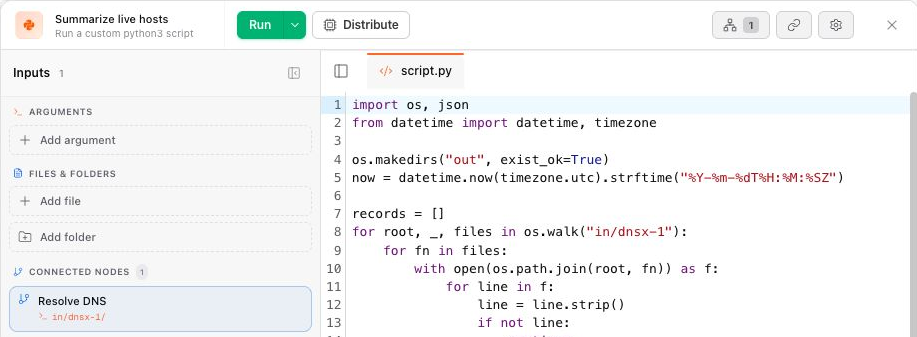
- **Steadier script nodes.** Script nodes validate variable placeholders upfront with line numbers before saving.
 ### Files & Storage
- **Smoother folder management.** Upload files directly into destination folders, drag items into folders or breadcrumbs, and delete folders with clear warnings that list enclosed contents.
### Integrations
- **Steadier recurring Slack deliveries.** Scheduled recurring tasks deliver updates to the active Slack thread across repeated runs.
### Workflow Editor
- **Clearer workflow validation.** Saving a workflow with outdated or removed tools shows immediate feedback instead of retrying in the background.
### Files & Storage
- **Smoother folder management.** Upload files directly into destination folders, drag items into folders or breadcrumbs, and delete folders with clear warnings that list enclosed contents.
### Integrations
- **Steadier recurring Slack deliveries.** Scheduled recurring tasks deliver updates to the active Slack thread across repeated runs.
### Workflow Editor
- **Clearer workflow validation.** Saving a workflow with outdated or removed tools shows immediate feedback instead of retrying in the background.
## Keep conversations, files, and workflows in sync
Workflow context follows the conversation. Folder inputs, background commands, and more reliable output downloads make it easier to carry work through to the result.
 ### AI Chat & Agent
- **A steadier agent.** Streams stay complete during rapid generation, sessions resume without full resyncs, and provider errors surface clearly instead of blank turns.
- **Smoother plan approvals.** Approving execution plans switches agent mode without connection stalls.
- **Automatic workflow context.** Opening a workflow from the Library or navigator connects it to your active conversation automatically.
- **Stop & send queued attachments.** Send queued messages with file attachments immediately during an active turn.
- **Clearer provider feedback.** Deprecated or retired models show a recommended replacement instead of failing through retries.
### AI Chat & Agent
- **A steadier agent.** Streams stay complete during rapid generation, sessions resume without full resyncs, and provider errors surface clearly instead of blank turns.
- **Smoother plan approvals.** Approving execution plans switches agent mode without connection stalls.
- **Automatic workflow context.** Opening a workflow from the Library or navigator connects it to your active conversation automatically.
- **Stop & send queued attachments.** Send queued messages with file attachments immediately during an active turn.
- **Clearer provider feedback.** Deprecated or retired models show a recommended replacement instead of failing through retries.
Also in this release
### Workspace
- **Live background commands.** The workspace card shows active background commands with live status and elapsed time.
- **Faster environment startup.** Environments boot faster by starting in lightweight CLI mode and spinning up browser previews only on demand.
### Workflow Editor & Runs
- **Steadier agent sync.** Edits made by AI agents sync to open canvases immediately without manual refreshes.
- **Distributed nodes report their tasks.** A distributed node shows its own progress and outputs instead of appearing empty.
- **No reload on agent-created spaces.** The workbench resolves a new space without a page reload.
### CLI & SDK
- **Binary-safe output downloads.** Output downloads preserve binary bytes for images, archives, and media.
- **Targeted output fetch.** Fetch and mount only the nodes you need with `--node`, including files nested in sub-modules.
- **Steadier desktop launch.** Launching desktop sessions via the CLI focuses the new window for immediate keyboard input.
### Database
- **Faster Database tab.** The Database view renders live tables immediately while analysis streams in.
### Files & Storage
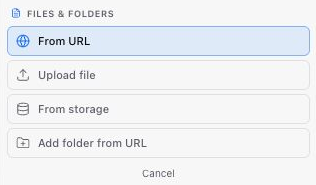
- **Folder-aware workflows.** Browse nested folders, drop files into destination folders, and pick folders directly on tool and script node inputs.
- **Recursive folder removal.** A dedicated `storage rmdir` command deletes folders and all nested contents in one action.
 ### Integrations
- **Steadier recurring Slack deliveries.** Scheduled recurring tasks deliver updates to the active Slack thread across repeated runs.
- **Steadier graph validation.** Workflow validation recognizes storage connections and folder inputs without false broken-connection alerts.
- **Explicit script node runtimes.** Script nodes explicitly select between Bash and Python execution environments.
### Settings
- **Skills in Settings.** Skills configuration is organized directly within Settings for easier access.
### Integrations
- **Steadier recurring Slack deliveries.** Scheduled recurring tasks deliver updates to the active Slack thread across repeated runs.
- **Steadier graph validation.** Workflow validation recognizes storage connections and folder inputs without false broken-connection alerts.
- **Explicit script node runtimes.** Script nodes explicitly select between Bash and Python execution environments.
### Settings
- **Skills in Settings.** Skills configuration is organized directly within Settings for easier access.
## Inspect modules without leaving Agent mode
Nested workflow previews open in the inspector, and sandbox restores preserve your working directory and agent state.
### AI Chat & Agent
- **Embedded module previews.** Opening a module node in Agent mode shows its nested workflow canvas preview inside the inspector tab.
- **Steadier sandbox restores.** Restoring a sandbox keeps your work directory and agent state intact.
## See progress inside distributed nodes
Distributed nodes report their own tasks and outputs, alongside fixes for agent sessions and local development.
### Runs
- **Distributed nodes report their tasks.** A distributed node now shows its own task progress and outputs instead of appearing empty.
### AI Chat & Agent
- **Steadier agent sessions.** Big-run outputs, warm-box starts, and false read refusals are smoothed over.
- **CLI-box dev server.** The CLI box dev server starts cleanly for local development.
## A steadier Agent workspace
Less sidebar movement, status tied to the active run, and owner-only session access.
### AI Chat & Agent
- **A calmer agent mode.** Less sidebar churn, status that follows the active run, and session access gated to the owner.
## Keep your edits when switching tabs
Unsaved edits stay with you as you move between workflow tabs. Workflow boxes also start in lightweight CLI mode.
### Editor
- **Node tabs keep the editor.** Switching between workflow tabs keeps your unsaved edits.
- **CLI-mode workflow boxes.** Workflow boxes boot in lightweight CLI mode for faster startup.
## Follow background work as it runs
See active commands and elapsed time in the workspace, with faster output browsing and binary-safe downloads.
### Workspace
- **Live background commands.** The workspace card shows active background commands with live status and elapsed time.
Also in this release
### AI Chat & Agent
- **Faster environment startup.** Environments boot faster by starting in lightweight CLI mode and spinning up browser previews only on demand.
### CLI & SDK
- **Binary-safe output downloads.** Output downloads preserve binary bytes for images, archives, and media.
- **Distributed task progress.** Run inspection shows fan-out task counts and progress for distributed nodes.
- **Faster output browsing.** Large runs with many nodes and output files load and mount faster.
## A clearer view of each node
Simpler node tabs and collapsible input rails, with tasks, logs, and files together for distributed nodes.
### Editor
- **Cleaner node tabs.** Node tabs have dedicated icons, simpler header chrome, and collapsible input rails.
- **Distributed node views.** Distributed nodes in run tabs load their full task list alongside per-task console logs and output files.
## Speak a prompt. Connect your tools.
Dictate a draft, edit it, and send. Remote MCP clients can connect through OAuth, while agent sessions recover more reliably from interruptions.
 ### AI Chat & Agent
- **A steadier agent.** Sessions stream responses, recover from drops, and keep your place when you switch.
- **Dictate prompts.** A mic button on the composer. Speak a draft, edit it, then send.
### Integrations
- **OAuth for remote MCP clients.** Connect external MCP clients with consent-based OAuth.
## Get to the first response sooner
Faster new sessions and more durable subagent lifecycle and steering.
### AI Chat & Agent
- **Faster first response.** New agent sessions reach the first token sooner.
- **Steadier subagents.** Subagent lifecycle and steering are more durable.
## Faster search, working project access
Web search uses a faster trigger model, and opening a project works again.
### AI Chat & Agent
- **Reliable web search.** Web search uses a faster trigger model.
### Projects
- **Enter a project.** Opening a project works again.
## Stay in the conversation
Messages appear immediately, failed drafts are preserved, and agent-created spaces open without a full page reload.
### AI Chat & Agent
- **Smoother agent sessions.** Execution recovery and sandbox evidence are more durable.
- **Immediate message feedback.** Sent messages show at once, and failed drafts are kept.
- **Agent mode UX.** Compact typography, navigation, and a calmer workbench.
### Workspace
- **No reload on agent-created spaces.** The workbench resolves a new space without a page reload.
## Schedule recurring agent work
Recurring tasks and public agent APIs, with a more compact conversation list and smoother movement between workspaces.
### AI Chat & Agent
- **Scheduled agent tasks.** Recurring agent work from the CLI, with replies that can land in Slack.
- **A quieter conversation list.** Conversations grouped by recency, in a compact list.
- **Smoother agent workspace.** Move between chats and sandboxes without a full reload.
### CLI & API
- **Agent operations in the public API.** Agent and session endpoints are part of the published API.
## Talk to the agent in Slack
The release draft describes conversations through mentions and direct messages in the Trickest Slack app.
### AI Chat & Agent
- **Slack connector.** Install the Trickest Slack app. Mention the agent or DM it, and keep the conversation in Slack.
## Plan and build with the agent
An updated in-product agent for planning, tools, and longer conversations, with rolling snapshots of the sandbox workspace.
### AI Chat & Agent
- **A steadier agent.** Sessions stream responses, recover from drops, and keep your place when you switch.
- **Dictate prompts.** A mic button on the composer. Speak a draft, edit it, then send.
### Integrations
- **OAuth for remote MCP clients.** Connect external MCP clients with consent-based OAuth.
## Get to the first response sooner
Faster new sessions and more durable subagent lifecycle and steering.
### AI Chat & Agent
- **Faster first response.** New agent sessions reach the first token sooner.
- **Steadier subagents.** Subagent lifecycle and steering are more durable.
## Faster search, working project access
Web search uses a faster trigger model, and opening a project works again.
### AI Chat & Agent
- **Reliable web search.** Web search uses a faster trigger model.
### Projects
- **Enter a project.** Opening a project works again.
## Stay in the conversation
Messages appear immediately, failed drafts are preserved, and agent-created spaces open without a full page reload.
### AI Chat & Agent
- **Smoother agent sessions.** Execution recovery and sandbox evidence are more durable.
- **Immediate message feedback.** Sent messages show at once, and failed drafts are kept.
- **Agent mode UX.** Compact typography, navigation, and a calmer workbench.
### Workspace
- **No reload on agent-created spaces.** The workbench resolves a new space without a page reload.
## Schedule recurring agent work
Recurring tasks and public agent APIs, with a more compact conversation list and smoother movement between workspaces.
### AI Chat & Agent
- **Scheduled agent tasks.** Recurring agent work from the CLI, with replies that can land in Slack.
- **A quieter conversation list.** Conversations grouped by recency, in a compact list.
- **Smoother agent workspace.** Move between chats and sandboxes without a full reload.
### CLI & API
- **Agent operations in the public API.** Agent and session endpoints are part of the published API.
## Talk to the agent in Slack
The release draft describes conversations through mentions and direct messages in the Trickest Slack app.
### AI Chat & Agent
- **Slack connector.** Install the Trickest Slack app. Mention the agent or DM it, and keep the conversation in Slack.
## Plan and build with the agent
An updated in-product agent for planning, tools, and longer conversations, with rolling snapshots of the sandbox workspace.
 ### AI Chat & Agent
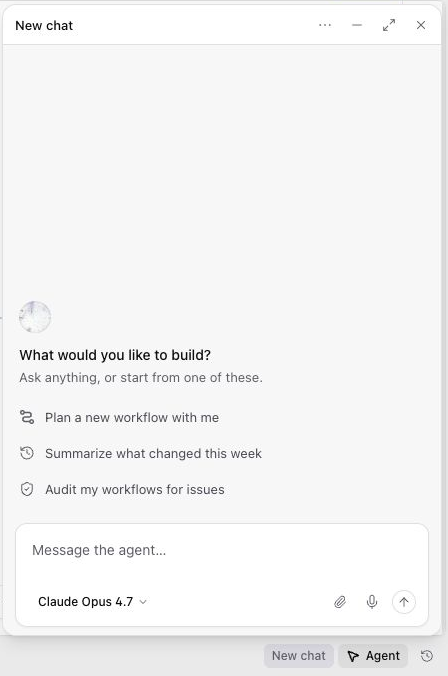
- **A more capable in-product agent.** Planning, tools, permissions, and long chats.
### Sandbox
- **Rolling sandbox snapshots.** Snapshot and restore the workspace as you go.
## Go further back in your run history
Browse older runs, keep canvas notes in place, and organize workspace files into folders.
### AI Chat & Agent
- **A more capable in-product agent.** Planning, tools, permissions, and long chats.
### Sandbox
- **Rolling sandbox snapshots.** Snapshot and restore the workspace as you go.
## Go further back in your run history
Browse older runs, keep canvas notes in place, and organize workspace files into folders.
 ### Editor
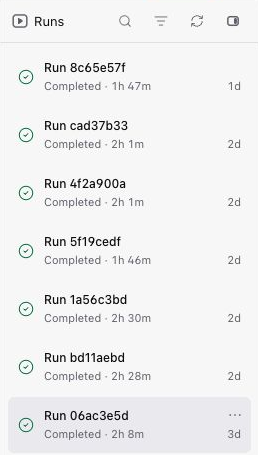
- **Longer run history.** The runs sidebar pages through older runs.
- **Notes that hold their place.** Drag a note on the canvas, and keep the spacing you typed.
### Editor
- **Longer run history.** The runs sidebar pages through older runs.
- **Notes that hold their place.** Drag a note on the canvas, and keep the spacing you typed.
Also in this release
### AI Chat
- **Faster first message.** New sessions respond sooner.
- **Skills search and install.** Find a skill and install it from the product.
### Files
- **Folders in every workspace.** Create and use folders alongside the rest of your files.
## Shape your live tables before the data arrives
Manage columns, see the nodes feeding a table, and validate the table setup before saving.
 ### Datasets
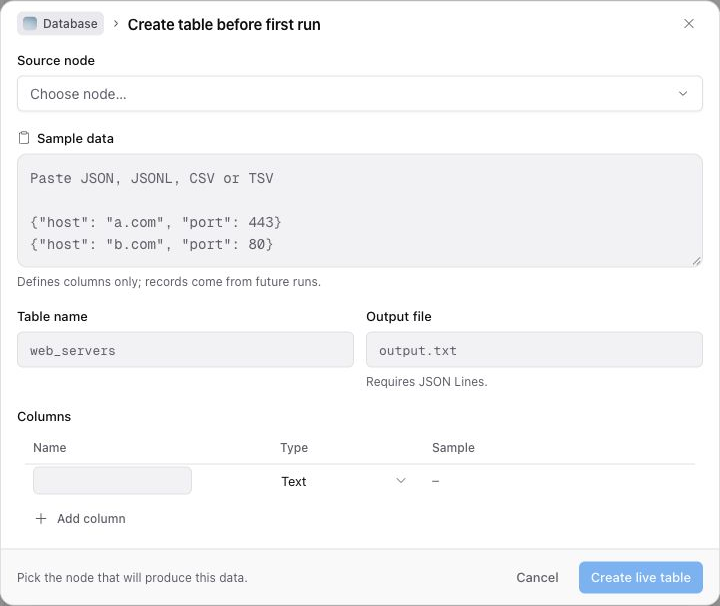
- **Live-table columns.** Add or remove columns, and see which nodes feed the table.
- **Clearer table setup.** The declare form checks the name and fields before you save.
- **A calmer query editor.** Tab accepts a suggestion, and the editor stays ready for the next query.
## A clearer Library, from discovery to a run
Browse catalog cards, inspect a workflow, and bring it into your workspace. Live tables can be declared before the first run.
### Datasets
- **Live-table columns.** Add or remove columns, and see which nodes feed the table.
- **Clearer table setup.** The declare form checks the name and fields before you save.
- **A calmer query editor.** Tab accepts a suggestion, and the editor stays ready for the next query.
## A clearer Library, from discovery to a run
Browse catalog cards, inspect a workflow, and bring it into your workspace. Live tables can be declared before the first run.
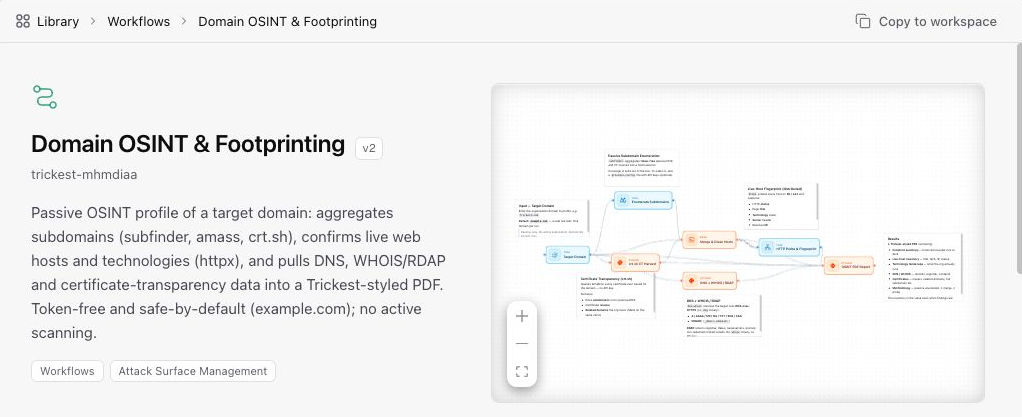 ### Library
- **A redesigned Library.** Catalog cards, item pages, and workflow parameters in one design language.
### Library
- **A redesigned Library.** Catalog cards, item pages, and workflow parameters in one design language.
Also in this release
### Datasets
- **Declare live tables before a run.** Name the table on a node output, and it fills when the run lands.
### Runs
- **Deeper run detail.** Failures inside modules and task groups show up on the run.
- **Full output downloads.** Large outputs download as the complete file.
### Editor
- **Open a run from the URL.** Share or bookmark a specific run.
### Templates
- **Layout-only template updates.** Review graph-only changes the same way as other template updates.
## Take your table data with you
Export a complete table as CSV from the CLI, and browse large tables in one view.
### Datasets
- **Export a table as CSV.** Download the full table from the CLI.
- **Large table views.** Browse far into a table in one view.
## From the Library to your workspace
Copy Library workflows into your own space, with clearer canvas annotations and better handling of long dialog content.
### Editor
- **Clearer annotations.** Tables and long notes read cleanly on the canvas.
- **Tidier dialogs.** Long names and template review stay inside the dialog.
### Library
- **Copy from Library.** Open a library workflow in your workspace from the copy link.
## Review template changes before applying them
Clearer template updates, Raw Data nodes, and better continuity across editor panes, conversations, and modules.
### Templates
- **Clearer template updates.** Review pending template changes, decide what to take, then apply. Concurrent saves no longer leave the update state stuck.
Also in this release
### Editor
- **Raw Data on the canvas.** Paste and edit raw content in a sticky Raw Data node.
- **Cleaner switching between files and builders.** The editor keeps work in sync when you move between panes and sessions.
### Modules
- **Module pull and apply.** Develop modules from the CLI and agent with a clear workspace flow from pull through apply.
### AI Chat & Billing
- **Contract renewal in product.** Renew when a contract is due, and sandbox use stops if access has lapsed.
- **BYOK token limits.** Bring Your Own Key respects token limits.
- **Usage reflects platform-billed AI only.** Contract gates apply to managed spend, not your own keys.
### Conversations
- **Live updates survive session switches.** Switching conversations no longer drops the live event stream.
### Datasets
- **Safer dataset queries and paths.** Table queries and file paths handle special characters without breaking.
### CLI
- **Move and copy workflows into a space.** Workflow move and copy can target a specific space.
### Fleet
- **Managed fleet as the default.** New runs prefer managed execution when it is available.
## More room for long conversations and runs
More stable chat context, complete console output, and improvements to sandbox previews, node inputs, and Library actions.
### AI Chat & Agent
- **More stable long chats.** Compaction keeps conversations usable as they grow, and the context meter tracks what's in the window.
Also in this release
### Sandbox & App
- **More reliable sandboxes and app previews.** File capture, scratch sessions, and production preview are steadier.
### Editor
- **Distribute control on the node corner.** Stop distribution stays easy to reach.
- **Search nodes by name.** Filter the node picker when the list is long.
- **Scroll long input lists.** File-fed nodes stay usable with many files.
### Runs & Data
- **Fuller console logs.** View and download complete console output for a run.
- **Module outputs as live tables.** Module runs can feed live tables like other outputs.
### Library & Billing
- **Clearer library Create actions.** Tools and Scripts show Create when your workspace allows it.
- **Clearer Enterprise and trial messaging.** Feature gates and trial status explain next steps in plain language.
## Update the CLI from your terminal
Install the latest CLI for your instance with one command, and see your workspace AI budget in Settings.
### CLI
- **Update the CLI from the terminal.** Run `trickest update` to install the latest release for your instance. A daily check can notify you when a newer build is available without installing it for you.
- **CLI version matches what you installed.** `trickest --version` reports the real release instead of a stale placeholder.
### Settings & AI
- **See your workspace AI budget.** Vaults with a platform grant show remaining spend and contract dates under Settings → Usage.
- **Usage totals may shift.** Settings → Usage aligns displayed AI spend with provider-reported costs.
## v1.0.50
### AI Chat & Agent
- **Long sessions keep more context.** Tool output is trimmed later and stays recoverable when it does collapse, so the agent is less likely to lose or misread earlier work.
Also in this release
### Sandbox & Agent workspace
- **Shell and file tools agree.** Commands in the sandbox see and edit the same workflow and plan files as the rest of the agent.
- **Large workflows start faster.** Heavy graphs load into the sandbox without stalling.
### Editor & Files
- **Library search finds scripts by language.** Searching Python or Bash matches those groups.
- **Create a folder on an empty Files tab.** You no longer need a file before you can add a folder.
## v1.0.49
### AI Chat & Agent
- **Chat during a live agent-node run.** Open the agent session from the Run tab while the workflow is still running, instead of waiting until it finishes.
- **Long chats stay stable.** Long conversations summarize at the right time for each model, including your own keys, so they are less likely to overflow or stall.
- **Cleaner session titles.** Auto-titles no longer store model commentary as the chat name.
- **Cleaner chat replies.** A recovery note is no longer appended onto a turn that already answered.
Also in this release
### Sandbox
- **Dead sandboxes stop looping.** The agent stops probing a dead sandbox and reports the failure instead of burning turns.
### Workflow & Agent
- **More reliable workflow builds.** Adding modules and applying graphs fails with clear connection errors instead of opaque failures or endless retries.
### CLI
- **CLI JSON keeps full ids.** List output can feed into get commands without truncated ids, and notification bodies are not cut short in JSON.
## v1.0.48
### AI Chat & Agent
- **Find older chats.** Search your sessions by title, and load more past the first page instead of only seeing the most recent.
- **Stop one subagent.** Stop a single background agent from the working tray without ending the rest of the turn.
- **Longer agent commands run.** Commands that carry a long script or file no longer fail before they start, so the agent can write bigger files in one step.
- **Approval prompts catch more.** Deleting a platform resource still asks for approval when it is buried deep in a long chain of commands.
Also in this release
### Workspace & Editor
- **Database tab matches the editor.** The Database tab in agent mode now uses the same sidebar, table tabs, and Tables/Query views as the workflow editor.
- **Tidier node sidebar.** Long agent activity messages wrap instead of stretching the panel, and a node's status badge no longer gets clipped.
### Sandbox
- **"Sandbox ready" appears once.** It is announced once per session instead of repeating under every message.
- **Files land where you expect.** Writes through the files API resolve to the same path a command in that sandbox reads.
### Mobile
- **Full-width menu.** The menu opens full width on phones when the desktop sidebar is collapsed.
## v1.0.47
### Mobile & Shell
- **Compact layout on phones.** The workspace and workflow editor fit small screens, with tabs for Agent, Canvas, Data, and App.
- **App preview built for phones.** App mode opens preview-first with a URL bar and full-screen Preview or Code.
Also in this release
### AI Chat & Agent
- **Ask mode is gone.** Choose Agent or Plan. During plan review you can Build, Reject, or keep typing without getting stuck.
- **Longer sandbox sessions stay alive.** Background work and model pauses are less likely to drop the sandbox mid-run.
- **More reliable chats with some AI providers.** Tool replies stay attached to the right steps instead of going missing.
### App Mode & Sandbox
- **Faster App Mode start.** Opening an app reconnects to an existing sandbox when it can, instead of always waiting on a cold start.
- **Clearer App Mode first run.** New apps land with workflow context, slim docs, and an ops view to run the bound workflow.
- **Preview recovers on its own.** Failed preview responses no longer stick in the iframe. The preview remounts when the app is serving again.
- **One Community sandbox at a time.** Opening another session offers takeover instead of starting a second box.
### Library & Theme
- **Easier library browsing.** Search and filter tools in the library sidebar.
- **Dark theme by default.** New sessions start in dark. The older Trickest theme becomes dark.
### Sign-in
- **Cleaner login loading.** Session checks no longer flash an empty card over the login screen.
## v1.0.46
### AI Chat & Agent
- **Long-running agent commands complete.** The agent can wait on background work and continue when it finishes.
- **Clearer tool errors in chat.** Failed tools are easier to spot, with timing that matches when each tool ran.
- **More reliable agent sessions.** Long conversations stay responsive under heavier use.
Also in this release
### Onboarding
- **Survey stays dismissed after you finish.** Completing the survey no longer brings it back on refresh.
### Billing
- **Smoother Enterprise trial requests.** The trial request flow is clearer and more stable if a submit fails.
### Sandbox & Files
- **Files stay responsive after large agent runs.** Big workspace updates no longer slow down the Files tab.
## v1.0.45
### Database & Agent
- **Richer live table schema from the agent.** Set primary keys when you promote a table, and add or remove columns afterward from the agent or CLI.
- **Agent sessions on workflow runs start.** Opening chat against a run fails less often.
## v1.0.44
### Library & Editor
- **Adding tools from the library works again.** You can add tools and scripts to a workflow without a server error.
### Billing
- **Request an Enterprise trial in-product.** Start a trial request from the sidebar, gated features, or Usage.
## v1.0.43
### Billing & Usage
- **Plan and Billing is now Usage.** The settings page focuses on plan status and usage instead of buying run units.
- **Community plans skip run-unit purchases.** Community workspaces no longer buy run units in the product. Request an Enterprise trial from Usage or gated features when you need managed compute.
Also in this release
### Getting Started
- **Clearer path after sign-up.** New workspaces get a Getting Started checklist for setup, first workflow run, and Bring Your Own Key. Community Agent prompts you to connect your own keys when the plan requires it.
### Sign-up
- **Faster community sign-up.** Phone SMS verification and company name are gone from community sign-up. Create an account and continue.
### Workflows
- **Import a workflow from a public URL.** Open a marketing or public snapshot link, sign in if needed, and land in the editor with a copy in your vault.
- **CLI imports the same way.** `trickest workflow import --url` pulls a public snapshot. Optional `--use` sets it as the active workflow.
### CLI
- **Log into any deployment.** `trickest auth login --base-url` stores the API origin with your token so staging and other deployments stay consistent without shell env hacks.
- **Manage sticky notes from the CLI.** `trickest annotation` adds or removes canvas annotations and can place them next to a node instead of floating in the middle of a group.
### AI Chat & Agent
- **Bring Your Own Key stays on your keys.** Agent turns no longer fall back to the Trickest platform gateway when you use BYOK.
### Editor
- **Integrations sidebar and agent workflow nodes.** Dock integrations beside the canvas, and place AI agent nodes on the workflow graph.
- **Failed runs keep inputs editable.** After a failed run on the current version, you can edit tool inputs without leaving the run view.
- **Smoother tool image updates.** Connected tools can take available image updates with fewer false blockers.
### Fleet & Sandbox
- **Fleet clears after you delete the last machine.** Settings drop the connected state without a refresh.
- **Sandbox boxes recover after idle cleanup.** The next command starts a fresh ephemeral box instead of failing in a loop.
### Navigation
- **Fleet in the main sidebar.** Fleet sits between Library and Settings for quicker access.
## v1.0.42
### Settings
- **Fleet and Container Registry restyled.** Settings cards on Fleet and Container Registry share a clearer layout and hierarchy.
Also in this release
### Billing
- **Run units only when you have managed fleet.** Billing no longer shows run-units usage for workspaces that only use self-hosted machines.
### CLI
- **Multiple CLI sessions keep separate workflows.** Running several CLI sessions at once no longer overwrites each other's saved active workflow. Pass `--workflow` on a command for a one-off target so that session does not change your default.
### AI Chat & Agent
- **Shared links can open the agent with a prompt ready.** Opening a new agent with a prompt in the link prefills the composer. The draft stays through sign-in and unlock, and is never sent automatically.
- **Bring Your Own Key covers more agent utilities.** Titles, search, embeddings, and similar helpers can use your own provider keys. Platform AI Gateway stays limited to enterprise plans with AI enabled.
- **Sandbox sessions recover after idle cleanup.** If a sandbox was cleaned up while you were away, the next command starts a fresh box instead of failing. Dataset delete and app-builder dataset flows are more reliable.
## v1.0.41
### Sign-up & Login
- **Redesigned signup.** Sign-up uses a split layout with a clearer form. Sign-in and sign-up are at `/login` and `/signup`.
### AI Chat & Agent
- **Out-of-quota errors show up clearly.** When the AI provider is out of quota, the turn fails with a visible error instead of sitting on Thinking with no message.
## v1.0.40
### CLI
- **Attach waits until the machine is online.** Bare `trickest attach` polls until the agent is active. Use timeout or no-wait when you need to control how long it waits, and `trickest machine status` or `watch` to follow connectivity yourself.
### AI Chat & Agent
- **Bring Your Own Key follows plan AI access.** BYOK settings and provider keys only show when the workspace plan includes AI.
### MCP
- **Remote MCP accepts platform API tokens.** HTTP MCP accepts `Authorization: Token` as well as Bearer, so Settings API keys work without changing the auth scheme.
## v1.0.39
### CLI
- **Fresh installs sign in on the first try.** Fresh CLI installs target trickest.io by default, and leftover configuration from an earlier install no longer breaks install-then-login.
## v1.0.38
### AI Chat & Agent
- **Agent resumes after sandbox workflow runs.** The agent starts a workflow run from the sandbox shell, waits for it to finish, and continues with the result instead of going quiet.
- **Chat markdown spacing.** Thread rows keep their horizontal padding so message markdown is not flush against the edge.
## v1.0.37
### AI Chat & Agent
- **Queue messages while the agent works.** Keep typing during a turn. Messages wait in the composer and send when the turn finishes, or fold into the live turn as steering.
- **Sandbox reuse holds across workflow switches.** Follow-up fixes keep the agent box consistent when you move between workflows and long sessions.
## v1.0.36
### Sign-up
- **Cloudflare Turnstile on sign-up.** Sign-up and SMS verification use Turnstile instead of hCaptcha.
Also in this release
### Settings
- **Dedicated CLI and SDK pages.** Settings splits CLI and SDK into their own pages and groups the nav by scope.
### AI Chat & Agent
- **Deep-linkable agent routes.** `/agent/new` and `/agent/tasks` are shareable URLs.
- **Stopped tools stay quiet.** A cancelled tool shows a neutral state, not a red error. Real failures still show as errors.
- **Less internal noise in chat.** Agent bookkeeping stays out of the transcript.
### Sandbox & Files
- **Sandbox reuse across workflows.** Switching workflows keeps the right box instead of a stale session. Background commands and cold starts are steadier.
- **Internal workspace files stay hidden.** Scratch sandbox files no longer show on Files or mount into the agent box.
- **CLI inside the sandbox reaches the platform.** Platform verbs from the box call the live API.
## v1.0.35
### AI Chat & Agent
- **The agent now runs in a real sandbox** — Every command the agent runs executes inside an isolated, full-Linux container with a real filesystem instead of a simulated shell. The agent can install packages, run real tools, and read and write files just as you would, with platform actions (memory, datasets, workflows) available through a bundled CLI inside the box.
- **Scheduled Tasks** — A new Tasks workspace lets you schedule agent runs on a recurring cron, each with its own model and timezone. Run a task on demand, see its last-run status, and open the full run history straight to the conversation it produced. Available as a full-width page in Settings and in the agent-mode Tasks pane.
- **MCP support** — Connect Model Context Protocol servers from Settings and use their tools directly in chat. Servers are managed with full create/edit/delete, and their tools merge into the agent's toolset automatically.
- **Skills** — The agent can invoke curated Skills, with per-skill execution controls; invoking a non-builtin skill is permission-gated.
- **Background commands** — Long-running shell commands run in the background and stream their output; you can check on a running command or stop it mid-run.
- **Durable plan mode** — Plans are now written to a real file and persist across turns instead of living only in memory.
- **Parallel subagents** — The agent can spawn several subagents at once and return typed, structured results.
- **New models** — Added Kimi K2.7 Code and GLM-5.2.
- **Smarter file tools** — Reading a file can render images inline and skips re-reading unchanged files; editing is guarded against overwriting stale content.
- **Richer questions** — When the agent needs input it can ask multi-question forms with per-option descriptions and an "Other" escape hatch.
Also in this release
### Database
- **Query workspace polish** — A redesigned empty state, a Tables/Query toggle, a fix to Promote, and consistent tab behavior across the database views.
### Workflow Editor
- **Keyboard shortcuts & right-click menu** — Common canvas actions are now available via keyboard shortcuts and a right-click context menu.
### CLI
- **New project and space commands** — Added project verbs, storage-input mounts, and automatic active-space defaulting.
## v1.0.34
### AI Chat
- **Faster, steadier conversations** — The chat view was rebuilt from the ground up: streaming output is smoother and message state is more reliable.
- **Inline to-dos** — The agent now shows free-flowing inline to-dos as it works, and they no longer get stuck or carry over into new sessions.
- **More reliable agent turns** — Fixes for repeated tool-call loops, mid-turn compaction, and message loss on send. Long conversations now hold to a 120k-token budget and rebuild a clean context after compaction.
Also in this release
### Performance
- **App-wide data layer migration** — Dashboard, list pages, datasets, billing, audit logs, runs, and the editor were migrated to a shared query cache, cutting redundant network requests and speeding up navigation.
### Database & Datasets
- **More reliable dataset reads and writes** — Live tables are now addressed by a stable identifier end-to-end, and promoting a table propagates immediately to a running sandbox.
### Settings & Sign-up
- **Streamlined sign-up** — Registration and SMS verification are now a single page with a refreshed plan picker, and your password is never written to browser storage during sign-up.
## v1.0.32 & v1.0.33
### Sign-in & Sessions
- **More reliable OAuth sign-in** — Google and other OAuth redirects now resolve against the trusted public origin, fixing redirect failures during sign-in.
- **Cookie-only sessions** — Sessions moved off browser storage onto secure cookies, resolving cross-tab login loops and a case where Google users could be locked out.
## v1.0.31
### AI Chat & Agent
- **Reliable Stop button** — Pressing **Stop** during an agent turn now reliably cancels work across every layer — running jobs, in-flight tool calls, and pending UI state.
- **Cross-route conversation handoff** — Starting a new chat from any route now hands you off to the conversation view with the message already queued. The composer in agent mode supports the full feature set (attachments, model picker, mode picker) wherever it appears.
- **Auto-titled sessions** — New conversations are given a title automatically after the first turn instead of staying as "New chat" until manually renamed.
- **Redesigned empty state** — The empty chat view has a refreshed layout that surfaces example prompts and the model picker more prominently.
- **Fewer permission prompts** — Routine agent operations no longer interrupt with permission dialogs; only genuinely destructive actions still ask.
Also in this release
### Settings
- **CLI install section on API tokens page** — The API tokens page now includes a "Install the CLI" block with platform-specific download links and a quick-usage snippet using your token. The CLI download surface is accessible without a logged-in session.
## v1.0.28
### Workflow Editor
- **Accurate upstream in node modal** — Opening a node modal now shows the actual runtime upstream sources in the distributed file tree, including the live module input/output state. Re-opening a node mid-run reflects what is actually feeding it, not a stale snapshot.
- **Module I/O stays in sync** — Module input and output state now updates in lock-step with the live graph; edits to producers immediately reflect on downstream consumers.
### AI Chat
- **WorkflowApply preview** — The agent's `WorkflowApply` tool card now renders a mini-DAG of the change about to be applied, so you can see the resulting topology before it lands.
## v1.0.27
### AI Chat
- **Collapsible action timelines** — Long action timelines now collapse by default so the conversation stays readable on long agent turns.
- **Turn edit & checkpoint actions** — The chat now supports editing a previous turn and rolling back to a checkpoint from the message UI.
## v1.0.26
### Database & Solutions
- **Rename tables from the sidebar** — Live tables can now be renamed inline from the database sidebar.
- **Grouped tool items** — Consecutive tool items in the database view are grouped together for a cleaner read.
- **Cleaner create-live** — Creating a live table now always starts from a fresh dataset and maps column types precisely.
Also in this release
### Workflow Editor
- **Distributed module wiring fix** — Distribution now uses the real module output port for workflow sources in splitter wiring, so module batches connect correctly when a workflow is distributed across modules.
- **Safer saves** — Workflows with zero nodes can no longer overwrite an existing version; if you accidentally clear the canvas, the platform auto-snapshots the previous state before saving.
### AI Chat
- **Unified streaming timeline** — Tool calls, thinking, runs, and checkpoints render in a single timeline with collapsible run groups and inline checkpoints. The streaming presentation is more compact and easier to scan.
### UI Polish
- **Refined loader animation** — Updated the loader's bead animation for a smoother feel.
## v1.0.25
### Distribute Wizard
- **Always pick your inputs** — The distribute wizard no longer silently auto-resolves the input, mode, or source. You always get to choose explicitly, even when only one valid option exists.
### Fleet (Self-Hosted)
- **30-day retention copy** — The fleet settings page and the self-hosted wizard now surface the 30-day inactivity retention policy for self-hosted machines.
### Authentication
- **hCaptcha on signup** — Fixed signup so hCaptcha works end-to-end with the correct runtime sitekey.
## v1.0.23
### AI Chat
- **Mode switch approval** — Switching agent modes mid-conversation now goes through an approval card so you are in the loop about the change.
- **Liveness signaling** — Transport status, tool-progress heartbeat, and stuck-tool hints surface in the conversation when a turn is stalled, so you can tell the difference between "working" and "stuck".
Also in this release
### Agent
- **Fleet- and job-aware agent** — The agent now understands the run/fleet/job model and can manage its in-flight runs as first-class state.
- **Workflow-bound sidebar sessions** — Opening agent mode from a workflow now creates a sidebar session bound to that workflow, instead of an unscoped conversation.
- **Turn edit & revert, workbench** — New chat surfaces for editing or reverting a previous turn, plus a workbench view for replaying agent actions.
- **Workflow distribution commands** — Distribution is now a first-class command surface for the agent, with a workflow distribution builder and visibility controls.
### Workflow Editor
- **Safer concurrent edits** — Workflow canvas layout updates now merge cleanly with incoming server updates, so concurrent edits no longer lose your in-progress changes.
- **Distribution handlers & canvas improvements** — Distribution status, edges, and the canvas activity layer have been reworked for clearer visual feedback during distributed runs.
- **Workflow action events** — The canvas now reacts to structured workflow actions emitted by the agent in real time.
## v1.0.22
### Runs & Execution
- **Execution optimizer** — A new partial-run preview computes which nodes actually need to re-execute based on what changed since the last run. Quick-execute automatically picks between a full re-run and an optimized partial run.
- **Accurate run view** — Viewing a run now hydrates the exact workflow version that run executed against, not the current draft.
- **Cleaner canvas during active runs** — Paused and cached nodes have clearer visual states, and stale indicators are cleared when selecting an active run.
Also in this release
### Database & Solutions
- **Re-index live tables** — Re-index existing workflow output against a live table from the table header menu.
- **Indexing history drawer** — Each live table has a drawer showing its full indexing history.
- **Query CSV export** — Export query results directly to CSV from the query tab.
### Security
- **Audit log CSV export** — Enterprise admins can now export audit logs as a CSV from the audit logs page.
### Editor
- **README editor drawer** — Edit workflow and module READMEs in-place without leaving the canvas.
- **Distribute from the connection UI** — Start the distribute wizard directly while connecting two tools.
- **Node Library redesign** — Restructured hierarchy, better search, and clearer categories in the node library sidebar.
- **Quick Add scripts & popular modules** — Quick-add script entry points are back, and the library surfaces popularity signals for common picks.
## v1.0.20 & v1.0.21
### Canvas Copy & Paste
- **Copy workflow as JSON to your system clipboard** — Pressing **Ctrl/Cmd+C** on a canvas selection now writes pretty-printed JSON to your OS clipboard, so you can paste into external editors or share workflow structure outside the platform.
- **Paste from the system clipboard** — **Ctrl/Cmd+V** now reads directly from your OS clipboard, so you can paste workflow JSON that came from anywhere — not just from within the platform.
- **Multiple JSON formats accepted** — The canvas import understands workflow snapshots, legacy exports, internal clipboard payloads, and raw workflow JSON, all via the same Ctrl+V or Ctrl+I flow.
- **Auto-layout after import** — When you import workflow JSON, the graph is re-laid out automatically so imported nodes don't overlap.
- **Pasted and imported nodes stay selected** — After pasting or importing, the newly added nodes remain selected so you can move, connect, or delete them immediately.
## v1.0.19
### Disabled Nodes
- **Disable individual nodes** — Mark a node as disabled from its settings popover. Disabled nodes appear faded with a dashed border and a **Disabled** badge; connected edges use a dotted style.
- **Upstream awareness** — Running a node whose upstream contains a disabled node is blocked, with a toast naming the blocker.
- **Bulk enable/disable** — The selection toolbar shows a single **Disable (N)** or **Enable (N)** action depending on the current state of your selection.
Also in this release
### Runs & Execution
- **Cached-run styling** — Nodes and edges served from cache on the last run appear with a muted dashed look, so you can quickly tell which parts of a run were re-executed vs replayed.
### Editor
- **Better section resize handles** — Sections now show visible resize lines on the right and bottom, plus corner handles, making them easier to grab.
- **Annotation light theme** — Annotation content renders correctly in light mode with proper heading colors and code-block treatment, and the scrollbar no longer appears on empty annotations.
- **Run view ↔ editor sync** — Leaving a historical run view reloads the current workflow version automatically instead of leaving stale data.
- **Trackpad swipe-back prevention** — Accidental browser back-navigation from horizontal trackpad scrolling is suppressed across the dashboard.
- **Distribute dialog polish** — Renamed Strategy to Mode and grouped parameters into required vs optional with clearer outcome summaries.
## v1.0.18
### Editor Performance
- **Smoother canvas during active runs** — Polling no longer triggers extra canvas redraws. Switching between runs fades cleanly instead of flickering.
- **Faster editor load** — Execute and schedule modals are loaded on demand, and the dashboard shows 10 runs initially instead of 200.
- **Accurate execution badges** — Nodes no longer get stuck in "Queued…" or "Preparing distribution…" states when no real job is running.
Also in this release
### App Builder
- **Boilerplate refresh** — The Next.js starter template has been upgraded to Next.js 16 and Tailwind v4.
- **Better previews** — Previews detect client-only imports in server components and surface clear, actionable error messages.
### Billing
- **Outbound traffic warnings** — The outbound traffic progress bar warns at 90% usage and shows a "Limit exceeded" state at 100%.
## v1.0.17
### Navigation
- **Drill-down sidebar** — The primary sidebar replaces the stacked Main/Platform sections with a workspace-scoped root plus drill-down categories. Your current category is remembered across sessions.
- **Full-width settings pages** — Settings pages use the full content area; navigation between sections lives in the main sidebar.
Also in this release
### Workflow Editor
- **Export workflow snapshots** — Any saved snapshot can be exported to JSON from the snapshot sidebar.
- **Import workflows from JSON** — Press **Ctrl/Cmd+I** anywhere on the canvas to paste or upload workflow JSON. Imported content is merged into your current workflow with auto-layout.
- **Redesigned snapshot diff** — Snapshot history shows clear `+ / ~ / −` counts for a quick sense of what changed.
- **Canvas polish** — Node library categories default to collapsed, canvas toolbar buttons are uniform size, and connection-handle hover states are smoother.
### Library
- **Shareable library URLs** — Library filters (type, visibility, category, sort) sync with the URL so you can bookmark and share filtered views.
### Runs & Workflows
- **Partial vs Full filter** — Filter the runs list by partial or full executions.
- **Delete without flash** — Deleting a workflow no longer briefly shows an empty list before the new data loads.
### Authentication
- **Shared password requirements UI** — Signup, password reset, and security settings all use the same live-updating requirements checklist, with a show/hide toggle on signup and reset.
### Workspace
- **Destructive confirmation** — Deleting a workspace now opens a destructive-action dialog instead of a quiet dropdown entry.
- **Workspace switcher polish** — Cleaner chevron affordance, better spacing, and improved copy for users without any workspaces.
## v1.0.16
### Performance
- **Smoother canvas during active runs** — The workflow canvas is now significantly faster while workflows are executing. Status updates and node indicators are applied incrementally instead of redrawing the entire canvas on each update.
### Runs & Execution
- **Console improvements** — Switching between nodes in the console now immediately clears stale output and cancels pending data loads, giving you a cleaner view faster.
### Bug Fixes
- Fixed an issue where nested JSON structures could cause errors when creating live tables from workflow output.
## v1.0.15
### Node Configuration
- **Redesigned inputs panel** — Tool inputs are now organized into two tabs: All and Configured. A count badge shows how many inputs are already set. Required inputs appear at the top, and optional inputs are grouped into collapsible sections. A built-in search makes it easy to find any input by name.
- **Click-outside fix** — Clicking outside the node configuration panel now reliably closes it.
Also in this release
### Scripts
- **Golang support** — Go is now available as a script language alongside Bash, Python, and Node.js.
- **Folder inputs** — Scripts can now accept entire folders as input (e.g., a Git repository URL), not just individual files.
### Distributed Workflows
- **Detailed preparation status** — Distributed nodes now display which stage of preparation they're in — calculating split ranges, splitting input, or creating batches — instead of a generic "Preparing distribution…" message.
- **Clear failure messages** — When distribution setup fails, the error now identifies which stage failed and why.
- **Running indicator** — Distributed nodes show a clear "Running…" state during execution.
### Runs & Execution
- **Safer run deletion** — Runs still being processed by the platform can no longer be accidentally deleted. When deletion fails, the actual error message is now shown instead of a generic failure.
- **Faster file downloads** — Large output files are now streamed directly, improving download speed for large results.
### Editor
- **Unified workflow mode** — The separate "Design" and "Run" modes have been merged into a single "Workflow" mode for a simpler editing experience.
### Library
- **Smoother script editing** — Switching between script languages now automatically updates the template. Creating or importing a script refreshes the library immediately.
### Bug Fixes
- Fixed an issue where the node configuration panel could accumulate too many file tabs when browsing outputs.
- Various stability improvements across file handling and data loading.
## v1.0.13 & v1.0.14
### Authentication
- **Community signup gate** — A new environment flag lets self-hosted operators close community registrations. When enabled, the Community plan card shows a "Registration closed" badge and a "Hang tight — opening up soon" message, and the signup CTA is disabled.
### Editor
- **Removed AI upgrade CTA from empty state** — The empty workflow canvas no longer shows the AI upgrade nudge, keeping the first-open experience clean.
### Bug Fixes
- **No flash on signup page** — The "Registration closed" treatment no longer flickers on initial render.
- **Stable client logging** — Fixed a feedback loop where rate-limited requests (HTTP 429) could retry indefinitely.
## v1.0.11
### Workflow Canvas
- **New layout engine** — Cleaner workflow visualizations with improved edge routing for complex workflows.
- **Status-aware edge coloring** — Edges are now colored by execution status, making it easy to trace which paths succeeded, failed, or are still running.
Also in this release
### Runs & Execution
- **Improved run tracking** — Stale run indicators are cleared automatically, and node statuses load correctly on the first execution.
- **Scheduled workflow safety** — Auto-repair and auto-update are skipped on scheduled workflows to prevent accidental disruption.
### Bug Fixes
- Fixed overlay issues on the canvas during execution states.
- Fixed overflow on connected-node pills and input panels.
- Fixed pending run blur overlay that could get stuck.
## v1.0.10
### Workflow Editor
- **Layout direction persistence** — The editor remembers your chosen layout direction (top-to-bottom or left-to-right) across sessions.
- **Scaling banner** — New canvas indicator showing machine count information during execution.
- **Module modal lock** — Module modal canvas is now view-only, preventing accidental edits to module internals.
Also in this release
### Modules
- **Connection repair** — Corrupted module connections are now automatically repaired when detected.
- **Auto-connect outputs** — Module outputs are connected automatically during repair.
### Library
- **Card actions** — Enhanced actions on library cards including copy and duplicate.
## v1.0.9
### Workflow Editor
- **Orthogonal edges** — New edge routing style for top-to-bottom layouts using right-angle paths for cleaner vertical workflows.
### Billing
- **Payment method management** — Payment method change and removal now works correctly.
### Bug Fixes
- Various stability improvements.
## v1.0.8
### Workflow Editor
- **Module connection fix** — Fixed an issue where updating a module could break its connections to other nodes.
- **Improved module modal** — Streamlined module view with an embedded read-only canvas preview.
### Bug Fixes
- Various performance and stability improvements.
## v1.0.7
### Workflow Canvas
- **Bezier curve edges** — Replaced angular edges with smooth curves for a cleaner, more readable canvas.
- **Execution status coloring** — Edges colored by execution status: running (blue), succeeded (green), failed (red).
- **Hover & selection** — Smooth transitions on edge hover and selection highlighting.
Also in this release
### Runs & Execution
- **Partial run accumulation** — Running individual nodes sequentially now shows combined results from all partial runs, instead of only the most recent one.
- **Module connection fix** — Fixed module-to-module connection failures caused by output key mismatches.
### Performance
- **Faster platform** — Significant reduction in background processing overhead, resulting in a more responsive experience.
- **Improved real-time updates** — More reliable WebSocket connections with automatic recovery from dropped connections.
## v1.0.6
### Workflow Editor
- **Partial execution highlighting** — When a run only executes some nodes, the ones that didn't run are now visually dimmed so you can quickly see what actually executed.
- **Faster workflow switching** — Switching between workflows no longer briefly shows run data from the previous workflow.
- **Historical version fix** — Fixed a flash of incorrect node statuses when viewing a previous workflow version.
- **Node visual polish** — Improved status indicators and styling across tool, group, and output nodes.
Also in this release
### Runs & Execution
- **Active runs on listing pages** — Workflow cards and rows now show live run status directly, so you can see what's running at a glance without opening the editor.
- **Smoother canvas updates** — Reduced unnecessary canvas redraws during run polling, resulting in a more responsive editor while workflows execute.
- **Console streaming** — Console output now streams in real time instead of polling, giving you faster feedback during execution.
### Library
- **Delete tools & scripts** — Private tools and scripts can now be deleted directly from library cards with a confirmation dialog.
- **Improved tool & script editors** — Enhanced editor pages for tool and script configuration.
- **Detail drawer refresh** — The library detail drawer has improved layout and actions.
### Workflows
- **Workflow diff** — Compare two versions of a workflow to see what changed between them.
- **Workflow validation** — Validate a workflow's nodes, connections, and configuration before executing.
- **Workflow status** — New composite view combining workflow metadata, latest run status, and schedule info.
- **Distribution management** — View and update distribution split configuration for distributed nodes.
### Notifications
- **Bulk actions** — Delete or mark multiple notifications as read in one action.
- **Notification settings** — Configure your notification preferences.
### Modules
- **Full module updates** — Modules now support full updates in addition to partial edits.
### Performance & Stability
- **Workflow listing pagination** — Improved pagination and error handling on workflow listing pages.
- **Run state cleanup** — Deleted nodes no longer inherit stale execution state when names are reused.
## v1.0.5
### Workflow Editor
- **Scheduled workflow locking** — The editor is now read-only when a workflow has an active schedule, preventing accidental edits to running automations.
- **Schedule indicators** — Workflow cards, list rows, and run items now display a badge when a schedule is active.
- **Active run navigation** — Clicking a workflow in listing pages now navigates directly to the editor with the active run pre-selected.
- **Database schema popover** — The database badge on canvas nodes now shows a schema popover with table structure on hover.
- **Inline edit fix** — Fixed an issue where clicking to rename a tool node in the canvas wasn't registering correctly.
- **Module IO cleanup** — Internal input names are no longer shown in the module input/output panel.
- **Parallelism slider fix** — The parallelism control now reads the correct value from the API, preventing mismatched settings.
- **Annotation resize handles** — Simplified annotation node resize handles for smoother interactions.
Also in this release
### Runs & Execution
- **Task children view** — Distributed tasks now show individual sub-tasks with live polling and a per-task stop button.
- **Execution timeline bars** — Distributed task children are now visualized as sub-bars within the execution timeline.
- **Input/Output file split view** — The task detail panel now shows input files (from upstream nodes) alongside output files in a side-by-side layout.
- **Runtime params bar** — Task parameters are displayed in a compact, collapsible bar above the console instead of a separate tab.
- **IP display & bulk download** — Run details now show assigned IPs and offer an export dropdown for bulk output downloads.
- **Run stop removed from listing pages** — The stop button has been removed from the runs listing to avoid accidental stops; use the run detail view instead.
- **Distribution UI copy** — Improved distribution mode descriptions and step labels for clarity.
### File Preview
- **JSONL content detection** — Files containing JSON Lines data are now automatically detected and rendered with the interactive JSON viewer, even without a `.jsonl` extension.
- **Unified file preview** — File preview across the platform now uses a single consistent component with delete confirmation.
### Database
- **Row history drawer** — View the change history for any row in database mode.
### Projects
- **Move project to workspace** — Projects can now be moved between workspaces via the project header actions menu.
### Modules
- **Module actions** — Module cards now support edit, delete, and open actions with consistent card styling.
### Navigation & Layout
- **Sidebar collapse** — The sidebar collapse icon is now always visible, not just on hover.
- **Workflow cards & rows** — Unified styling and added quick actions across all workflow listing pages.
- **Solution badges** — Workflow listing now displays database and solution badges for quick identification.
- **Dashboard run sidebar** — Workflow name is now shown in the dashboard run sidebar for better context.
- **Dashboard layout** — New workflow CTA moved to the header for easier access; "View all" moved to the bottom.
- **Editor state preservation** — Navigating away and back to the editor no longer loses your current run context.
- **Light theme checkbox fix** — Fixed checkbox border visibility in light theme.
- **Copy improvements** — Improved copy across solutions, database mode, and distribution dialogs for clarity.
## Monthly Activity Report
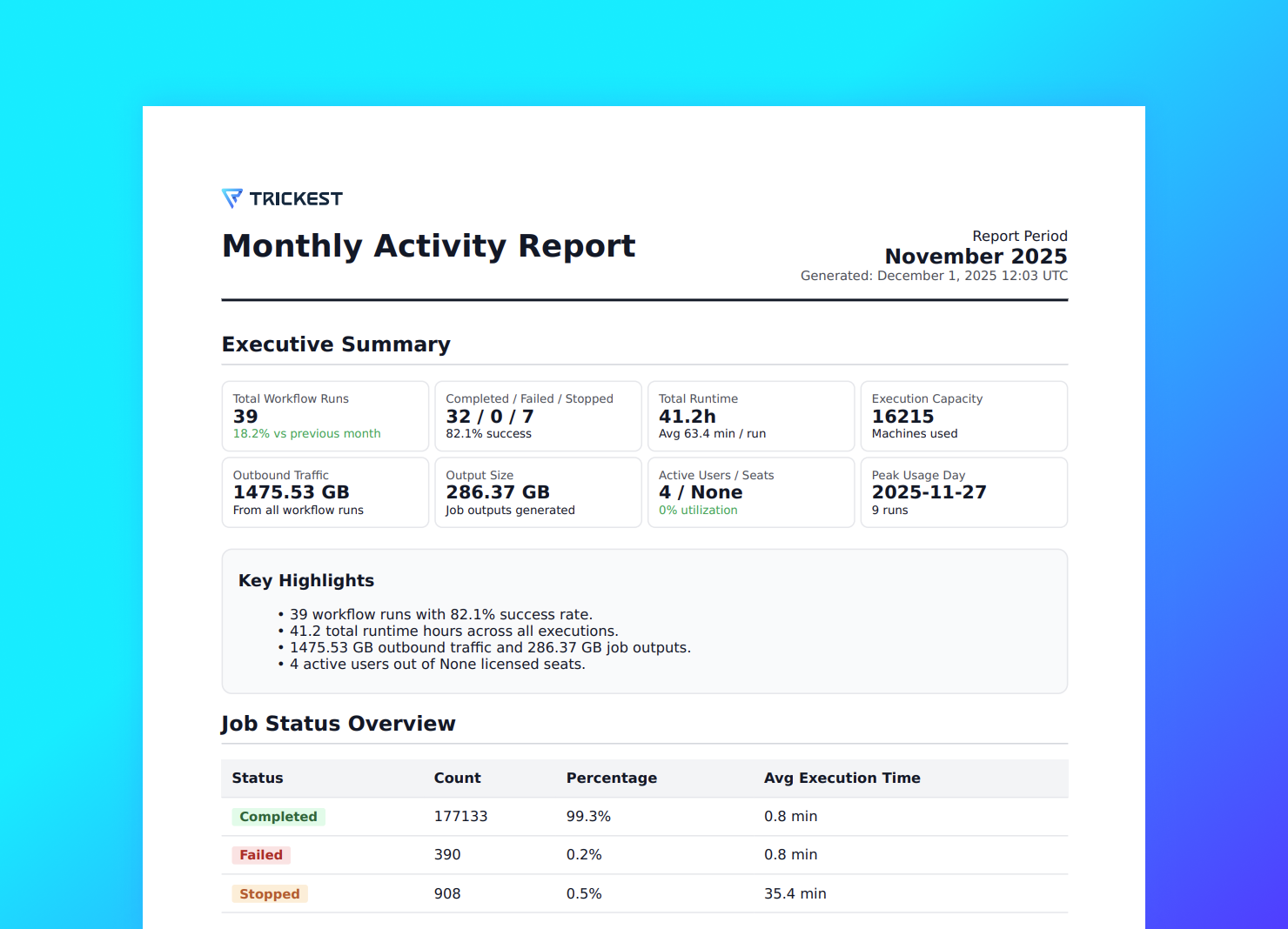
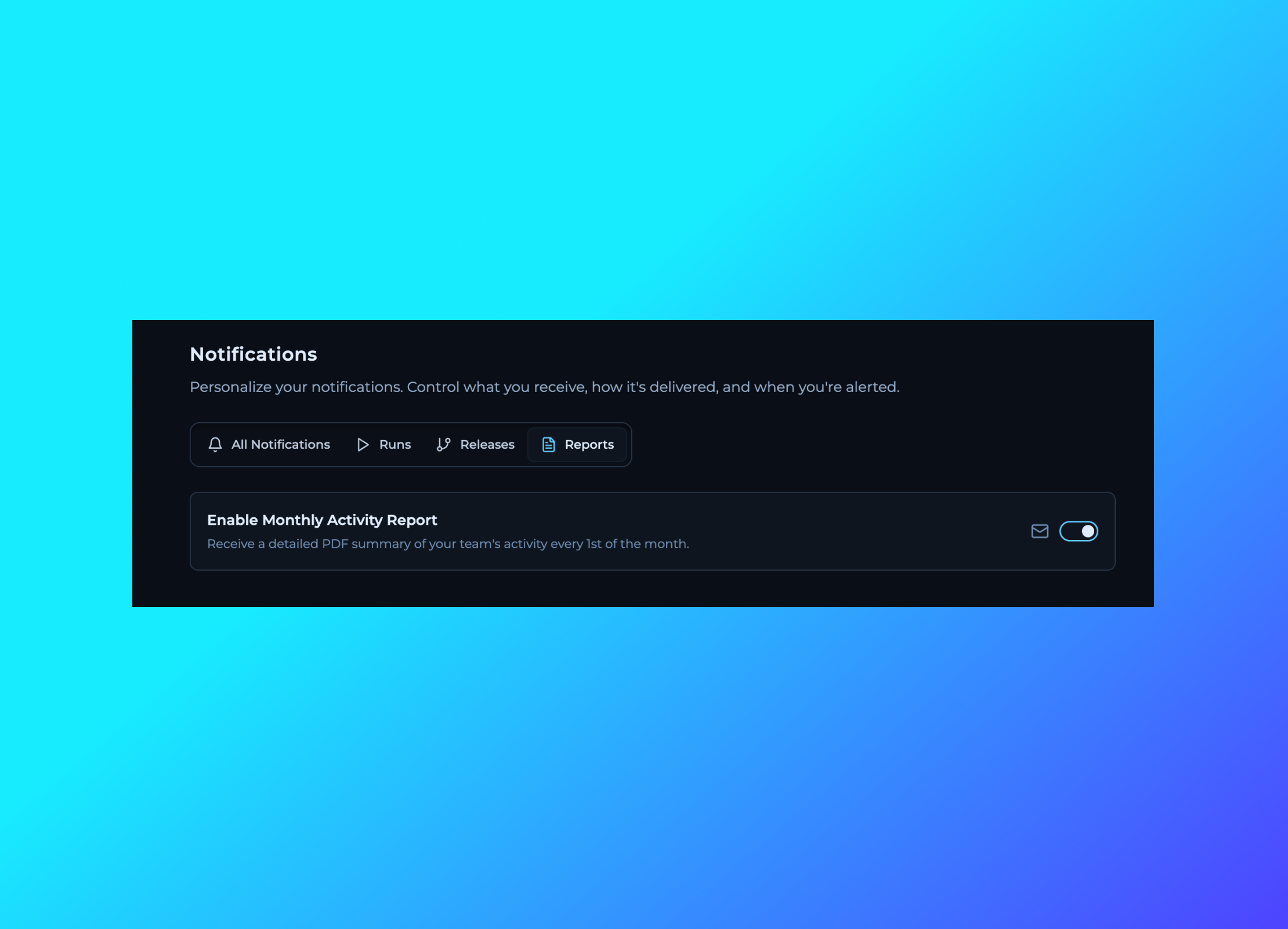 Introducing Monthly Activity Reports - a comprehensive overview of your workspace activity over the past month. Get insights into workflow executions, resource usage, team performance, and key metrics that help you understand how your workspace is being utilized. The report provides valuable data to help optimize your automation workflows and track your team's productivity trends.
## User Account Management - Activate & Deactivate Users
Introducing Monthly Activity Reports - a comprehensive overview of your workspace activity over the past month. Get insights into workflow executions, resource usage, team performance, and key metrics that help you understand how your workspace is being utilized. The report provides valuable data to help optimize your automation workflows and track your team's productivity trends.
## User Account Management - Activate & Deactivate Users
 Added the ability to activate and deactivate user accounts within your workspace. This feature allows administrators to temporarily disable user access without removing them from the team, making it easier to manage team permissions and maintain security.
## Global Workflow Timeout Configuration
Added the ability to activate and deactivate user accounts within your workspace. This feature allows administrators to temporarily disable user access without removing them from the team, making it easier to manage team permissions and maintain security.
## Global Workflow Timeout Configuration
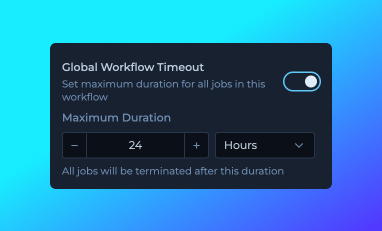 Introduced global workflow timeout configuration in Workflow Details, allowing you to set a maximum execution time that applies to each node in your workflow. Each node will be automatically terminated if it exceeds the specified duration, with a maximum limit of 24 hours. This timeout is now displayed in the run item popover within the Editor's Runs tab, providing better visibility into execution constraints and helping prevent individual jobs from running indefinitely.
## Enhanced DNA UI in Run Item Popover
Updated the DNA (Dynamic Node Allocation) interface within the run item popover in the Editor's Runs tab. The new design provides clearer visualization and improved user experience when viewing DNA information for your workflow executions.
## Improved Machine Scaling Behavior
Introduced global workflow timeout configuration in Workflow Details, allowing you to set a maximum execution time that applies to each node in your workflow. Each node will be automatically terminated if it exceeds the specified duration, with a maximum limit of 24 hours. This timeout is now displayed in the run item popover within the Editor's Runs tab, providing better visibility into execution constraints and helping prevent individual jobs from running indefinitely.
## Enhanced DNA UI in Run Item Popover
Updated the DNA (Dynamic Node Allocation) interface within the run item popover in the Editor's Runs tab. The new design provides clearer visualization and improved user experience when viewing DNA information for your workflow executions.
## Improved Machine Scaling Behavior
 [Machine scaling](https://trickest.com/docs/key-concepts/machines-and-fleet#how-it-works) now adjusts dynamically during workflow execution, right-sizing capacity as demand changes.
This means you can execute more with the same number of machines, because capacity is automatically distributed across your entire account.
## Export IP Addresses from Runs
[Machine scaling](https://trickest.com/docs/key-concepts/machines-and-fleet#how-it-works) now adjusts dynamically during workflow execution, right-sizing capacity as demand changes.
This means you can execute more with the same number of machines, because capacity is automatically distributed across your entire account.
## Export IP Addresses from Runs

 Added the ability to export IP addresses used by workflow runs. Access this feature through the run actions menu to view and copy all IP addresses associated with a specific run execution. Useful for whitelisting, network analysis, and debugging purposes.
## Job Timeout Configuration
Added the ability to export IP addresses used by workflow runs. Access this feature through the run actions menu to view and copy all IP addresses associated with a specific run execution. Useful for whitelisting, network analysis, and debugging purposes.
## Job Timeout Configuration
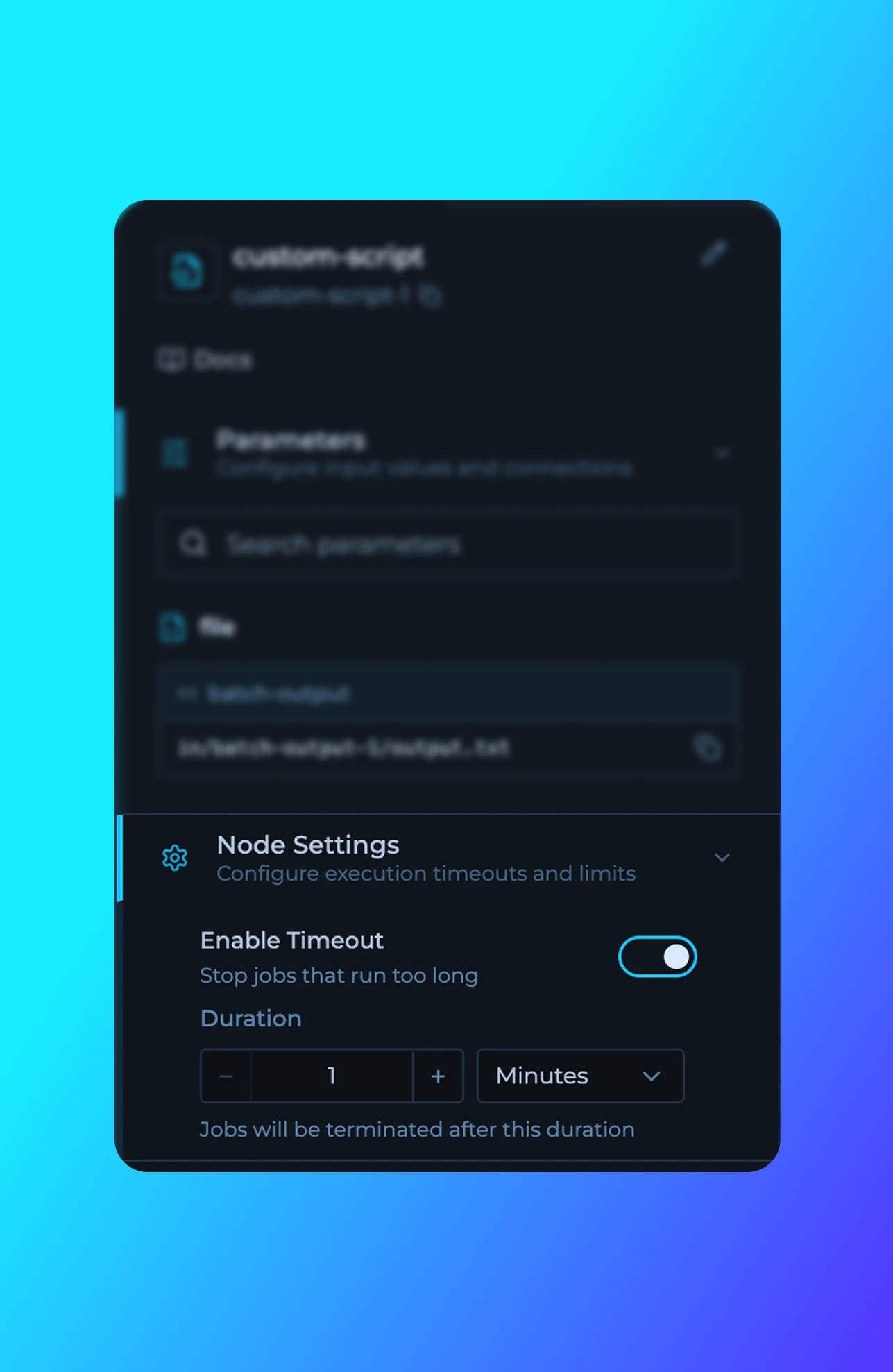 Added the ability to configure job timeouts for individual nodes in workflows. Set custom timeout durations to automatically stop jobs that run longer than expected, improving resource management and preventing workflows from hanging indefinitely.
## Documentation Updates
Documentation updates across tutorials and library reference materials.
**New Tutorials:**
- [Private Scripts](https://trickest.com/docs/key-concepts/building-blocks/scripts) - Guide on creating and managing private scripts for Enterprise users
- [Solutions](https://trickest.com/docs/key-concepts/solutions-database) - Custom solutions, vulnerability assessment, and DAST workflows
- [Insights & Datasets](https://trickest.com/docs/key-concepts/solutions-database) - Creating and managing datasets in Solutions
- [Query Language](https://trickest.com/docs/using-the-app/database-management/querying) - Trickest Query Language (TQL) syntax and usage
## Workflow Rendering Fix for Chrome
Fixed an issue where splitter nodes were not rendering correctly in the latest version of Chrome browser.
## Improved Main Navigation
Added the ability to configure job timeouts for individual nodes in workflows. Set custom timeout durations to automatically stop jobs that run longer than expected, improving resource management and preventing workflows from hanging indefinitely.
## Documentation Updates
Documentation updates across tutorials and library reference materials.
**New Tutorials:**
- [Private Scripts](https://trickest.com/docs/key-concepts/building-blocks/scripts) - Guide on creating and managing private scripts for Enterprise users
- [Solutions](https://trickest.com/docs/key-concepts/solutions-database) - Custom solutions, vulnerability assessment, and DAST workflows
- [Insights & Datasets](https://trickest.com/docs/key-concepts/solutions-database) - Creating and managing datasets in Solutions
- [Query Language](https://trickest.com/docs/using-the-app/database-management/querying) - Trickest Query Language (TQL) syntax and usage
## Workflow Rendering Fix for Chrome
Fixed an issue where splitter nodes were not rendering correctly in the latest version of Chrome browser.
## Improved Main Navigation
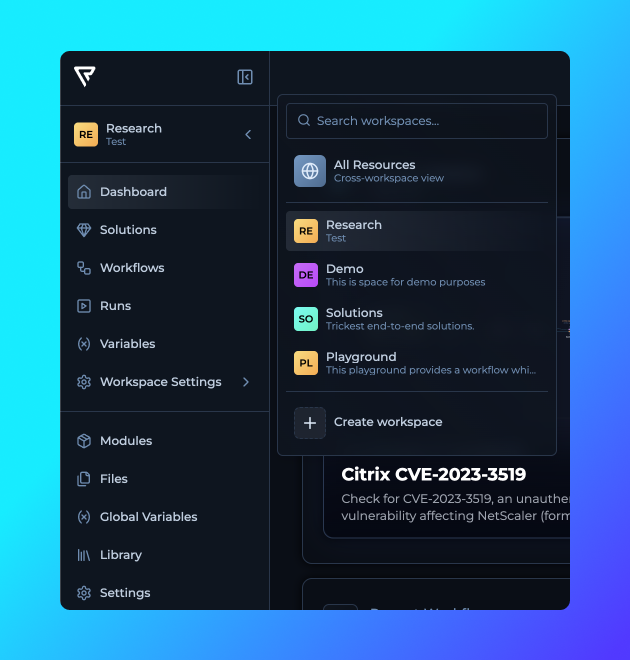
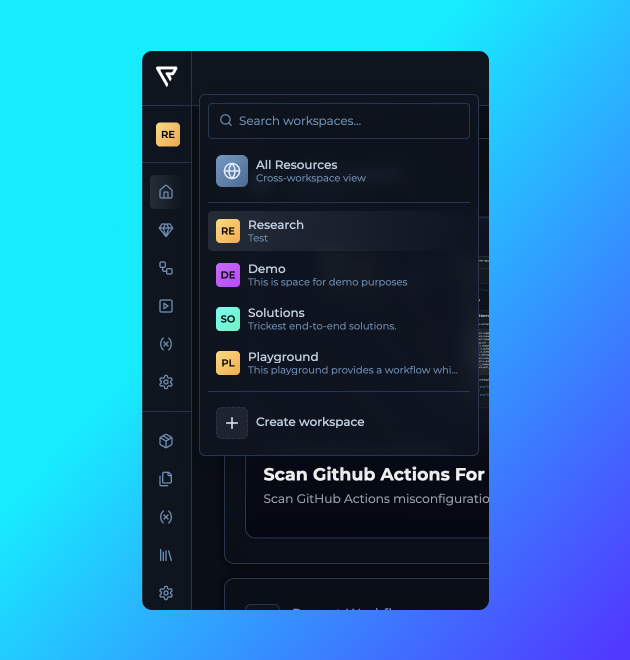 Navigation is now faster and clearer, with more visibility and fewer clicks needed to reach key sections.
## Edit Datasets in Solutions
Navigation is now faster and clearer, with more visibility and fewer clicks needed to reach key sections.
## Edit Datasets in Solutions
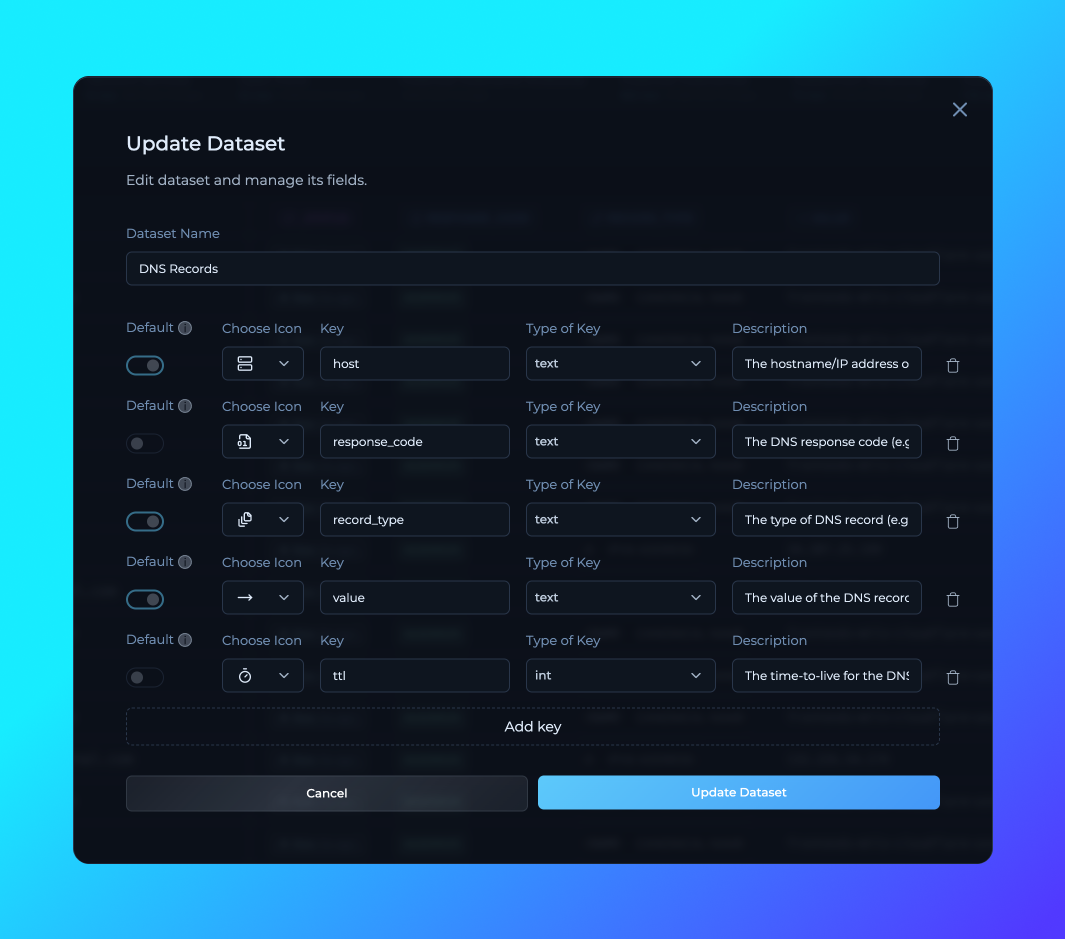 Added the ability to add, remove, and edit dataset columns directly inside Solutions.
## Cross-Workspace Solution Management
Added the ability to add, remove, and edit dataset columns directly inside Solutions.
## Cross-Workspace Solution Management
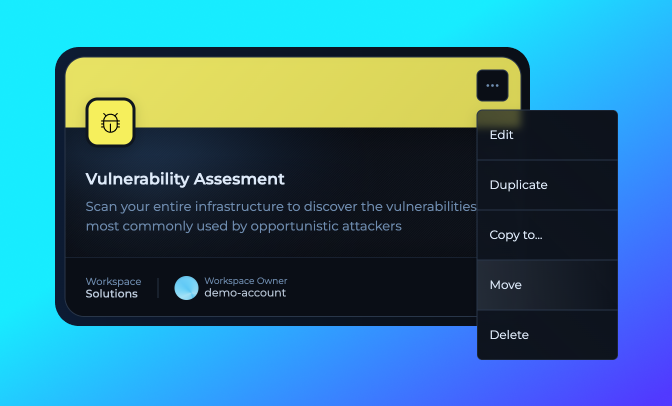 You can now move solutions seamlessly between workspaces, giving teams more flexibility.
## Bug Fixes
Several fixes to improve stability and usability:
**Key Benefits:**
- **Abort Button**: Fixed issue where abort button still appeared after a workflow was stopped.
- **Workflow Page Search**: Fixed disappearing search bar in workspace workflow pages.
- **Pagination**: Added pagination to long lists on the same page for smoother navigation.
## Row History UI Update
You can now move solutions seamlessly between workspaces, giving teams more flexibility.
## Bug Fixes
Several fixes to improve stability and usability:
**Key Benefits:**
- **Abort Button**: Fixed issue where abort button still appeared after a workflow was stopped.
- **Workflow Page Search**: Fixed disappearing search bar in workspace workflow pages.
- **Pagination**: Added pagination to long lists on the same page for smoother navigation.
## Row History UI Update
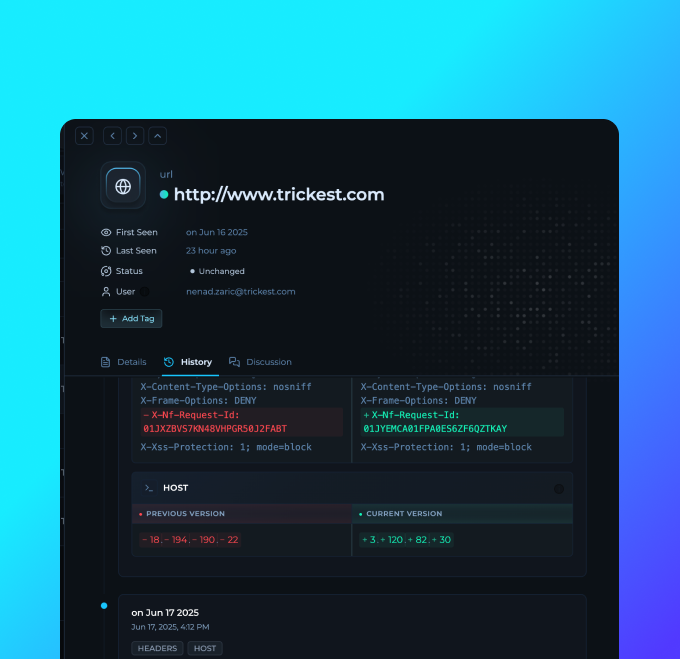 - More clear changes between different keys in the row history
- Improved search capability
## Workspace Persistence & Navigation Improvements
Enhanced main navigation with persistent workspace state and improved user experience.
**Key Benefits:**
- **Workspace State Persistence**: The platform now automatically saves and restores your last visited workspace, redirecting you to the same workspace when you return to the platform.
- **Persistent Navigation**: Main navigation stays open during workspace interactions, allowing seamless browsing between workspaces without constantly reopening menus.
- **Workspace Created Dates**: Added creation dates under workspace names in the dropdown for better workspace identification and management.
## Modules in Modules
Now you can build modules using other modules. Check the right sidebar of the Module Workflow Editor for available modules.
**Key Benefits:**
- **Development**: Combine existing modules to create different module combinations for your specific use cases.
- **Maintenance**: Updating one module used accross different modules with update it on all of them.
- **Reduced Complexity**: Abstract complex multi-step processes into simple, reusable module nodes.
- **Team Collaboration**: Build on each other's work and create organization-wide module libraries.
## Module Usage Runs
- More clear changes between different keys in the row history
- Improved search capability
## Workspace Persistence & Navigation Improvements
Enhanced main navigation with persistent workspace state and improved user experience.
**Key Benefits:**
- **Workspace State Persistence**: The platform now automatically saves and restores your last visited workspace, redirecting you to the same workspace when you return to the platform.
- **Persistent Navigation**: Main navigation stays open during workspace interactions, allowing seamless browsing between workspaces without constantly reopening menus.
- **Workspace Created Dates**: Added creation dates under workspace names in the dropdown for better workspace identification and management.
## Modules in Modules
Now you can build modules using other modules. Check the right sidebar of the Module Workflow Editor for available modules.
**Key Benefits:**
- **Development**: Combine existing modules to create different module combinations for your specific use cases.
- **Maintenance**: Updating one module used accross different modules with update it on all of them.
- **Reduced Complexity**: Abstract complex multi-step processes into simple, reusable module nodes.
- **Team Collaboration**: Build on each other's work and create organization-wide module libraries.
## Module Usage Runs
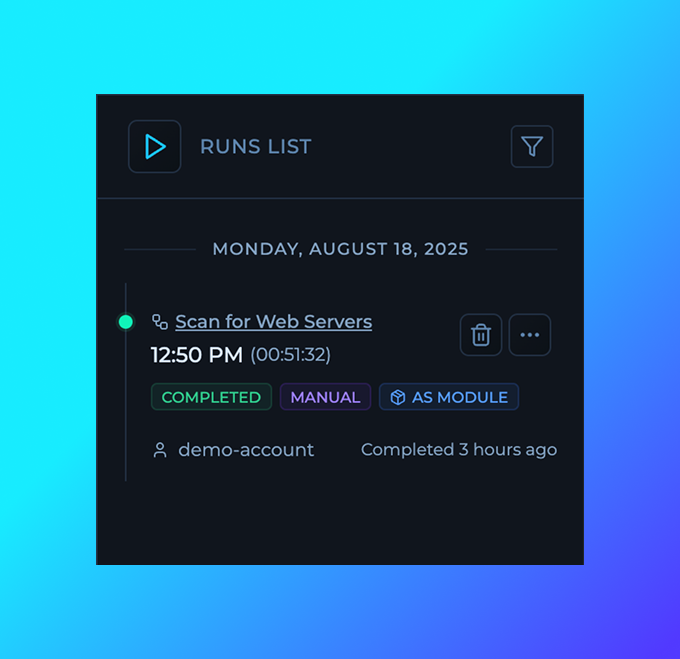 Modules now display a list of runs where they are used across your workflows. This provides instant visibility into module adoption, helps identify dependencies, and enables better assessment when updating or maintaining modules.
## Stdout and Stderr Download
Modules now display a list of runs where they are used across your workflows. This provides instant visibility into module adoption, helps identify dependencies, and enables better assessment when updating or maintaining modules.
## Stdout and Stderr Download
 You can now download stdout and stderr from each node.
## Solutions Filters
You can now download stdout and stderr from each node.
## Solutions Filters
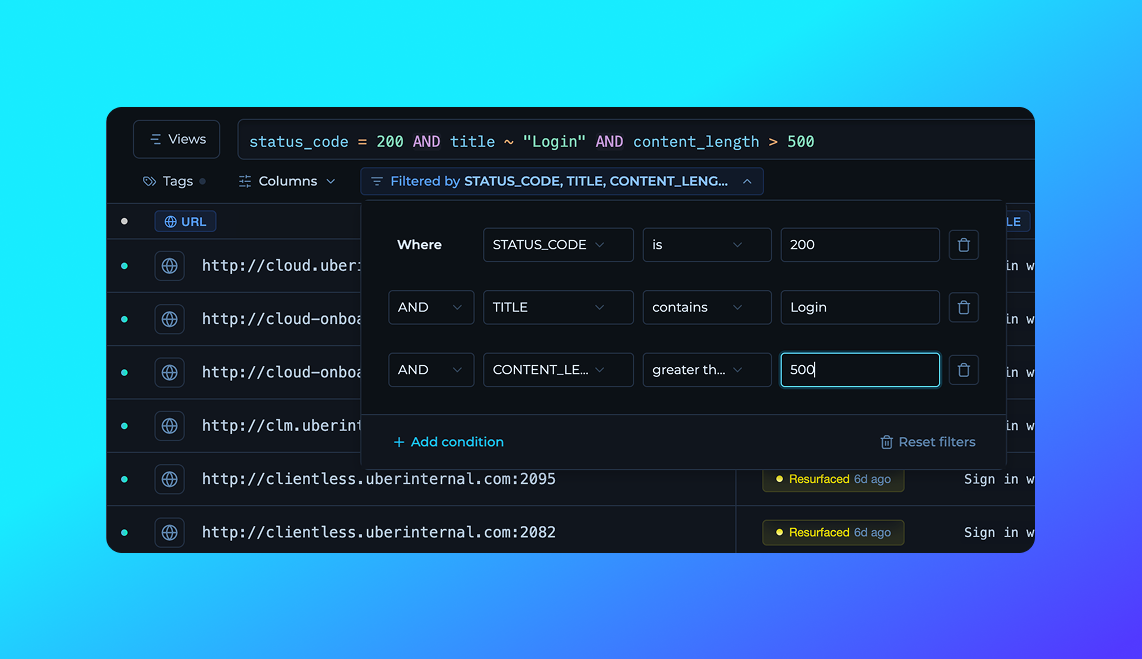 Instead of writing your TQL queries manually, the workflow filters will autogenerate them for you for easier and faster filtering of your solutions.
## Workflow Editor Optimizations
- Reduced CPU usage for complex workflows
- Improved panning on connecting nodes that are far away
- Added grid background pattern for better visibility of the canvas
- Various performance improvements
## UI Updates & Fixes
- Bug Fixes
- Running animation on workflow nodes now correctly stops when execution is completed or finished.
- Refactor
- Streamlined and refactored the alert system for more consistent and predictable behavior across the platform.
## Column Styling Upgrade
- Improvements:
- Enhanced column styles for better visual clarity and consistency across tables.
- Updated column configuration UI/UX with improved layout, responsiveness, and more intuitive controls.
- Bug Fixes:
- Fixed issues in main navigation.
## Run Timelines
Instead of writing your TQL queries manually, the workflow filters will autogenerate them for you for easier and faster filtering of your solutions.
## Workflow Editor Optimizations
- Reduced CPU usage for complex workflows
- Improved panning on connecting nodes that are far away
- Added grid background pattern for better visibility of the canvas
- Various performance improvements
## UI Updates & Fixes
- Bug Fixes
- Running animation on workflow nodes now correctly stops when execution is completed or finished.
- Refactor
- Streamlined and refactored the alert system for more consistent and predictable behavior across the platform.
## Column Styling Upgrade
- Improvements:
- Enhanced column styles for better visual clarity and consistency across tables.
- Updated column configuration UI/UX with improved layout, responsiveness, and more intuitive controls.
- Bug Fixes:
- Fixed issues in main navigation.
## Run Timelines
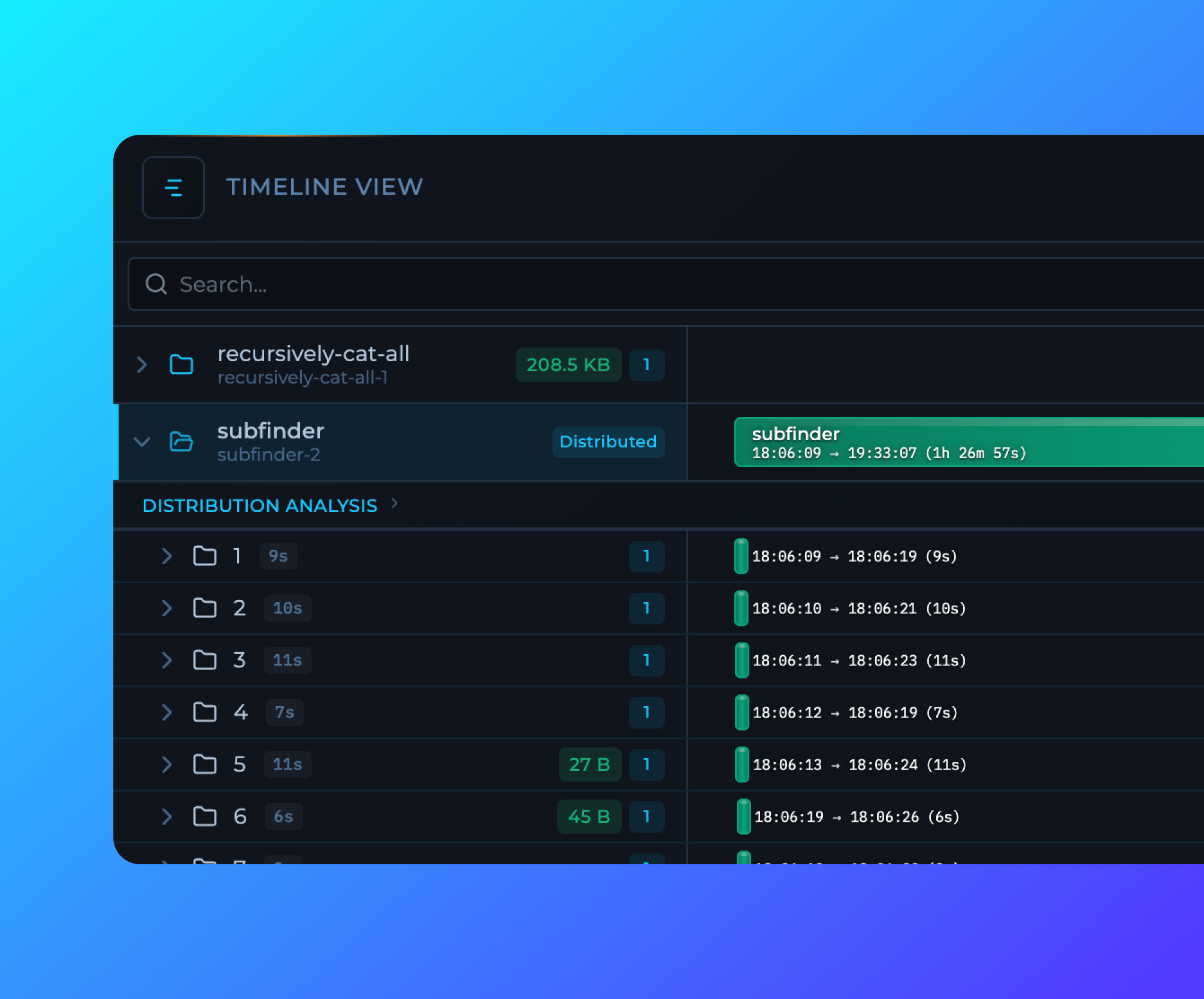
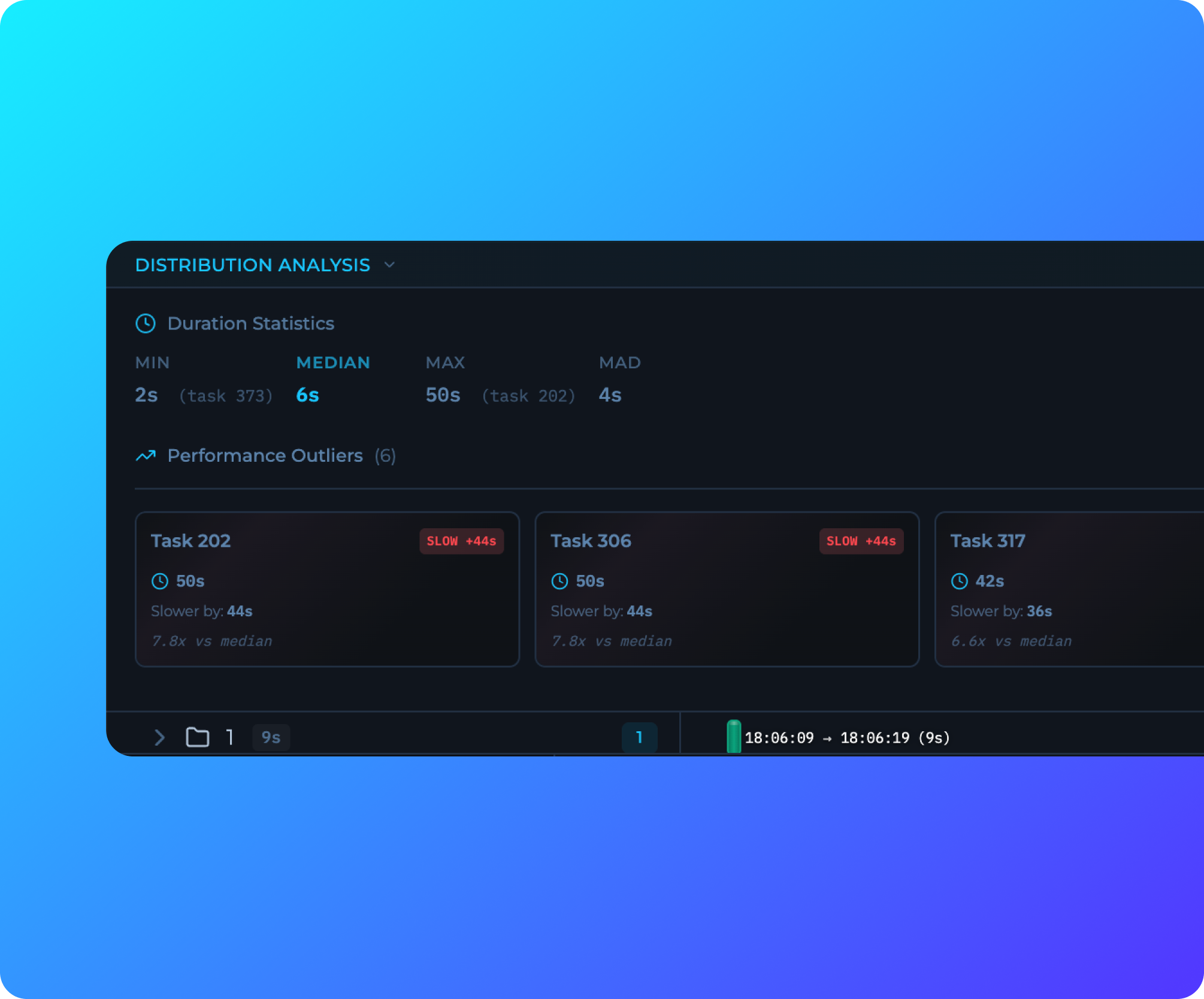 New timeline visualization in the Workflow Editor provides real-time execution insights, task duration tracking, and automatic outlier detection. See at a glance which tasks are running slower or faster than expected, with detailed performance analytics for distributed workflows.
## Move Workflows
New timeline visualization in the Workflow Editor provides real-time execution insights, task duration tracking, and automatic outlier detection. See at a glance which tasks are running slower or faster than expected, with detailed performance analytics for distributed workflows.
## Move Workflows
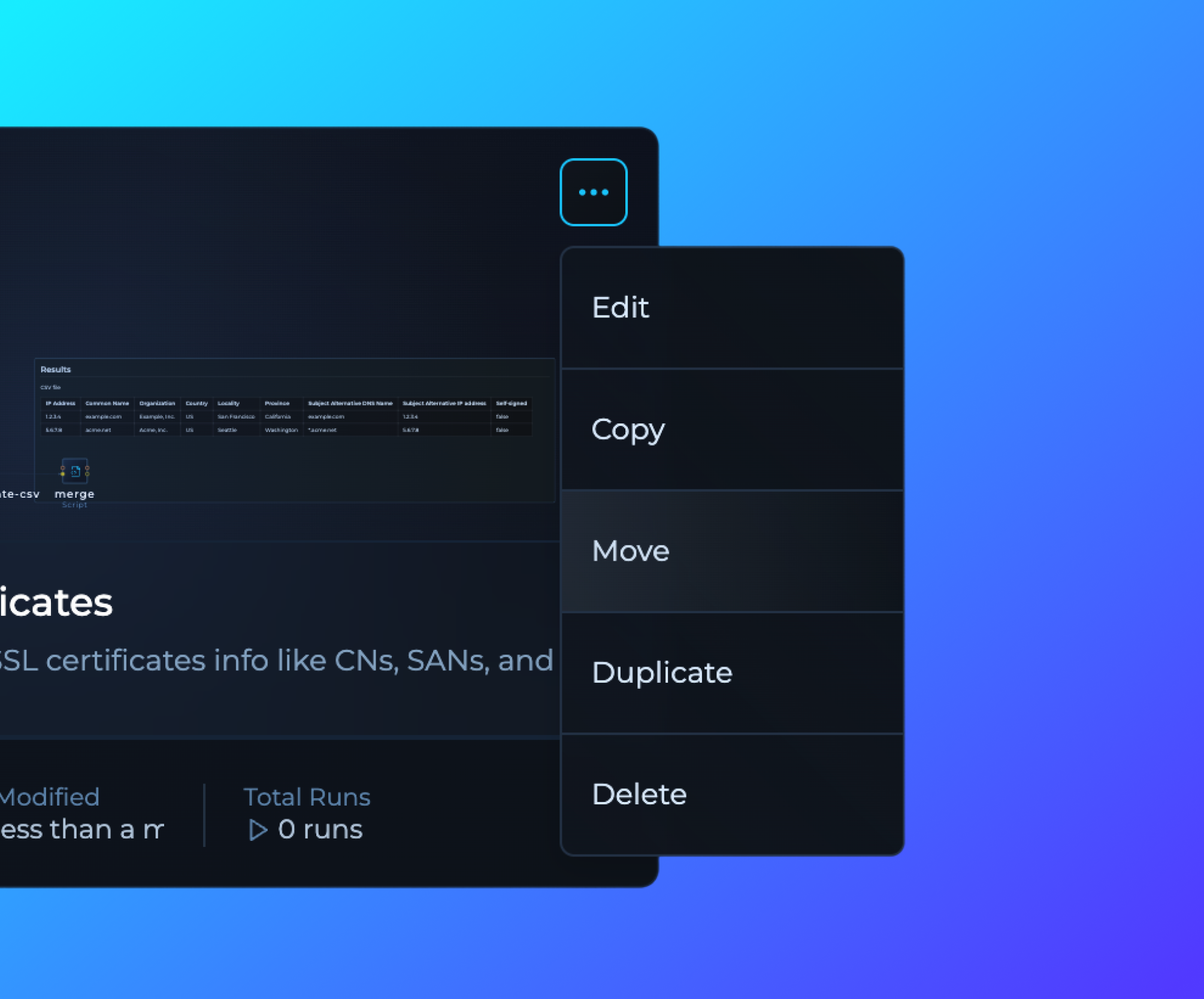 Workflows can now be moved between workspaces using the new Move option in the workflow card dropdown menu when inside the Workspace or on All Workflows page.
## WORKFLOW_NAME Variable Added
Added new WORKFLOW_NAME workflow variable, allowing users to reference the current workflow name in their scripts and tools using `${{vars.WORKFLOW_NAME}}` format.
## Minor Bug Fixes
Fixed various UI issues, including:
- Variables display
- Builder run functionality for solutions
- Improved audit log event mapping
- Replaced matrix parameters with query parameters for more consistent runs navigation
- Fixed broken links across the interface
- Resolved UX issue where filter and search bars disappeared when no results were available in the runs view
## Advanced Role-Based Access Control (RBAC) System
Workflows can now be moved between workspaces using the new Move option in the workflow card dropdown menu when inside the Workspace or on All Workflows page.
## WORKFLOW_NAME Variable Added
Added new WORKFLOW_NAME workflow variable, allowing users to reference the current workflow name in their scripts and tools using `${{vars.WORKFLOW_NAME}}` format.
## Minor Bug Fixes
Fixed various UI issues, including:
- Variables display
- Builder run functionality for solutions
- Improved audit log event mapping
- Replaced matrix parameters with query parameters for more consistent runs navigation
- Fixed broken links across the interface
- Resolved UX issue where filter and search bars disappeared when no results were available in the runs view
## Advanced Role-Based Access Control (RBAC) System
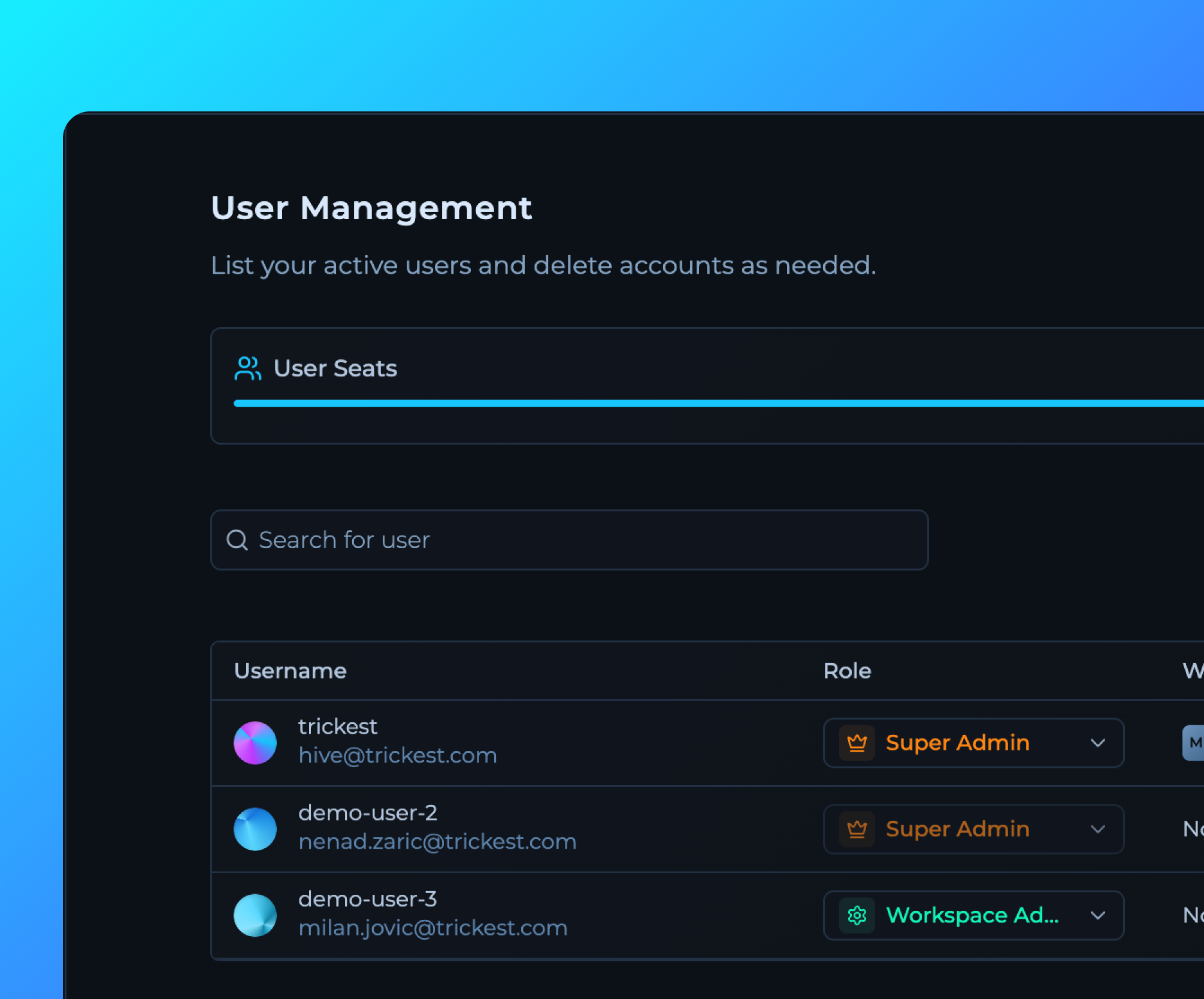
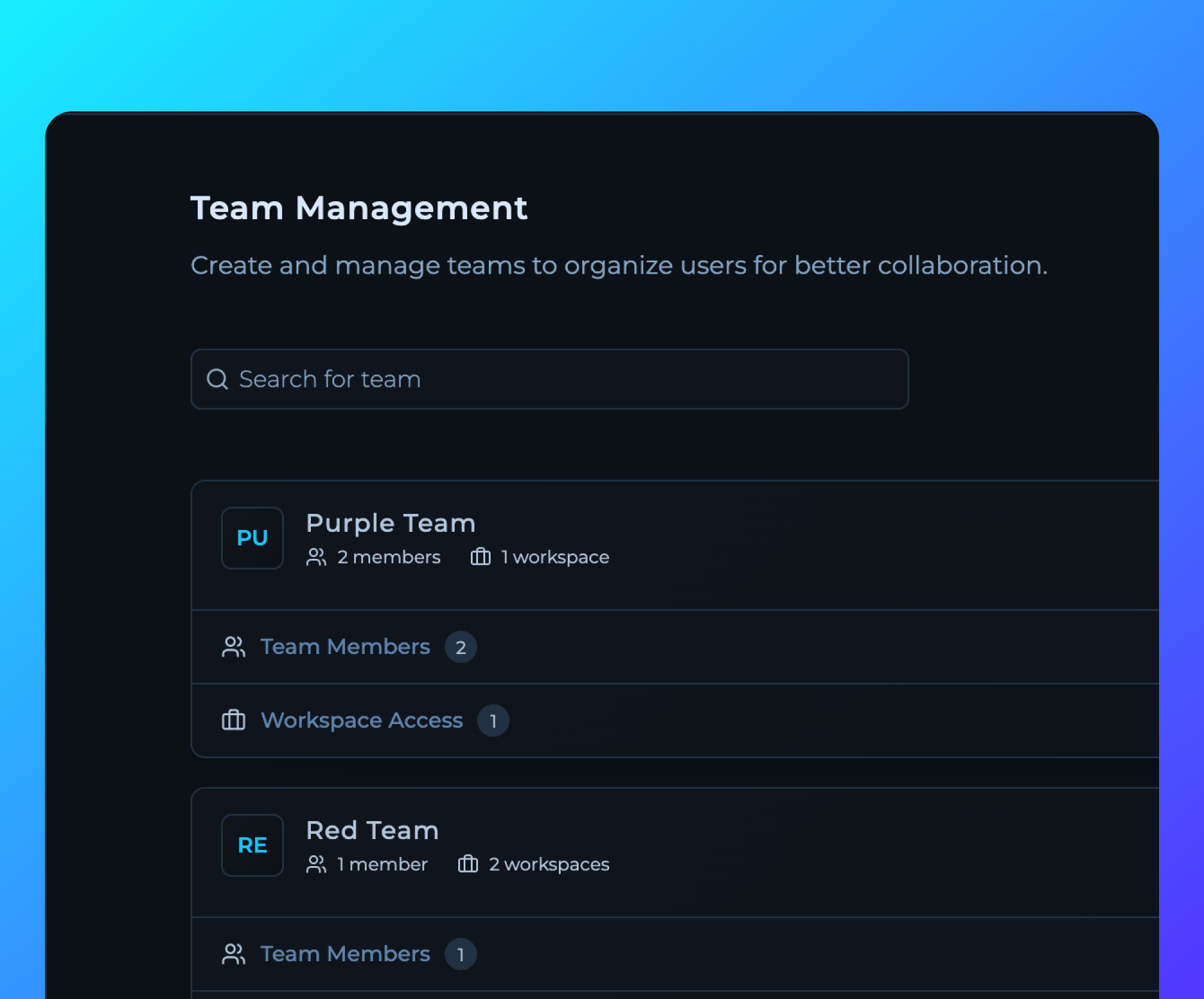
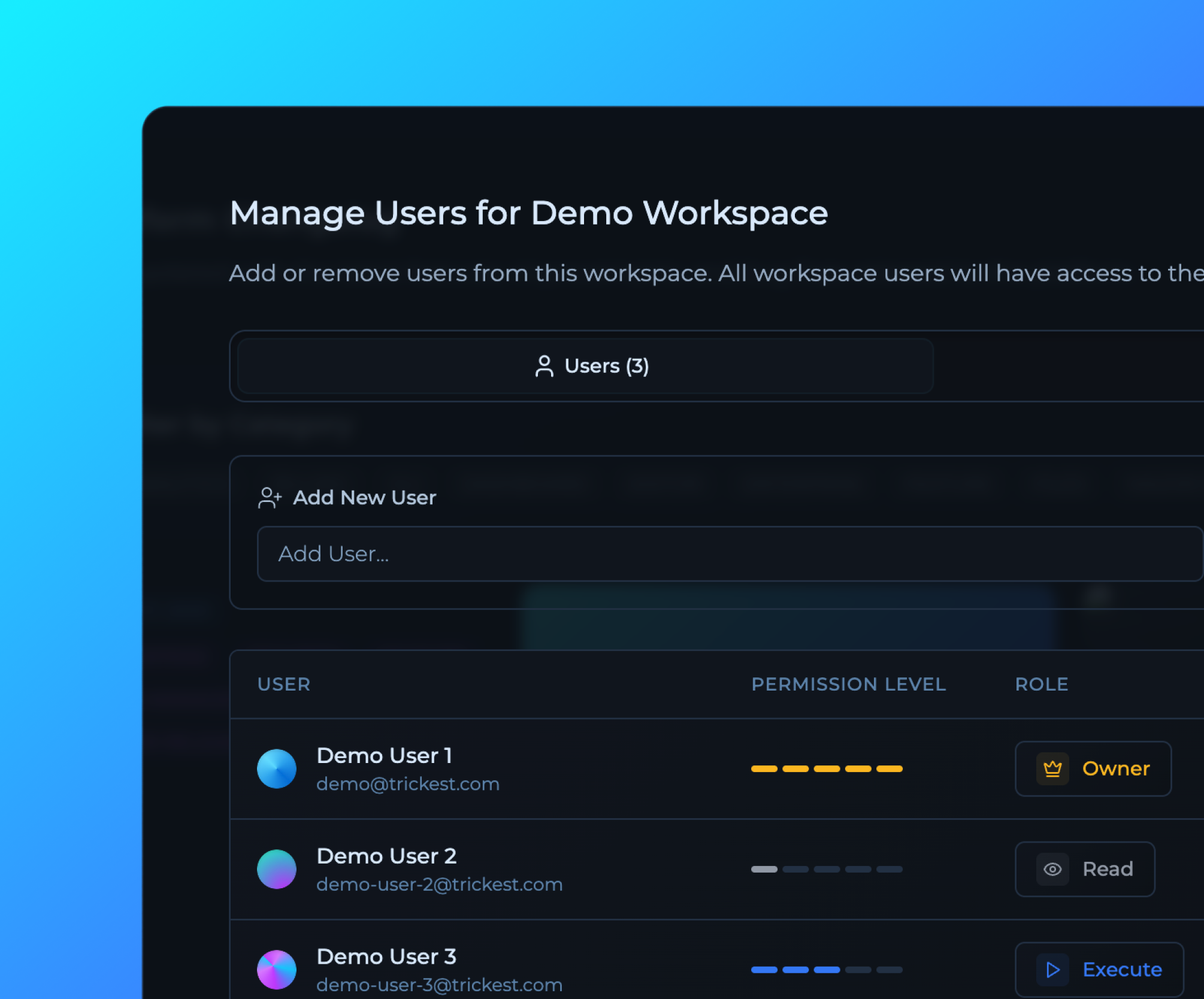 Comprehensive RBAC system with granular permissions, account, team and workspace management.
[Contact Us](https://trickest.com/talk-with-us)
## Audit Logs API Documentation
Comprehensive RBAC system with granular permissions, account, team and workspace management.
[Contact Us](https://trickest.com/talk-with-us)
## Audit Logs API Documentation
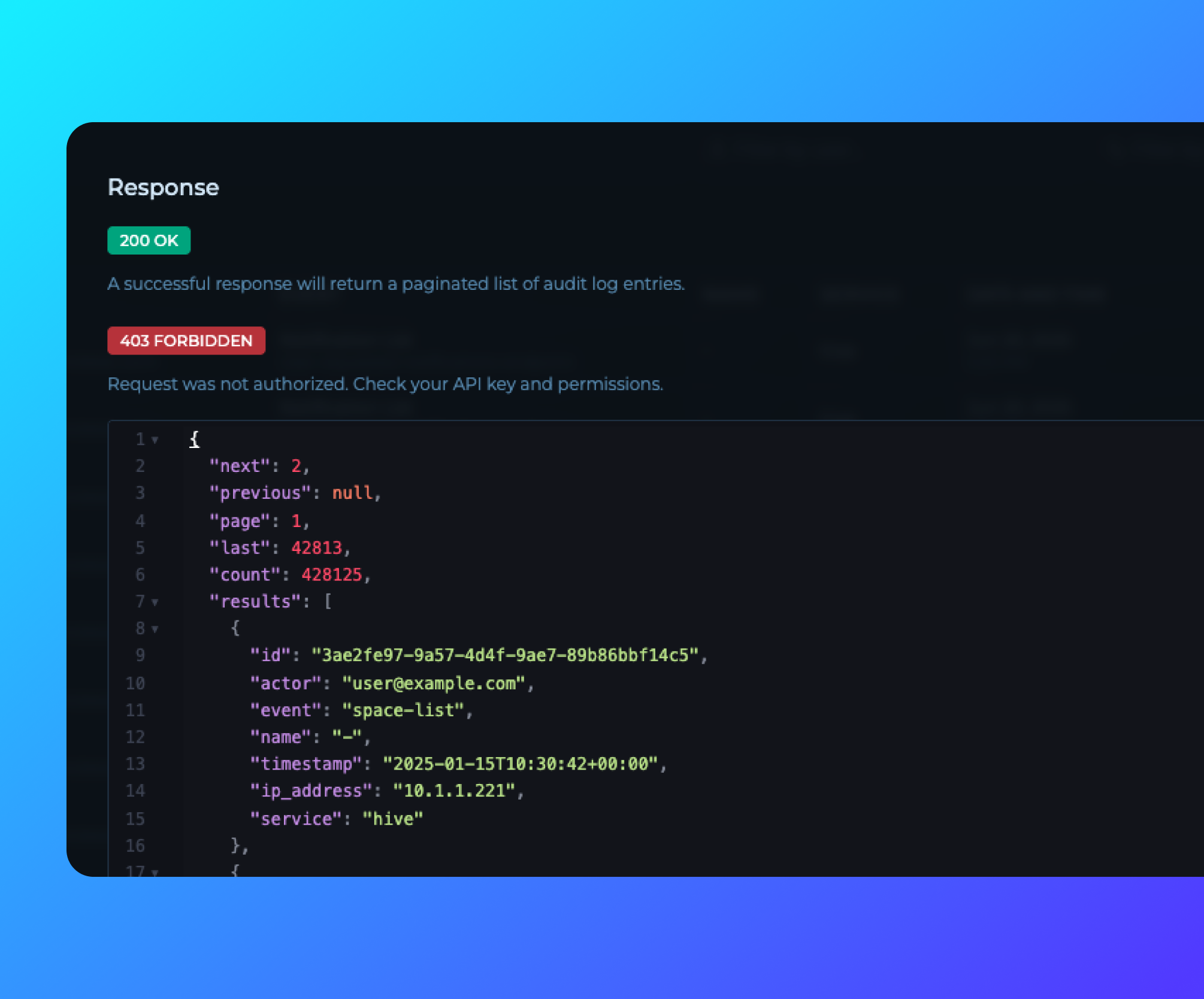 Comprehensive API documentation for Audit Logs is now publicly available. Enterprise customers can access the documentation directly from the [Audit Logs page](https://trickest.io/dashboard/settings/audit-logs) by clicking the "API Docs" button, enabling programmatic access to audit data for security and compliance.
## Custom Filtering for Audit Logs
Comprehensive API documentation for Audit Logs is now publicly available. Enterprise customers can access the documentation directly from the [Audit Logs page](https://trickest.io/dashboard/settings/audit-logs) by clicking the "API Docs" button, enabling programmatic access to audit data for security and compliance.
## Custom Filtering for Audit Logs
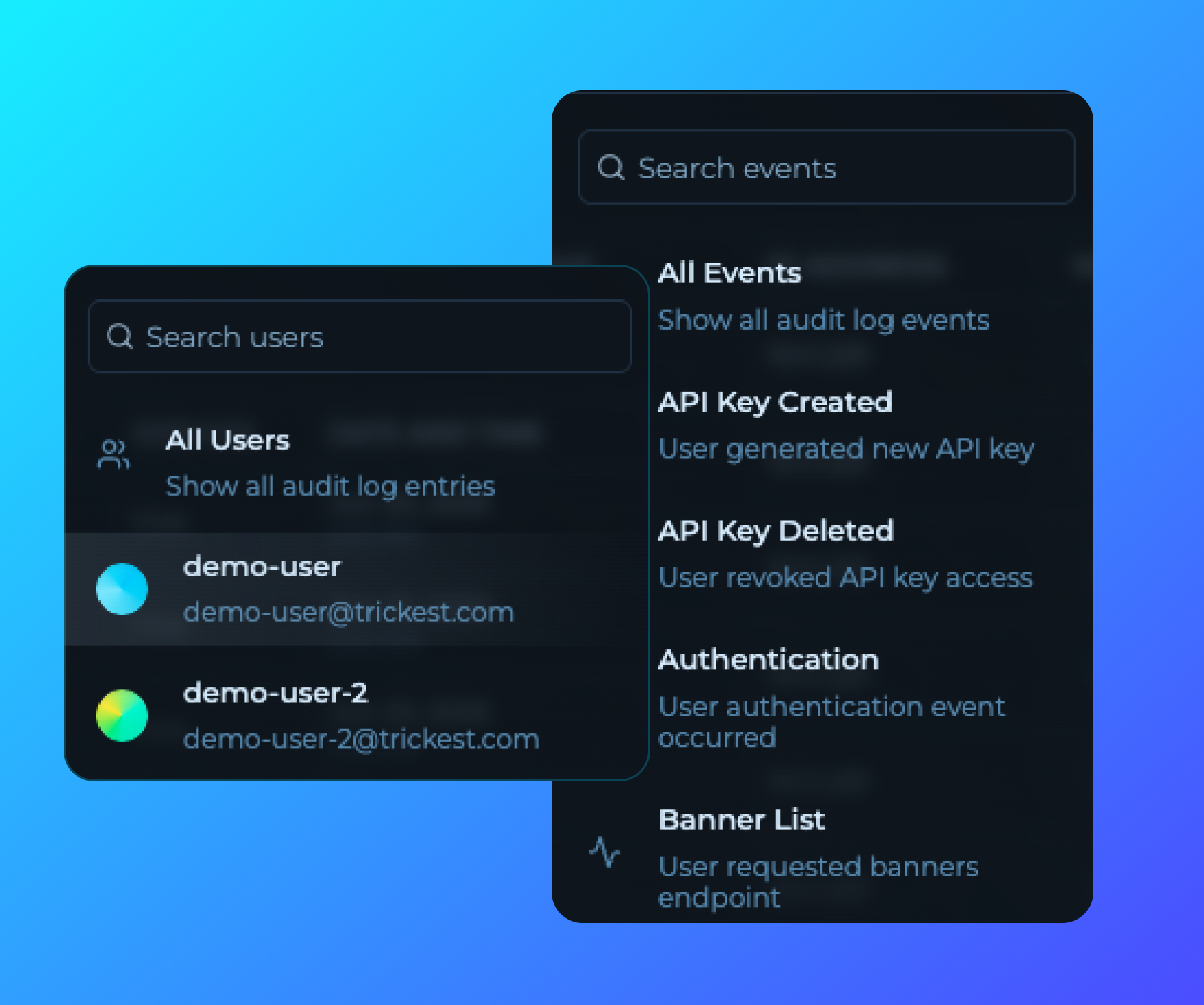 Enhanced audit logs with advanced filtering capabilities, allowing enterprise users to filter logs by use and action type, user and more.
## Main Navigation Redesign
Enhanced audit logs with advanced filtering capabilities, allowing enterprise users to filter logs by use and action type, user and more.
## Main Navigation Redesign
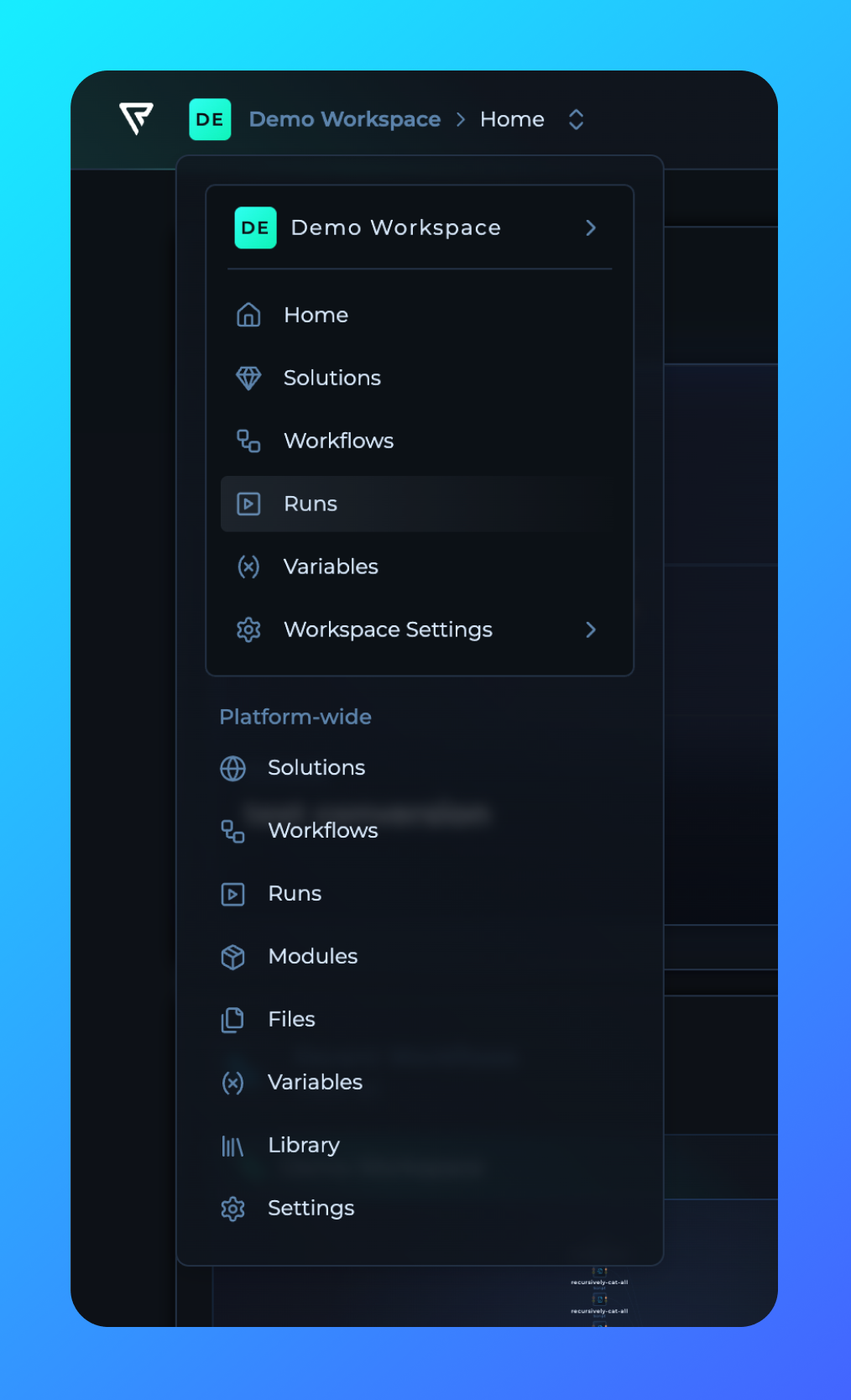 The main navigation has been redesigned and moved from the left sidebar to be workspace-specific. Following the RBAC update, navigation is now contextual per workspace, providing better organization and access control for workspace-specific resources and settings.
## Solutions Space for Enterprise
The main navigation has been redesigned and moved from the left sidebar to be workspace-specific. Following the RBAC update, navigation is now contextual per workspace, providing better organization and access control for workspace-specific resources and settings.
## Solutions Space for Enterprise
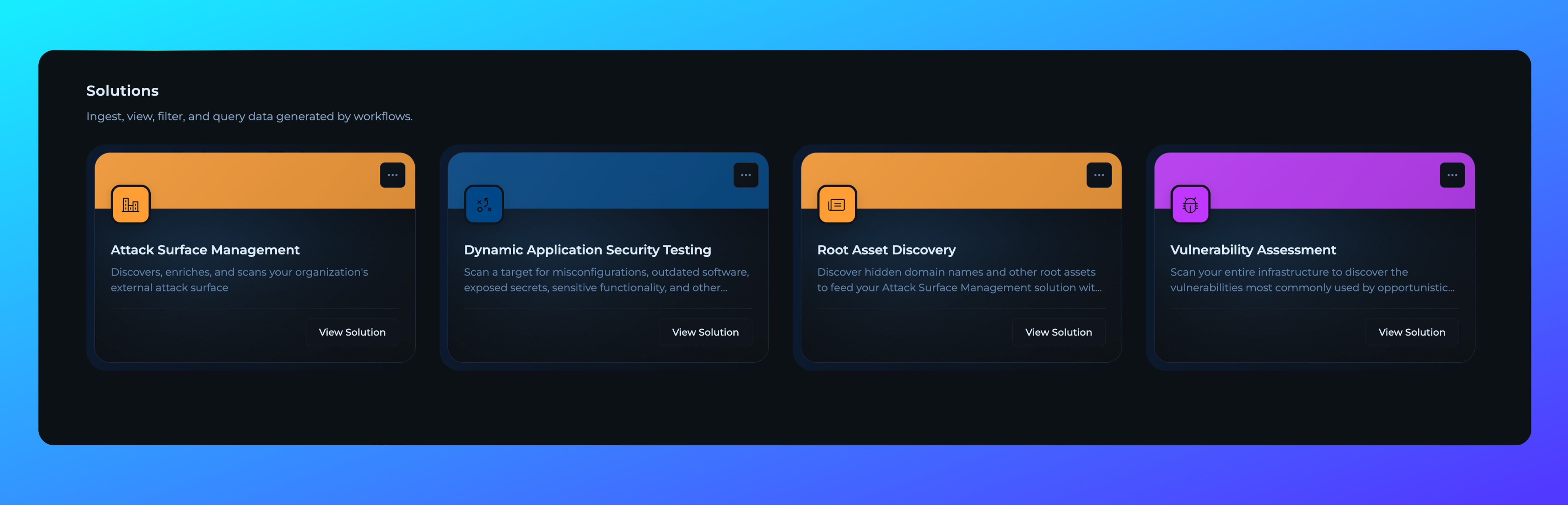 Solutions deployed for enterprise customers will now reside in **Solutions Workspace**, providing dedicated workspace environment for enterprise-level solution management and collaboration.
## Execute Modal Improvements
Solutions deployed for enterprise customers will now reside in **Solutions Workspace**, providing dedicated workspace environment for enterprise-level solution management and collaboration.
## Execute Modal Improvements
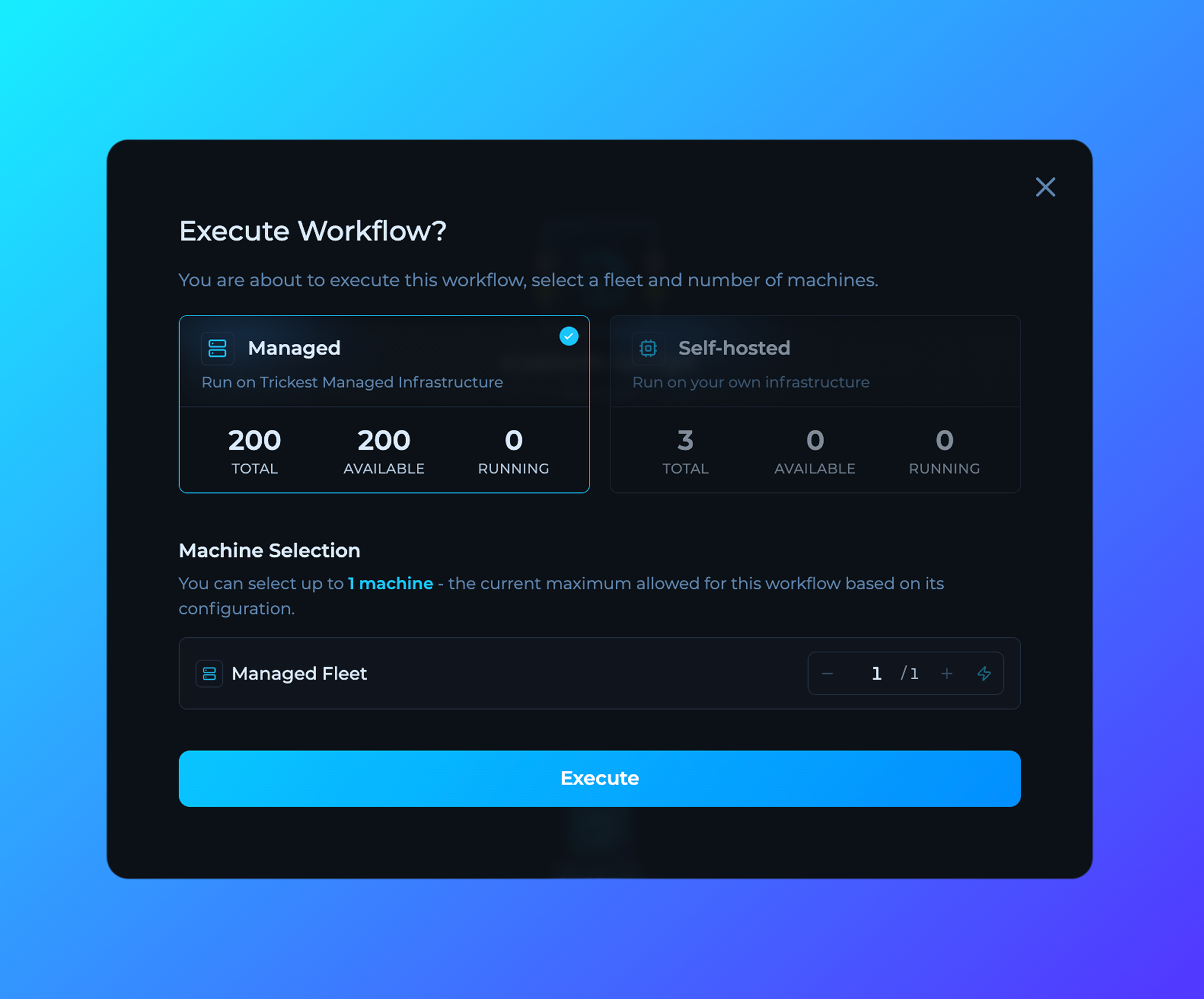 Enhanced workflow execution modal with improved machine availability display, more intuitive fleet selection interface, and new ability to execute workflows across all available machines with a single click.
## File Preview in Editor
Enhanced workflow execution modal with improved machine availability display, more intuitive fleet selection interface, and new ability to execute workflows across all available machines with a single click.
## File Preview in Editor
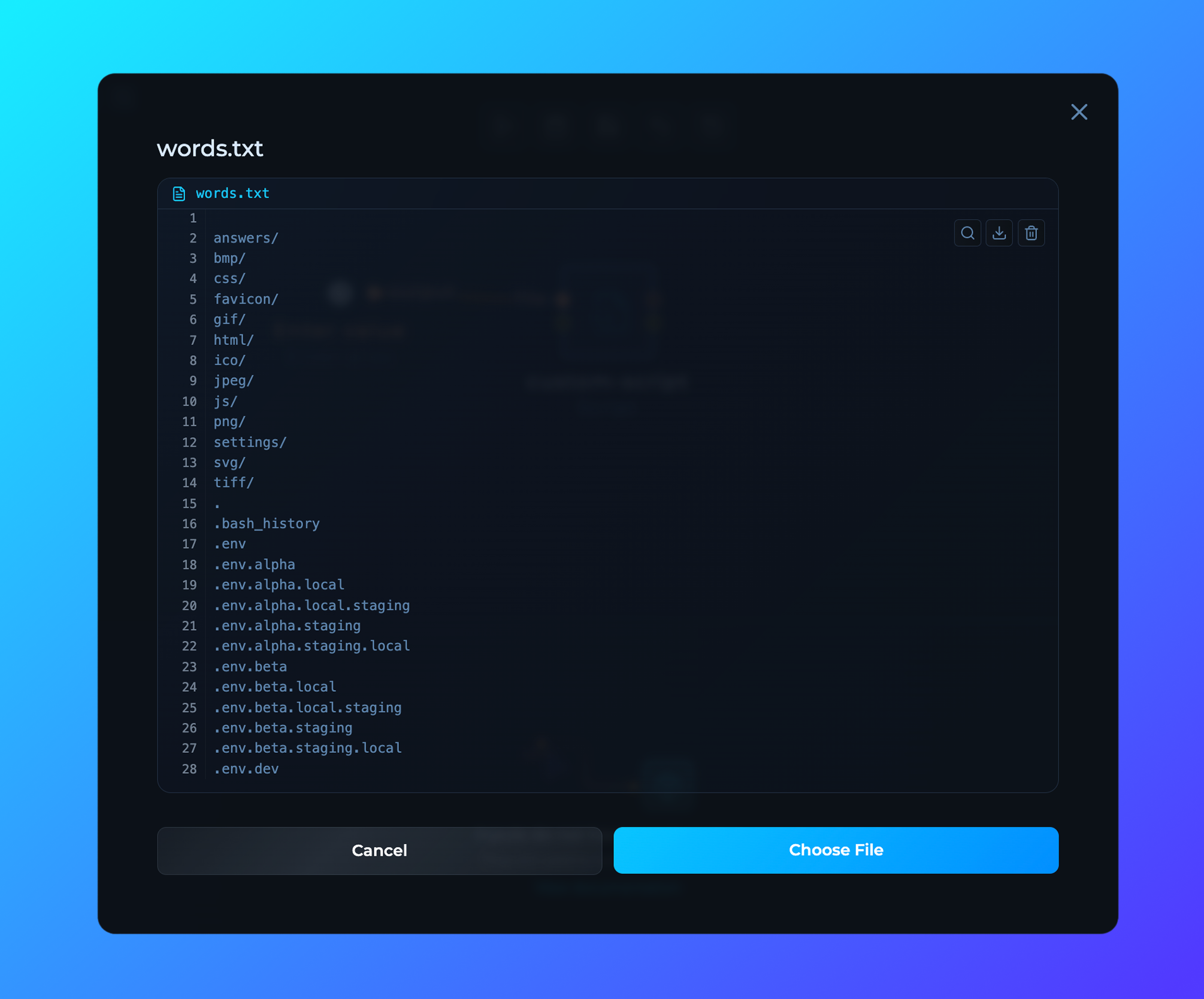 New feature allowing users to preview files directly within the workflow editor, enabling faster workflow configuration and better understanding of data without leaving the editor interface.
## My Account Page Redesign
New feature allowing users to preview files directly within the workflow editor, enabling faster workflow configuration and better understanding of data without leaving the editor interface.
## My Account Page Redesign
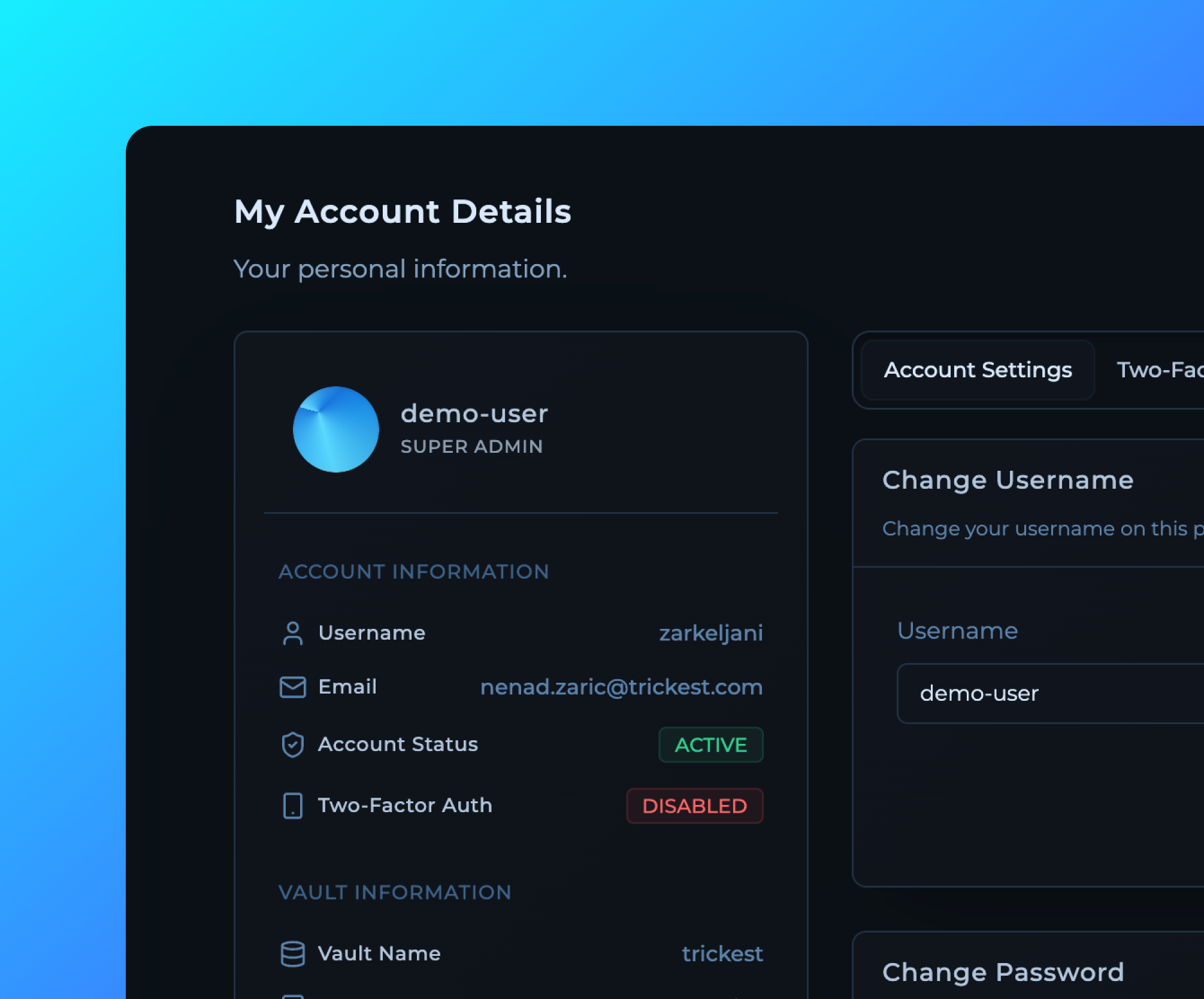 Completely redesigned My Account page with a cleaner interface, better organization of user information, and improved visibility of account details and settings for a more streamlined user experience.
## Billing Page Feature Status Update
Completely redesigned My Account page with a cleaner interface, better organization of user information, and improved visibility of account details and settings for a more streamlined user experience.
## Billing Page Feature Status Update
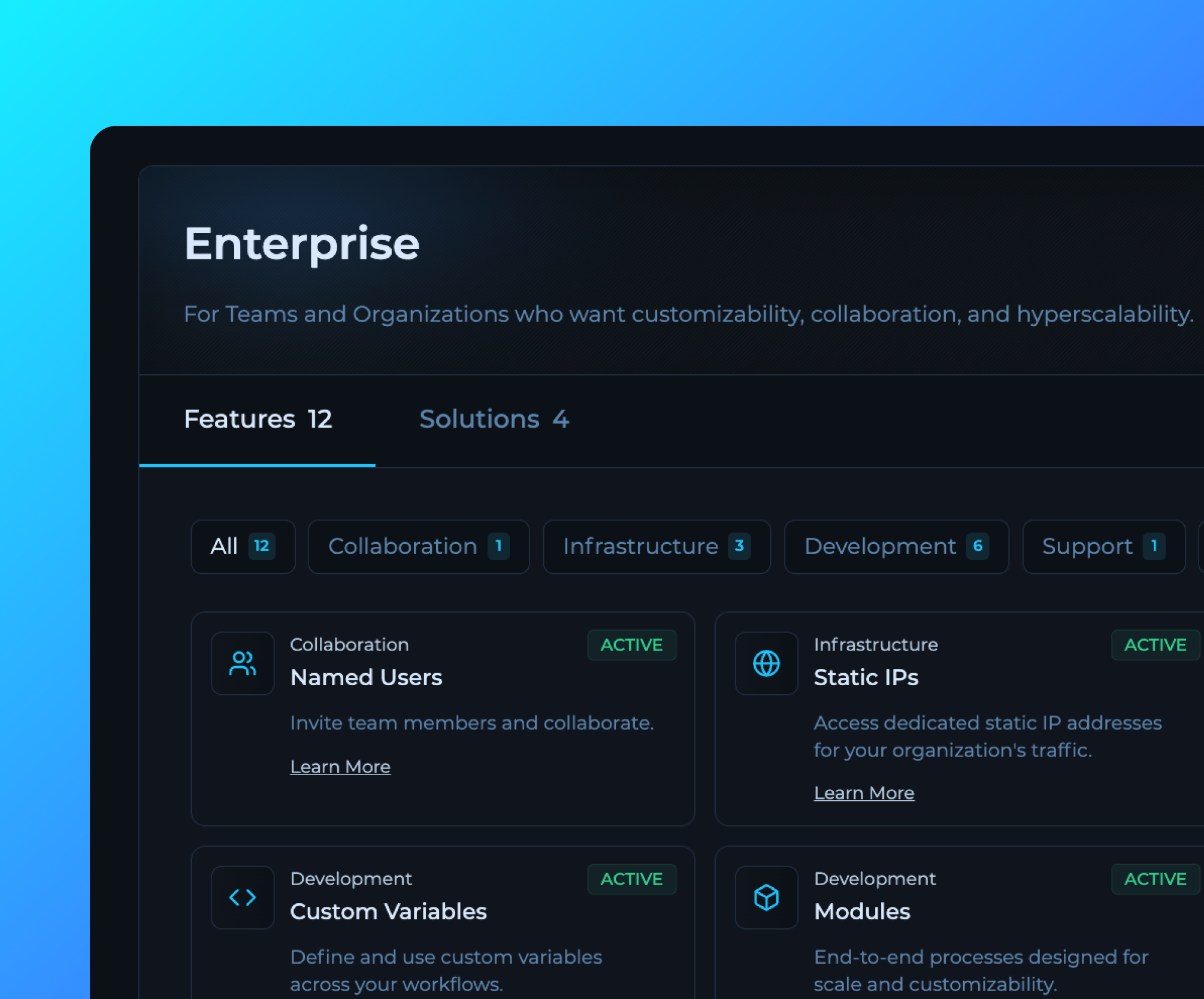 Enhanced billing page now displays all available features with their current status (active/inactive) and detailed descriptions, providing better visibility into enabled enterprise capabilities and subscription benefits.
## Project Cards UI Improvements
Enhanced billing page now displays all available features with their current status (active/inactive) and detailed descriptions, providing better visibility into enabled enterprise capabilities and subscription benefits.
## Project Cards UI Improvements
 Project cards have been redesigned with improved visual hierarchy, better information display, and enhanced user interaction for a more intuitive workflow management experience.
## Readme in Editor UI Makeover
Project cards have been redesigned with improved visual hierarchy, better information display, and enhanced user interaction for a more intuitive workflow management experience.
## Readme in Editor UI Makeover
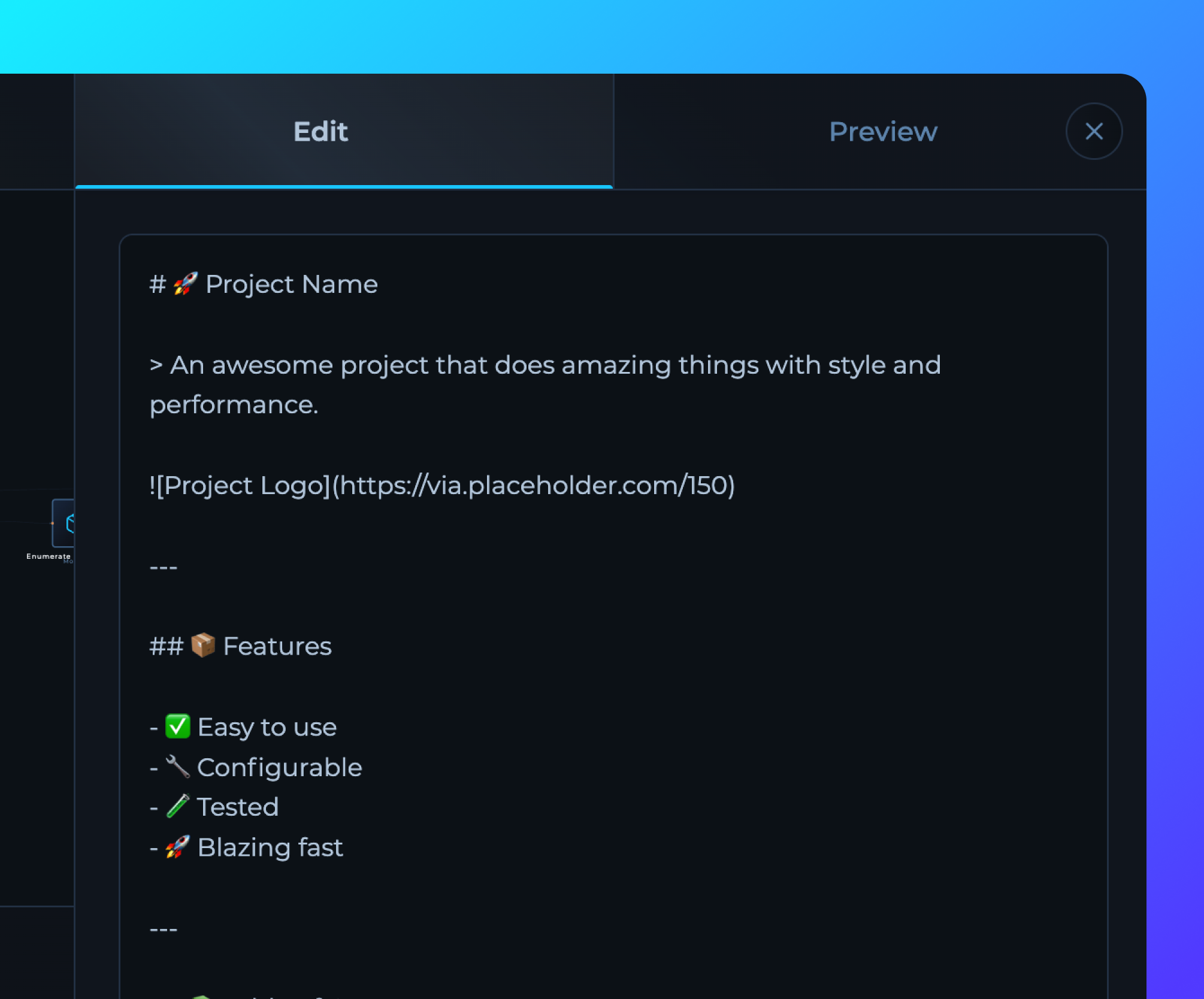 Enhanced README editor in the workflow editor with improved markdown editing interface, better formatting options, and streamlined documentation creation for workflows.
## Trickest CLI 2.0 Pre-Release
Enhanced README editor in the workflow editor with improved markdown editing interface, better formatting options, and streamlined documentation creation for workflows.
## Trickest CLI 2.0 Pre-Release
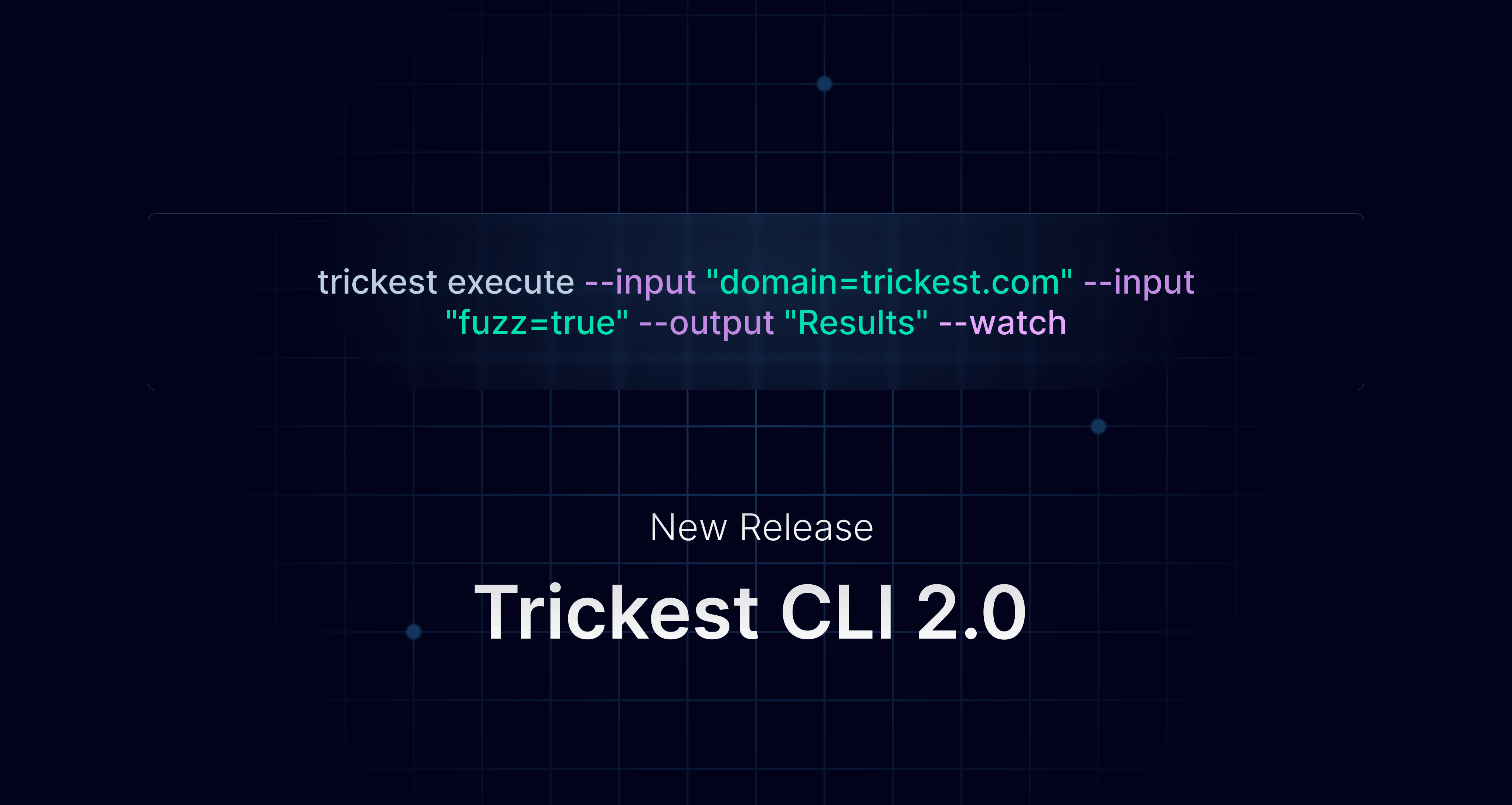 Trickest CLI 2.0 is now in pre-release and available.
New Trickest CLI v2.0.0 introduces input aliases, built-in help and auto readme generation, time-specific workflow insights, distributed nodes analysis, and more.
[Changelog](https://github.com/trickest/trickest-cli/releases/tag/v2.0.0) | [Blog Post](https://trickest.com/blog/trickest-cli-2-0-0/)
## File Page Updates
Trickest CLI 2.0 is now in pre-release and available.
New Trickest CLI v2.0.0 introduces input aliases, built-in help and auto readme generation, time-specific workflow insights, distributed nodes analysis, and more.
[Changelog](https://github.com/trickest/trickest-cli/releases/tag/v2.0.0) | [Blog Post](https://trickest.com/blog/trickest-cli-2-0-0/)
## File Page Updates
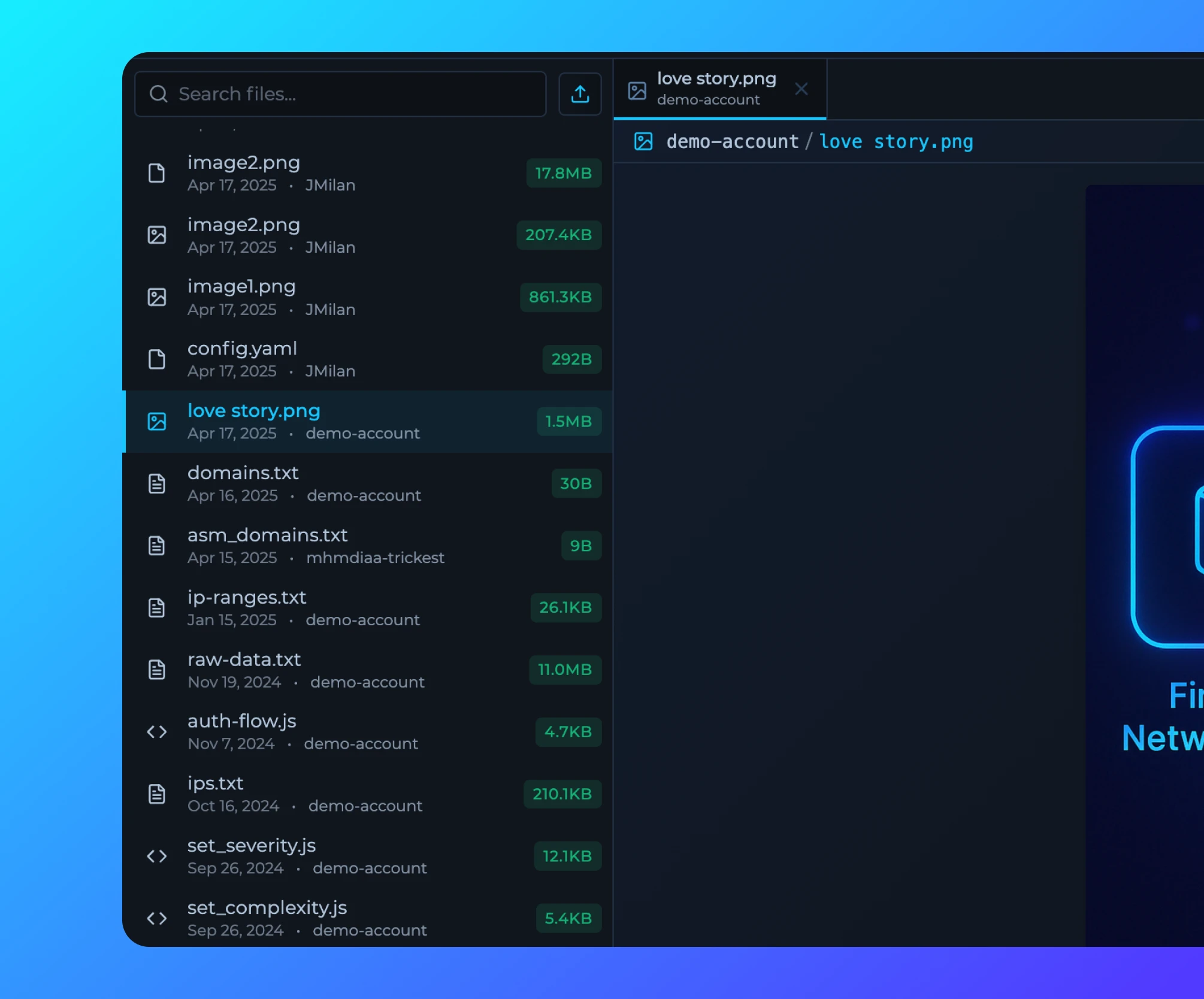 [File Page](https://trickest.io/dashboard/files) is now updated with file tree and file tabs for better organization and navigation.
**Note:** You can use URL to share specific files with others.
## Run Traffic
[File Page](https://trickest.io/dashboard/files) is now updated with file tree and file tabs for better organization and navigation.
**Note:** You can use URL to share specific files with others.
## Run Traffic
 Run traffic is now being collected and displayed in [Billing](https://trickest.io/dashboard/settings/payments) page for Enterprise users.
## Private Scripts
Run traffic is now being collected and displayed in [Billing](https://trickest.io/dashboard/settings/payments) page for Enterprise users.
## Private Scripts
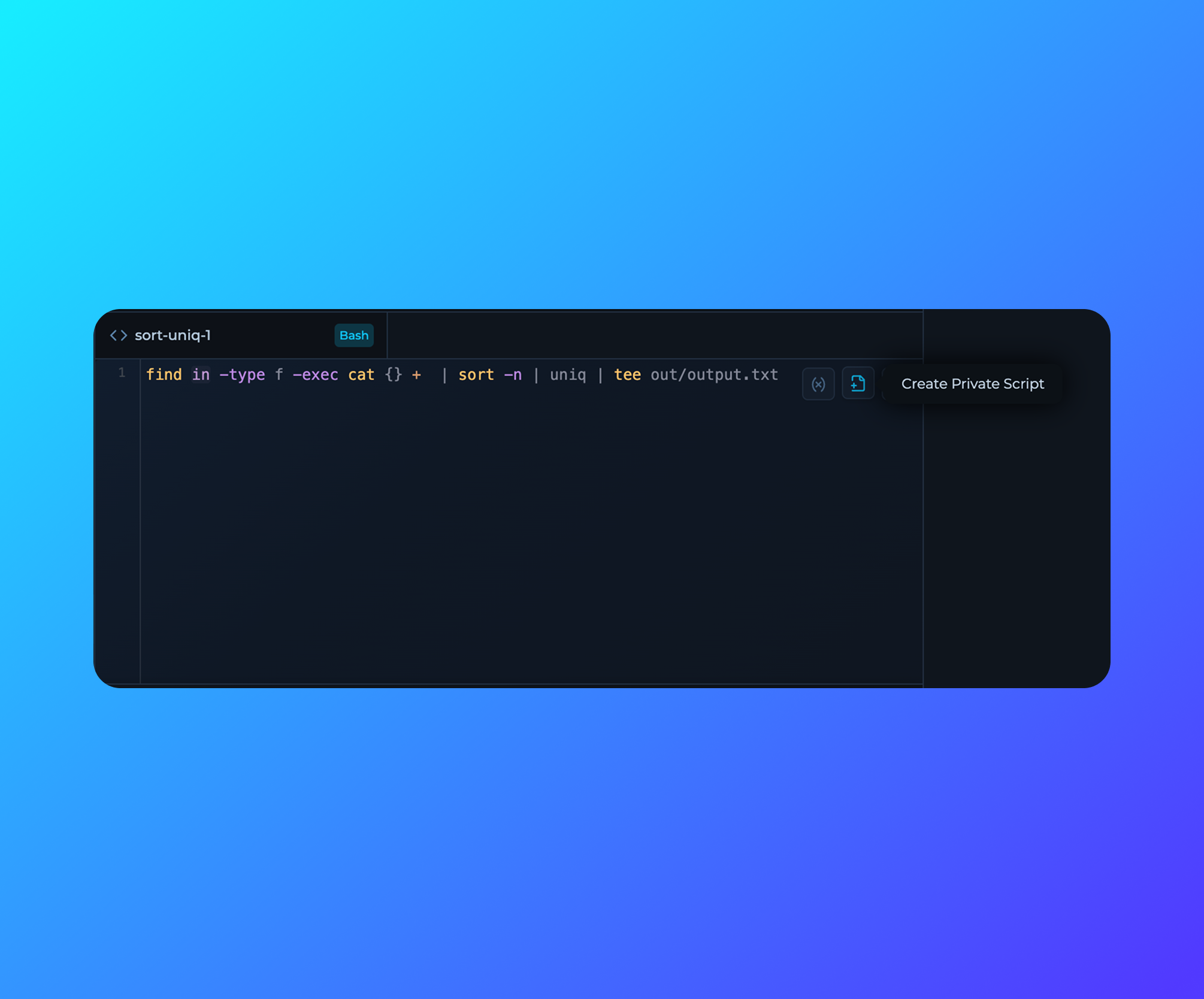 Private scripts can now be created directly from the Command Line Interface in the Workflow Editor.
## Variables in Code Editor for Scripts
Private scripts can now be created directly from the Command Line Interface in the Workflow Editor.
## Variables in Code Editor for Scripts
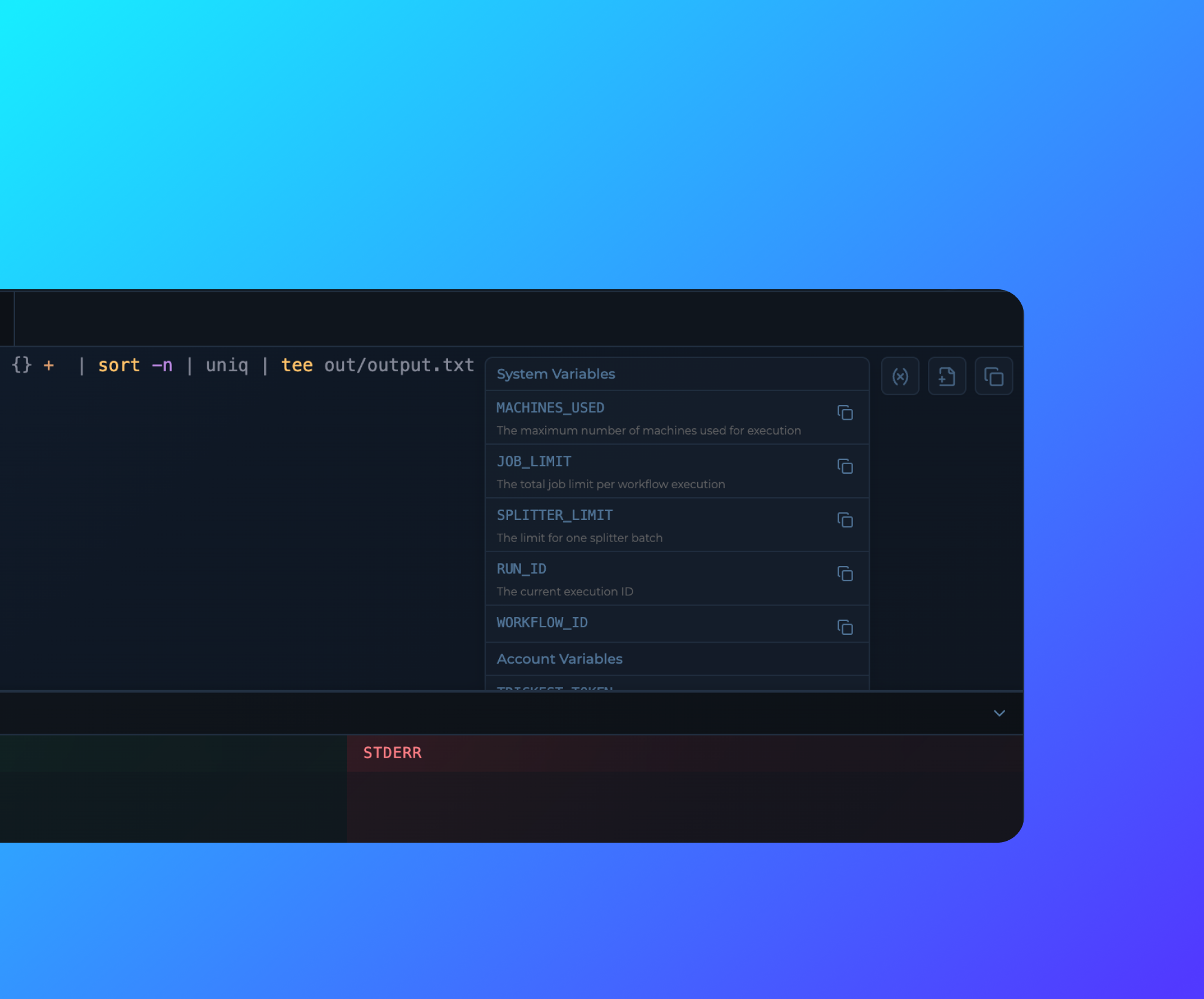 Variables are now available in the Code Editor for Scripts for easy access and reference.
## Home Dashboard Library Workflows
Library Workflows in Home Dashboard are now appearing at random order.
## Run List Filters
Variables are now available in the Code Editor for Scripts for easy access and reference.
## Home Dashboard Library Workflows
Library Workflows in Home Dashboard are now appearing at random order.
## Run List Filters
 Run list filters are now expandable for better visibility and monitoring of the run list.
## Module Run Preview
Run list filters are now expandable for better visibility and monitoring of the run list.
## Module Run Preview
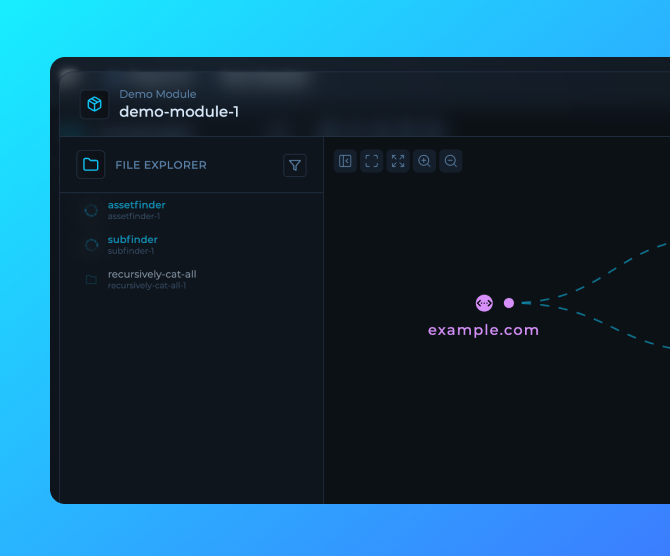 User built modules now have a preview popover for better visibility and monitoring of the module runs and outputs.
## Workflow Run Mode File Tree
User built modules now have a preview popover for better visibility and monitoring of the module runs and outputs.
## Workflow Run Mode File Tree
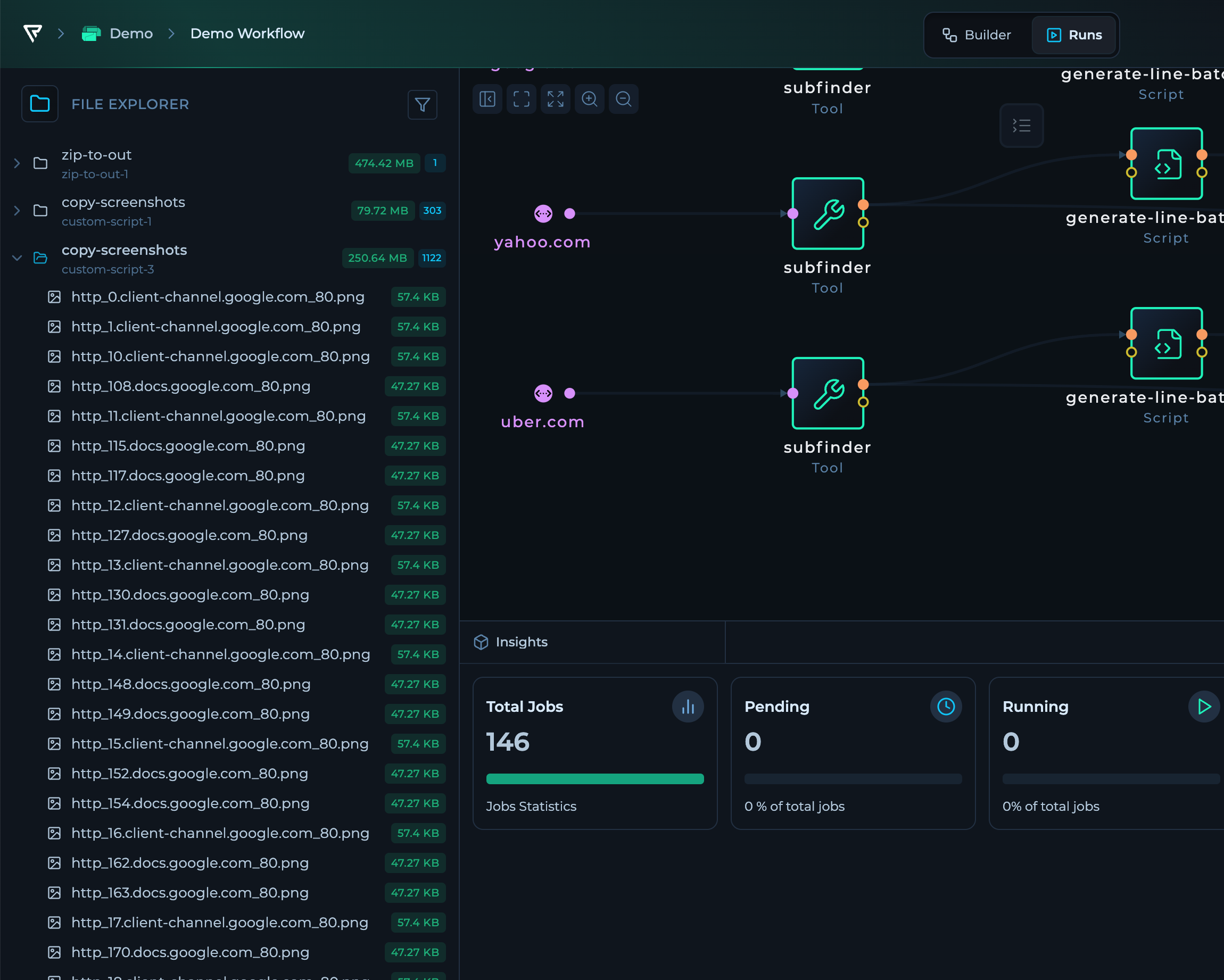 The workflow run mode now features a file tree for better organization and navigation of the node outputs.
## Outputs in File Tabs
The workflow run mode now features a file tree for better organization and navigation of the node outputs.
## Outputs in File Tabs
 Files can now be opened in a new tab with syntax highlighting and line numbers for fully functional and structured analysis of workflows runs.
Custom Previews are available for:
- Image Types
## CLI Updates
Files can now be opened in a new tab with syntax highlighting and line numbers for fully functional and structured analysis of workflows runs.
Custom Previews are available for:
- Image Types
## CLI Updates
 The CLI is redesigned with a new command editor and terminal output for more streamlined monitoring and debugging of workflows.
## Popular Nodes in Workflow Editor
The CLI is redesigned with a new command editor and terminal output for more streamlined monitoring and debugging of workflows.
## Popular Nodes in Workflow Editor
 Frequently used nodes are now integrated directly into the workflow editor interface, making it easier to access and add common components to your workflows.
## New Editor Generally Available
Frequently used nodes are now integrated directly into the workflow editor interface, making it easier to access and add common components to your workflows.
## New Editor Generally Available
 The new editor is now generally available to all users with additional UI improvements for enhanced usability and performance.
## Workflow Cards Preview
The new editor is now generally available to all users with additional UI improvements for enhanced usability and performance.
## Workflow Cards Preview
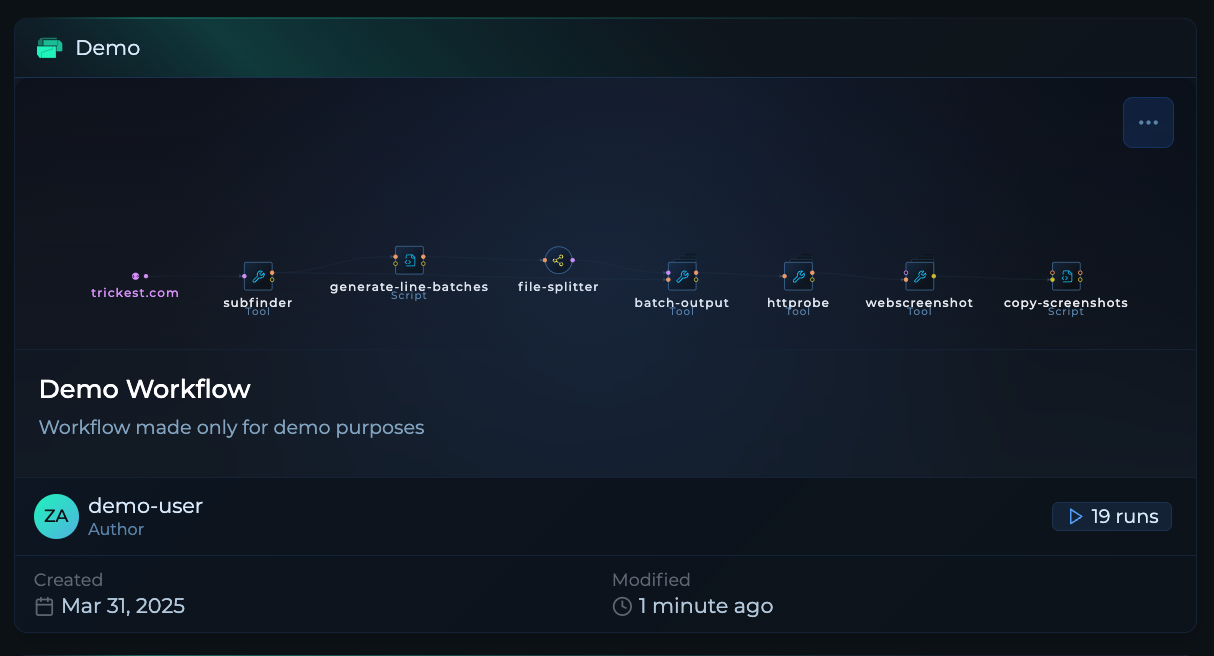 Workflows now feature a preview capability and have been completely redesigned for a more intuitive and efficient user experience.
## Home Dashboard Tool Library Updates
Workflows now feature a preview capability and have been completely redesigned for a more intuitive and efficient user experience.
## Home Dashboard Tool Library Updates
 The Home Dashboard now shows library updates for tools that have been recently updated, helping you stay informed about the latest improvements.
## Home Dashboard Improvements
The Home Dashboard now shows library updates for tools that have been recently updated, helping you stay informed about the latest improvements.
## Home Dashboard Improvements
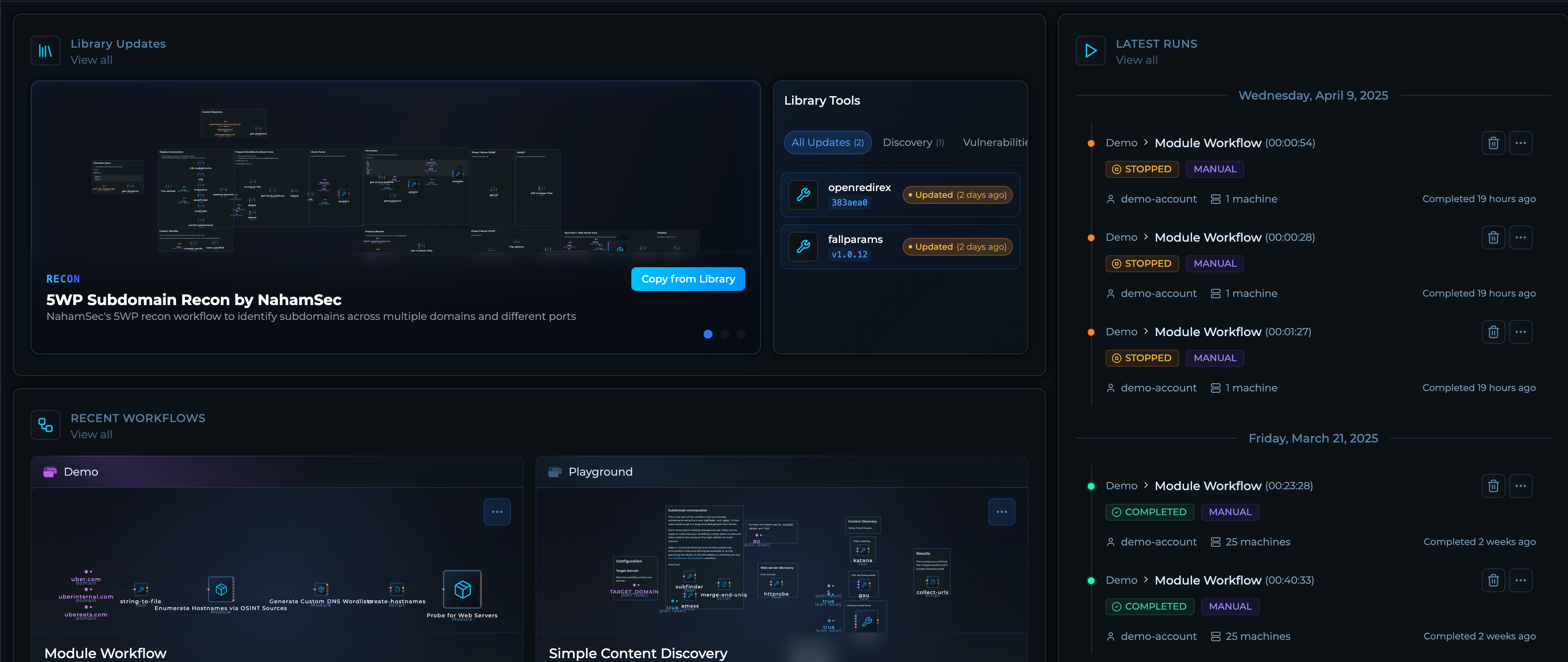 Enhanced Home Dashboard with improved layout, performance optimizations, and better information hierarchy for a more user-friendly experience.
## Service Orchestration Integration
Improved how the platform interacts with file and run storage, enabling more efficient data management and workflow execution.
## Workflow Details UI Improvements
Enhanced Home Dashboard with improved layout, performance optimizations, and better information hierarchy for a more user-friendly experience.
## Service Orchestration Integration
Improved how the platform interacts with file and run storage, enabling more efficient data management and workflow execution.
## Workflow Details UI Improvements
 Enhanced Workflow Details interface now displays average run time, total run counts providing better insights into workflow performance.
## TQL Syntax Highlighting and Autocomplete
Enhanced Workflow Details interface now displays average run time, total run counts providing better insights into workflow performance.
## TQL Syntax Highlighting and Autocomplete
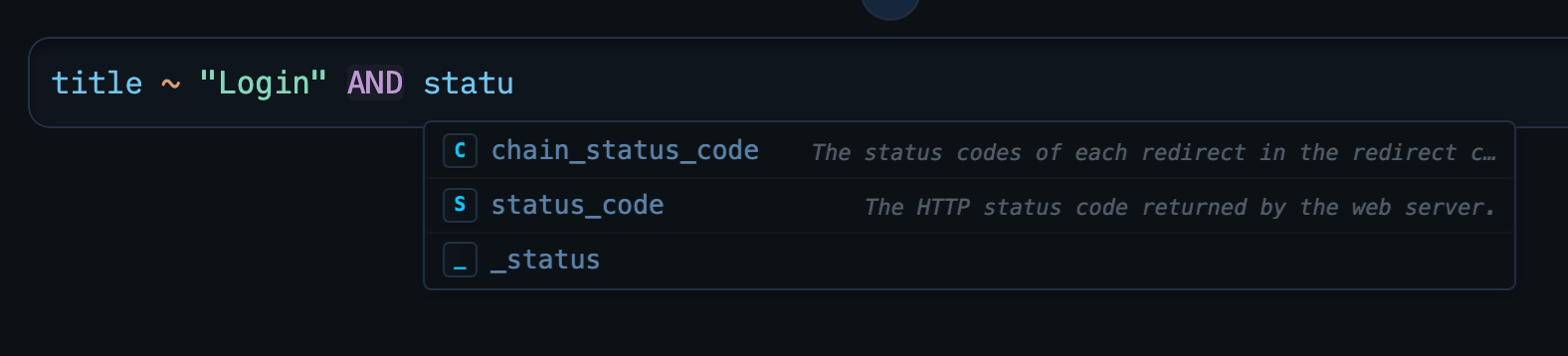 Added syntax highlighting and autocomplete suggestions for Trickest Query Language, improving developer experience and reducing errors when writing queries.
## Platform-wide Modal Updates
Updated all modals throughout the platform with a consistent, modern design for improved user experience and accessibility.
## Auto-generate CLI Config
Added syntax highlighting and autocomplete suggestions for Trickest Query Language, improving developer experience and reducing errors when writing queries.
## Platform-wide Modal Updates
Updated all modals throughout the platform with a consistent, modern design for improved user experience and accessibility.
## Auto-generate CLI Config
 New feature to automatically generate CLI configuration for workflows, simplifying integration with automation scripts and CI/CD pipelines.
## Solution APIs
Solutions now have out-of-the-box APIs, enabling seamless integration with other tools and custom applications.
## Workflow Run Filters
New feature to automatically generate CLI configuration for workflows, simplifying integration with automation scripts and CI/CD pipelines.
## Solution APIs
Solutions now have out-of-the-box APIs, enabling seamless integration with other tools and custom applications.
## Workflow Run Filters
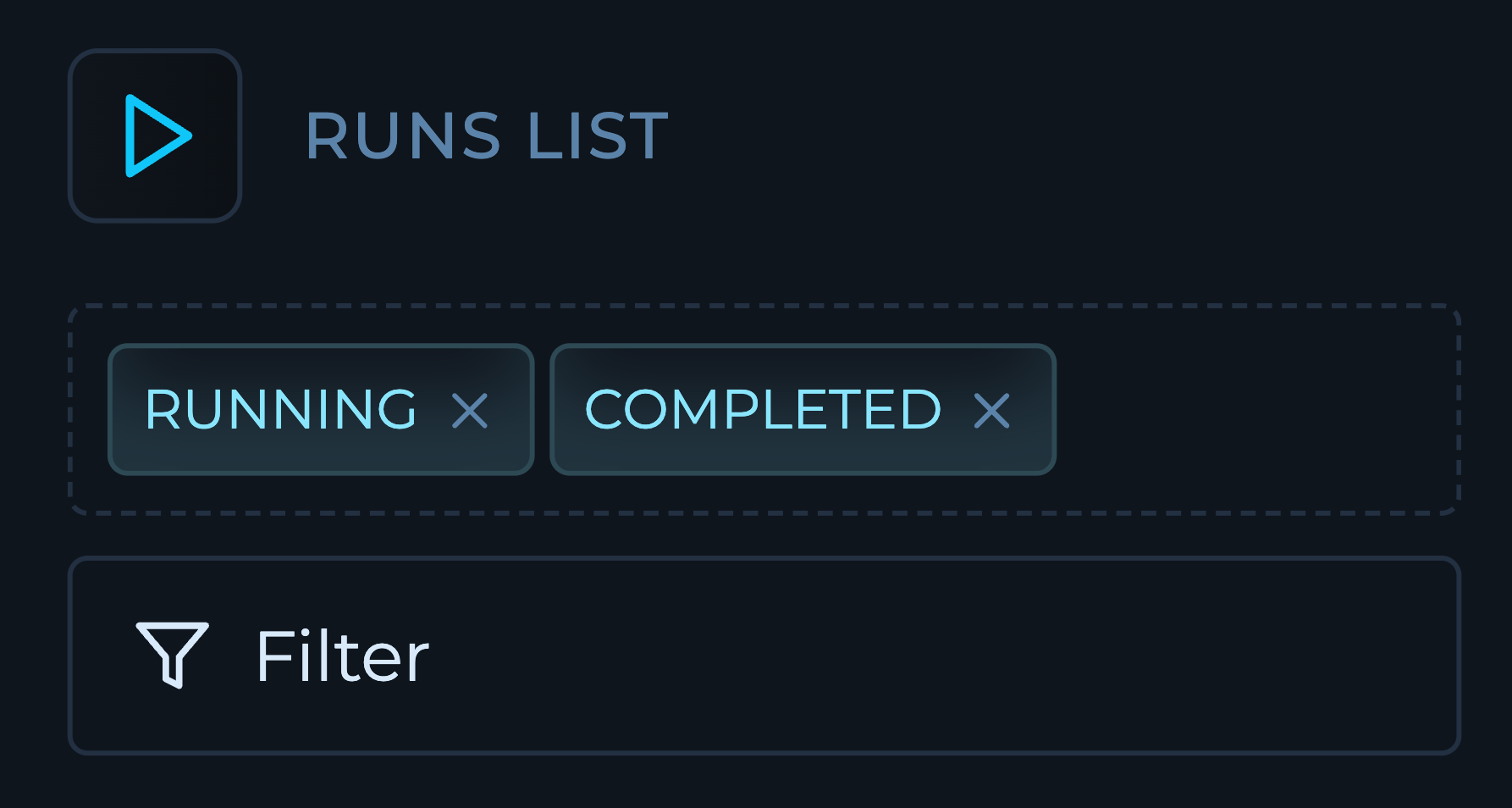 New filters for runs on workflows make it easier to find and analyze specific executions based on various criteria.
## Single Job Stop
New filters for runs on workflows make it easier to find and analyze specific executions based on various criteria.
## Single Job Stop
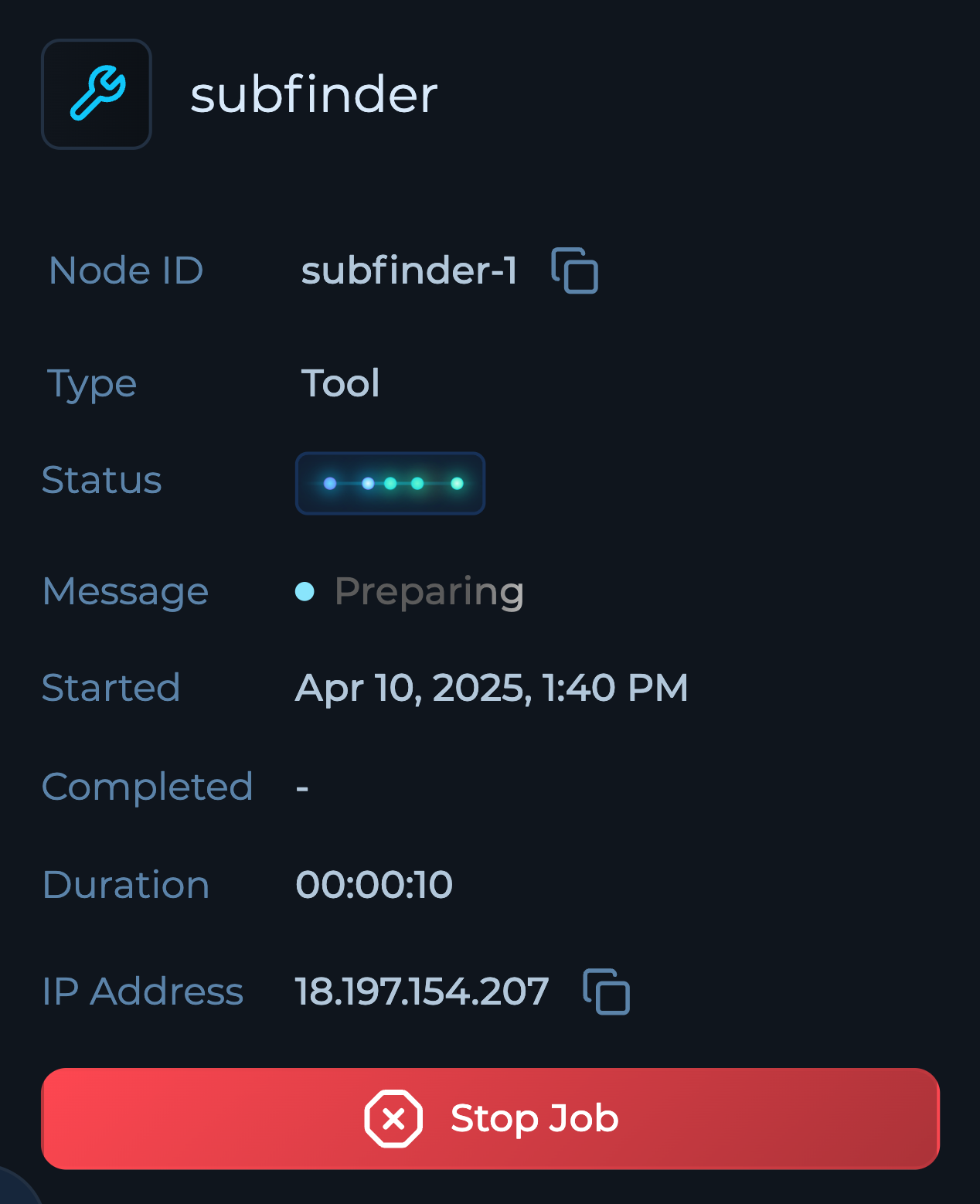 Users can now stop individual jobs within workflows, providing more granular control over execution and resource management.
## Custom Tag Colors
Users can now stop individual jobs within workflows, providing more granular control over execution and resource management.
## Custom Tag Colors
 Tags in solutions now support custom colors, improving visual organization and making it easier to identify different categories at a glance.
## Solution Row Navigation
Solution rows now have arrow controls to navigate through them in detail view, making it easier to review sequential items without returning to the main list.
## Solution Duplication
Solutions can now be duplicated, allowing you to quickly create copies of existing solutions as templates for new projects.
## CSP and HSTS Headers
Implemented Content Security Policy (CSP) and HTTP Strict Transport Security (HSTS) headers to enhance application security and protect against various web vulnerabilities.
## Solutions Support Tags
Solutions now support tags for improved organization, filtering, and categorization of your data.
## SMS Verification
Added SMS verification for community users during sign-up to enhance account security and prevent automated registrations.
## Module Readmes
Modules now include detailed README documentation, providing clear instructions, examples, and best practices for module usage.
## Export Solution Views in CSV
Tags in solutions now support custom colors, improving visual organization and making it easier to identify different categories at a glance.
## Solution Row Navigation
Solution rows now have arrow controls to navigate through them in detail view, making it easier to review sequential items without returning to the main list.
## Solution Duplication
Solutions can now be duplicated, allowing you to quickly create copies of existing solutions as templates for new projects.
## CSP and HSTS Headers
Implemented Content Security Policy (CSP) and HTTP Strict Transport Security (HSTS) headers to enhance application security and protect against various web vulnerabilities.
## Solutions Support Tags
Solutions now support tags for improved organization, filtering, and categorization of your data.
## SMS Verification
Added SMS verification for community users during sign-up to enhance account security and prevent automated registrations.
## Module Readmes
Modules now include detailed README documentation, providing clear instructions, examples, and best practices for module usage.
## Export Solution Views in CSV
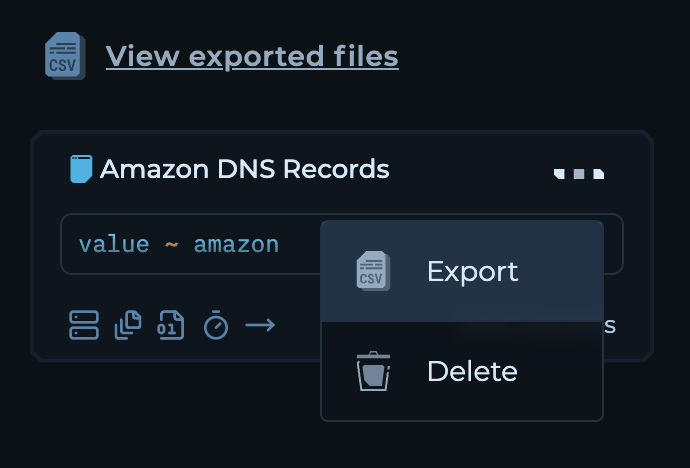 You can now export solution views in CSV format for easier data sharing and offline analysis.
## Solution Row History
Solution rows now include a history tab that displays the complete change history for each row, enabling better tracking and auditing of modifications.
## Modules Onboarding and User Guides
Developed comprehensive [onboarding materials](https://trickest.com/docs/key-concepts/building-blocks/modules) and user guides for modules to facilitate easier adoption and understanding.
## Workflow Distribution Tutorials
Released [new tutorials](https://trickest.com/docs/using-the-app/workflow-and-executions/distributing-and-scaling-jobs) covering workflow distribution and execution to help users maximize the platform's capabilities.
## Integrated Workflows in Solutions
Solutions now have natively integrated workflows and additional tabs: `Dashboards`, `Insights`, `Builder`, and `Runs` for a more streamlined experience.
## Views Column Fixes
Saving new views are now also saving appropriate columns selected for the view.
## Show TQL in Views
Added the ability to show TQL in views for better visibility and understanding of queries used in custom views.
## Default Status Sorting
Default sorting for status column is now fixed to sort statuses in order: `New`, `Resurfaced`, `Missing`, `Removed`, `Unchanged`.
## Configurable Data Retention
Enterprise users will have custom data retention policies according to their compliance and operational needs.
## Advanced Alerting for Engine Jobs
Implemented advanced alerting and monitoring for workflow jobs to improve reliability and performance tracking.
## Improved Folder Aggregation
Enhanced folder aggregation to improve performance and reduce latency in data processing.
## Machine Instance Fixes
Resolved issues related to machine's instances to enhance stability and performance.
## Updated Icons for Custom Views
Fixed and updated icons for custom views in the right sidebar for improved visual consistency and user experience.
## Platform Services Upgraded
All platform services have been upgraded, enhancing performance, security, and compatibility across the platform.
## Improved Editor UI
We've polished the editor's user interface with minor CSS tweaks and fixed issues in the command line component for a smoother editing experience.
## New Button Styles
Updated the button styles across the platform for a refreshed look and improved user interaction.
## Datasets as Tabs in Solutions
Navigating through datasets in solutions is now more intuitive with tabs replacing the previous dropdown menu system.
## Custom Statuses and Icons
Introduced custom statuses—`new`, `missing`, `resurfaced`, `removed`, `unchanged`—along with corresponding icons in solution columns for better tracking and visualization.
## Custom Views and Saved Queries
You can now export solution views in CSV format for easier data sharing and offline analysis.
## Solution Row History
Solution rows now include a history tab that displays the complete change history for each row, enabling better tracking and auditing of modifications.
## Modules Onboarding and User Guides
Developed comprehensive [onboarding materials](https://trickest.com/docs/key-concepts/building-blocks/modules) and user guides for modules to facilitate easier adoption and understanding.
## Workflow Distribution Tutorials
Released [new tutorials](https://trickest.com/docs/using-the-app/workflow-and-executions/distributing-and-scaling-jobs) covering workflow distribution and execution to help users maximize the platform's capabilities.
## Integrated Workflows in Solutions
Solutions now have natively integrated workflows and additional tabs: `Dashboards`, `Insights`, `Builder`, and `Runs` for a more streamlined experience.
## Views Column Fixes
Saving new views are now also saving appropriate columns selected for the view.
## Show TQL in Views
Added the ability to show TQL in views for better visibility and understanding of queries used in custom views.
## Default Status Sorting
Default sorting for status column is now fixed to sort statuses in order: `New`, `Resurfaced`, `Missing`, `Removed`, `Unchanged`.
## Configurable Data Retention
Enterprise users will have custom data retention policies according to their compliance and operational needs.
## Advanced Alerting for Engine Jobs
Implemented advanced alerting and monitoring for workflow jobs to improve reliability and performance tracking.
## Improved Folder Aggregation
Enhanced folder aggregation to improve performance and reduce latency in data processing.
## Machine Instance Fixes
Resolved issues related to machine's instances to enhance stability and performance.
## Updated Icons for Custom Views
Fixed and updated icons for custom views in the right sidebar for improved visual consistency and user experience.
## Platform Services Upgraded
All platform services have been upgraded, enhancing performance, security, and compatibility across the platform.
## Improved Editor UI
We've polished the editor's user interface with minor CSS tweaks and fixed issues in the command line component for a smoother editing experience.
## New Button Styles
Updated the button styles across the platform for a refreshed look and improved user interaction.
## Datasets as Tabs in Solutions
Navigating through datasets in solutions is now more intuitive with tabs replacing the previous dropdown menu system.
## Custom Statuses and Icons
Introduced custom statuses—`new`, `missing`, `resurfaced`, `removed`, `unchanged`—along with corresponding icons in solution columns for better tracking and visualization.
## Custom Views and Saved Queries
 You can now create custom views in solutions and save your preferred columns and queries for quick access and personalized data analytics.
## Light Theme Improvements
Applied several fixes to the light theme within solutions to ensure a consistent and visually appealing experience.
## Run and Module Insights
Gain deeper visibility into your runs and modules performance with the new Module and Run Insights available in Run Mode.
## Enhanced Query Language
The Trickest Query Language now features icons in search results and autocomplete suggestions for quicker recognition and selection.
## Documentation Enhancements
The Trickest editor is now embeddable within our documentation, enabling interactive examples and hands-on learning. Explore the latest tutorials at https://trickest.com/docs/introduction.
## Bug Fix: Splitter Jobs
Resolved an issue where splitter jobs were using incorrect inputs when their parent job was lifted, ensuring accurate data processing.
## Private Agents
You can now create custom views in solutions and save your preferred columns and queries for quick access and personalized data analytics.
## Light Theme Improvements
Applied several fixes to the light theme within solutions to ensure a consistent and visually appealing experience.
## Run and Module Insights
Gain deeper visibility into your runs and modules performance with the new Module and Run Insights available in Run Mode.
## Enhanced Query Language
The Trickest Query Language now features icons in search results and autocomplete suggestions for quicker recognition and selection.
## Documentation Enhancements
The Trickest editor is now embeddable within our documentation, enabling interactive examples and hands-on learning. Explore the latest tutorials at https://trickest.com/docs/introduction.
## Bug Fix: Splitter Jobs
Resolved an issue where splitter jobs were using incorrect inputs when their parent job was lifted, ensuring accurate data processing.
## Private Agents
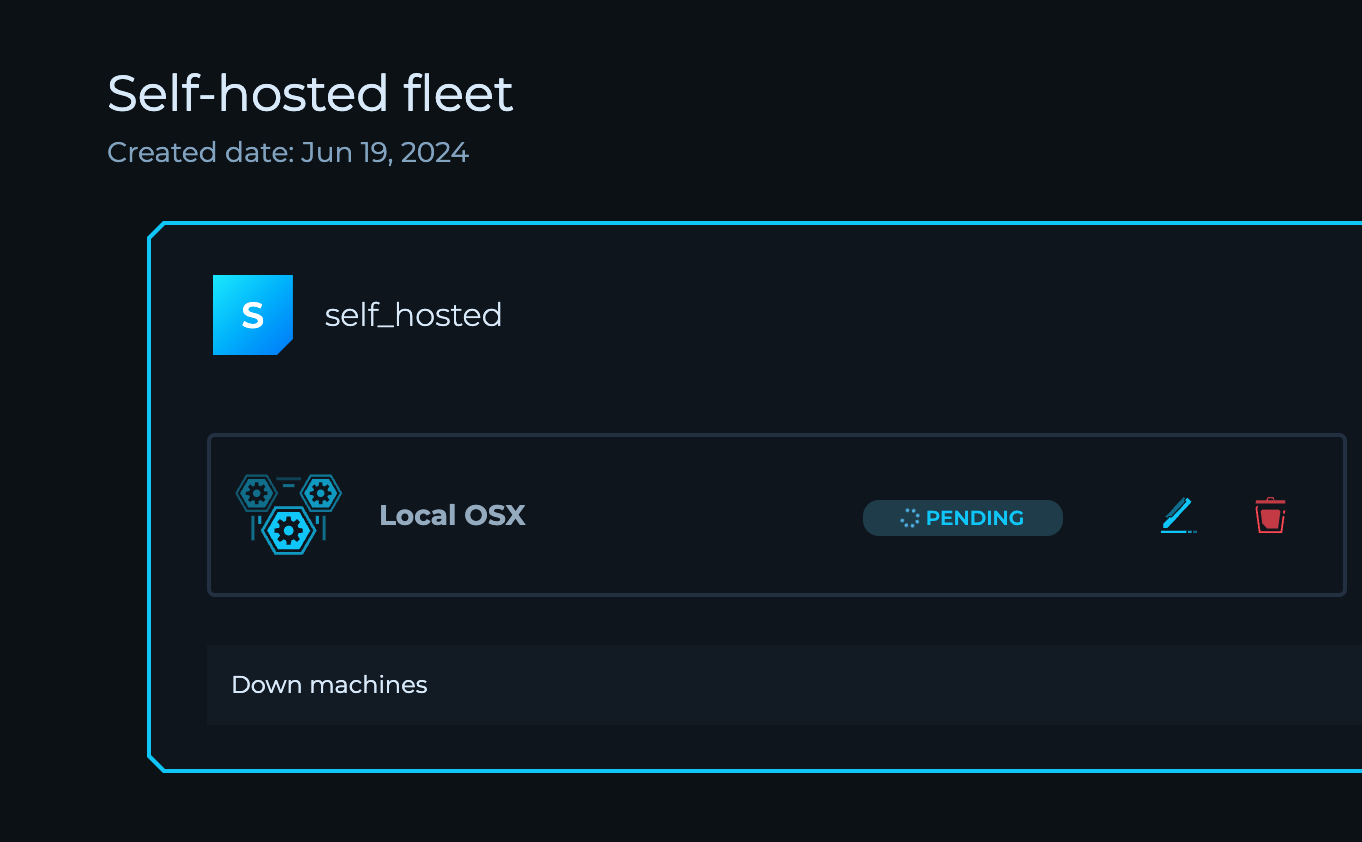 Deploy agents to scan environments internally on any device, even behind VPNs and office networks. Integrate into existing workflows to enable continuous monitoring and vulnerability scanning of both internal and external infrastructure.
## Modules
Automated security processes with structured inputs/outputs, built-in scalability, and automatic tool updates. Minimizes disruptions from manual tool management and ensures consistent results across workflows.
## Private Tooling for Custom Workflows
Securely integrate proprietary tools within the platform. Managed and executed in a secure environment by connecting a Private Docker Registry.
## Advanced Variables for Dynamic Workflows
Add variables to workflows for dynamic inputs and outputs. Scope variables globally or to specific projects for enhanced workflow customization flexibility.
## Self-Hosted Machines
Connect and execute workflows via self-hosted machines with public IP addresses for more control over the execution environment.
## Private Script Library
Create and manage a centralized library of Bash or Python script templates that can be reused across workflows.
## New Editor Design
Experience a revamped interface with the new editor design, currently available in early access.
## Clear Dataset Functionality
Manage your data with the ability to clear all data from Solution Datasets.
## User Interface Improvements
- Added pagination support in the Right Sidebar for Splitter Nodes in Run Mode
- Enhanced user experience with various UI fixes for Node Inputs
## Security and Compliance
Detailed audit logs now available for enterprise customers.
## Policy Updates
New data retention policy for community users: workflow data retained for 14 days with access to the 10 most recent runs.
---
Looking for older releases? Browse the [full archive of previous updates](./previous-updates).
---
_Markdown source of https://trickest.com/docs/releases/changelog._
Deploy agents to scan environments internally on any device, even behind VPNs and office networks. Integrate into existing workflows to enable continuous monitoring and vulnerability scanning of both internal and external infrastructure.
## Modules
Automated security processes with structured inputs/outputs, built-in scalability, and automatic tool updates. Minimizes disruptions from manual tool management and ensures consistent results across workflows.
## Private Tooling for Custom Workflows
Securely integrate proprietary tools within the platform. Managed and executed in a secure environment by connecting a Private Docker Registry.
## Advanced Variables for Dynamic Workflows
Add variables to workflows for dynamic inputs and outputs. Scope variables globally or to specific projects for enhanced workflow customization flexibility.
## Self-Hosted Machines
Connect and execute workflows via self-hosted machines with public IP addresses for more control over the execution environment.
## Private Script Library
Create and manage a centralized library of Bash or Python script templates that can be reused across workflows.
## New Editor Design
Experience a revamped interface with the new editor design, currently available in early access.
## Clear Dataset Functionality
Manage your data with the ability to clear all data from Solution Datasets.
## User Interface Improvements
- Added pagination support in the Right Sidebar for Splitter Nodes in Run Mode
- Enhanced user experience with various UI fixes for Node Inputs
## Security and Compliance
Detailed audit logs now available for enterprise customers.
## Policy Updates
New data retention policy for community users: workflow data retained for 14 days with access to the 10 most recent runs.
---
Looking for older releases? Browse the [full archive of previous updates](./previous-updates).
---
_Markdown source of https://trickest.com/docs/releases/changelog._
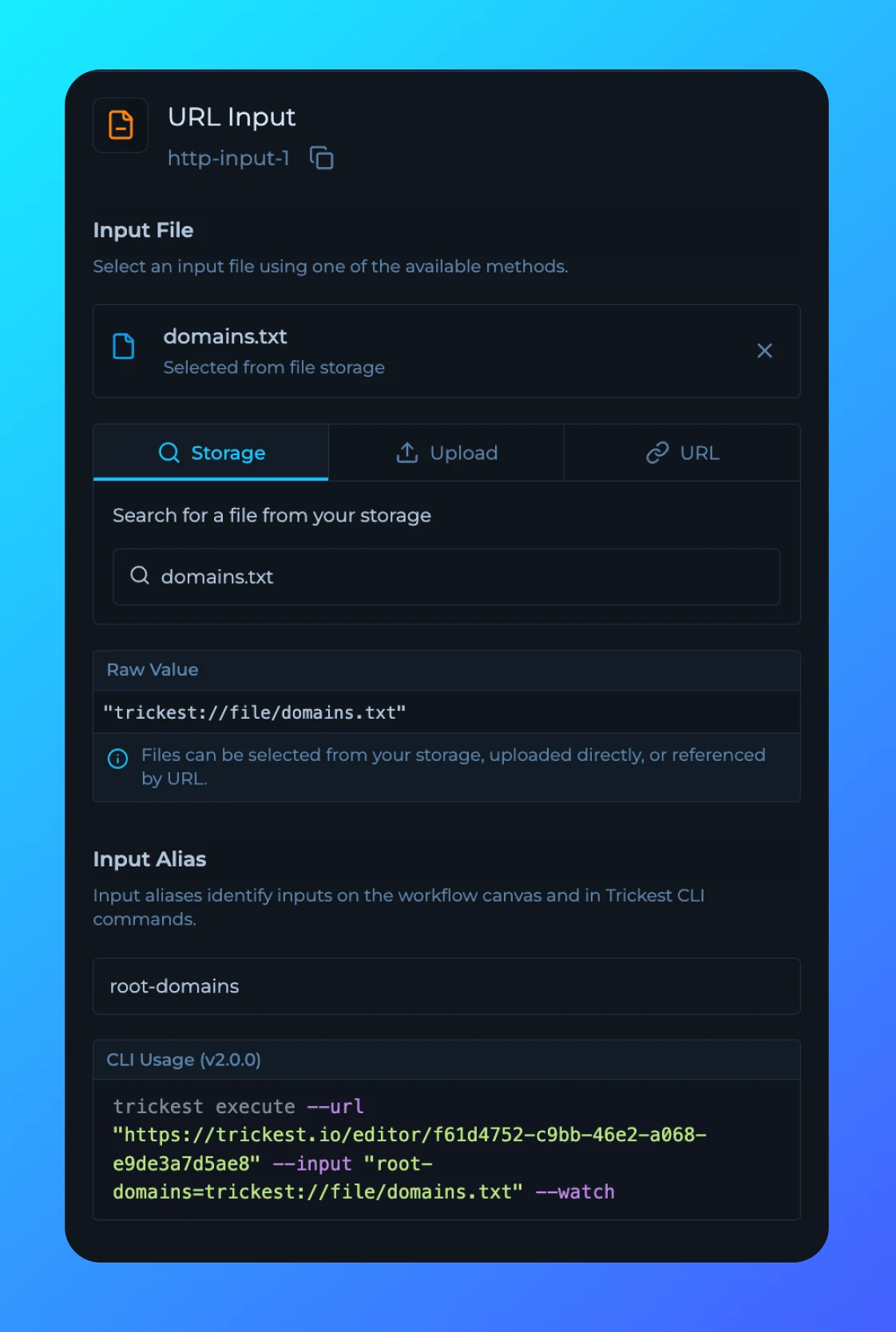 Inputs sidebar is now updated to support CLI 2.0 input aliases.
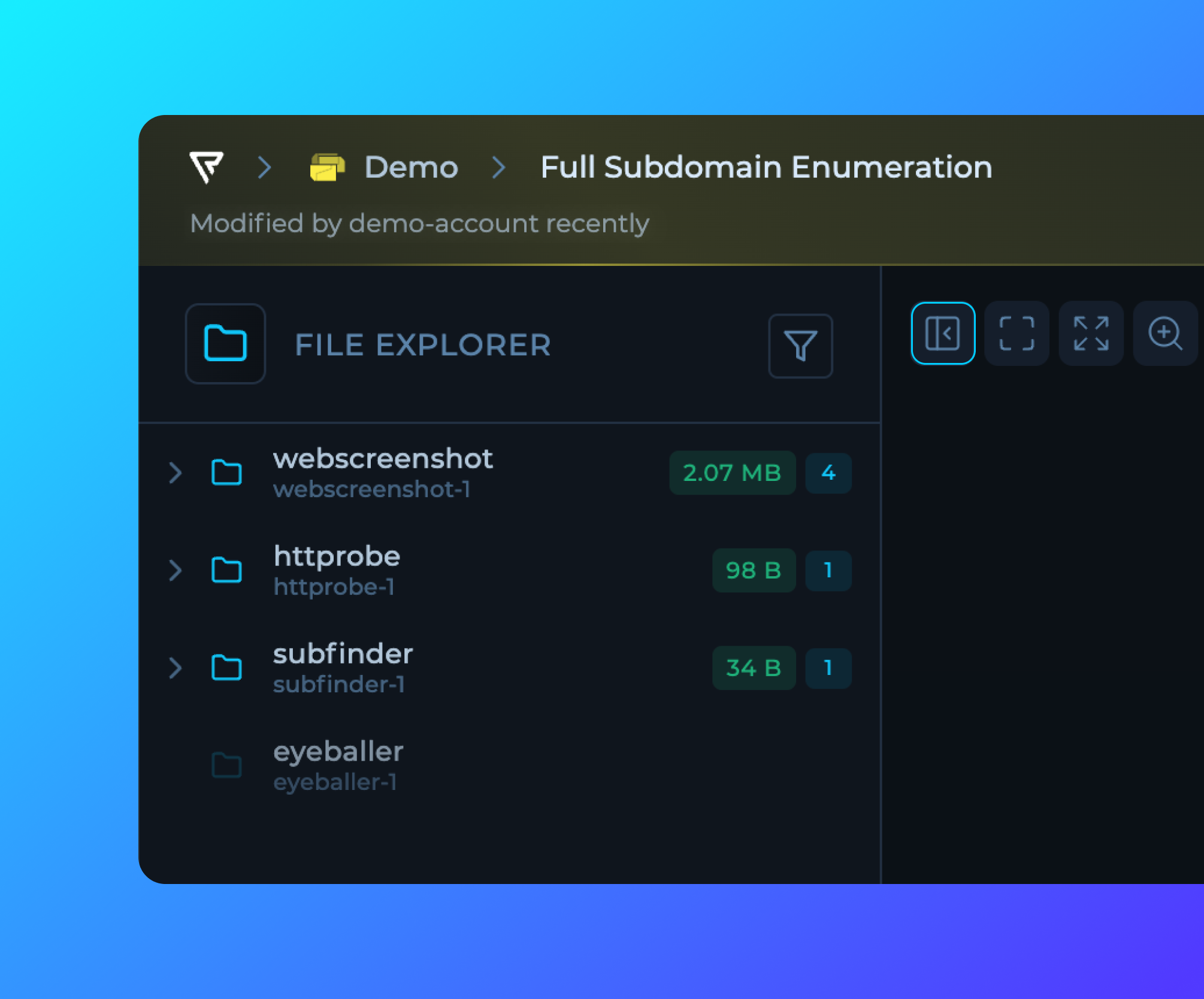 Left and Right Sidebar button is moved to the editor single action bar.
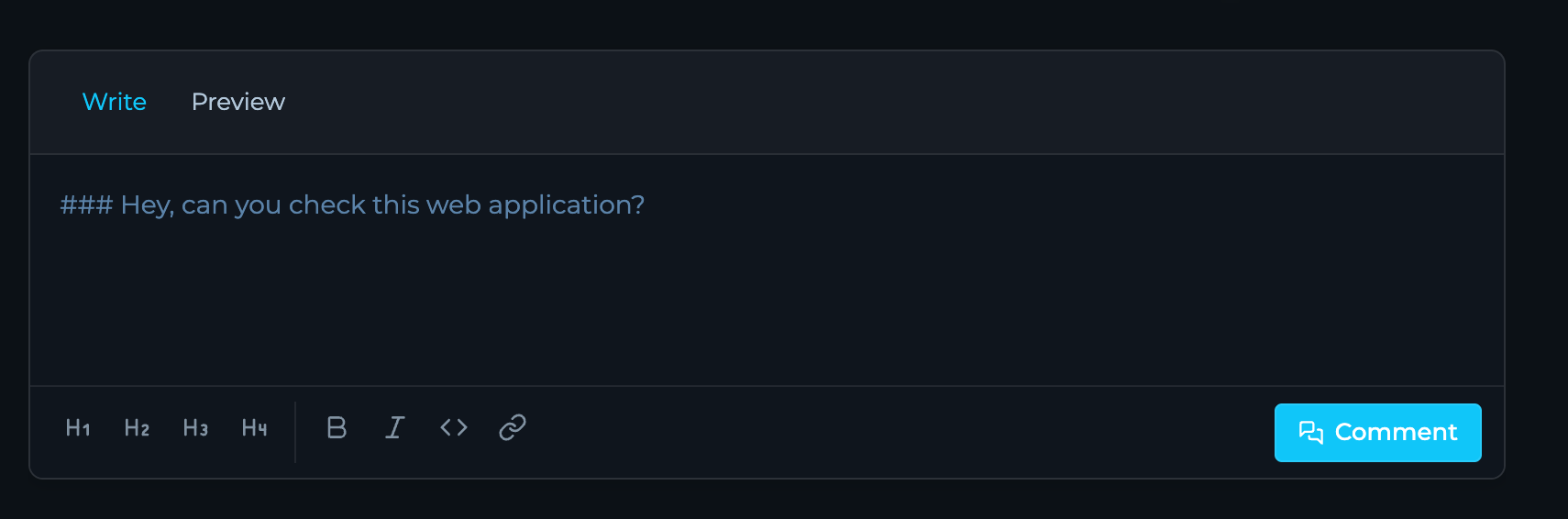 Solution rows now support comments, enabling better collaboration and discussion around specific findings or data points.