---
title: "Enumerating Cloud Resources"
canonical: https://trickest.com/blog/enumerating-cloud-resources
description: "Enumerate a company's cloud resources across AWS, Azure, and GCP from its name by extending the Trickest 'Inventory 2.0 - Cloud Assets' workflow."
last-updated: 2022-12-19
---
# Enumerating Cloud Resources
Companies around the globe are migrating to the cloud. They might be migrating just a few servers, web pages, documents... or even their entire digital infrastructure as part of the so-called **Digital Transformation**. As pentesters/bug hunters, we need to understand perfectly the **dangers of this movement** because, as it has happened several times, companies will end up exposing more services and information (even sensitive) than needed!
In this post, we will demonstrate an automated Trickest workflow to discover exposed cloud endpoints of a company. The Trickest platform simplifies the task of chaining different nodes to find different cloud endpoints exposed. It's easier to create and launch the complete workflow from this platform than from your own computer.
We are going to start with the already existent **'Inventory 2.0 - Cloud Assets'** workflow from Trickest Library, and we will **improve it** to enumerate AWS, Azure, GCP, DigitalOcean... resources from an **unauthenticated** perspective.
## Copying the Workflow
In the URL https://trickest.io/dashboard/library/workflow/304aae7e-a664-4de5-8e05-917f747a1d6b, you can find the workflow **'Inventory 2.0 - Cloud Assets'**. You need to copy it to your space by clicking on the **'Copy workflow'** button.
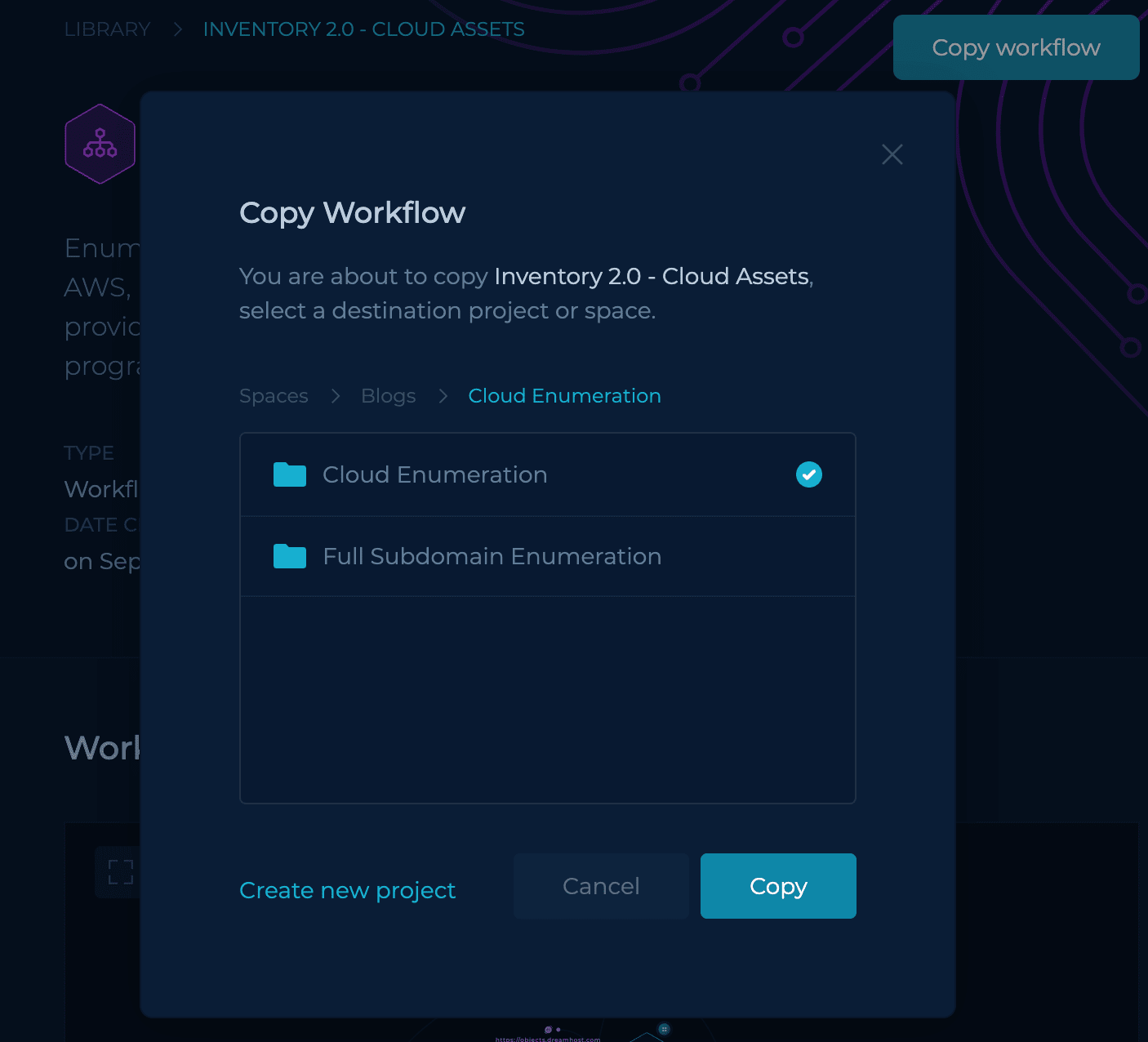 After copying it, you will be able to open and edit it. The **workflow will initially look like this**:
## Initial Workflow Run
For the **initial run**, we will use the **domains `trickest.com` and `trickest.io`** (specified in this Github gist) and as keywords the word `trickest`.
Running the workflow will give us the following results:
**The workflow found five S3 buckets.**
## Worldist for Mutations
Thanks to the flexibility of Trickest's Workflows, there are a lot of things you could do to **improve a workflow**. In this case, we are going to start **generating a wordlist with string to generate mutations** to try to find more hidden assets.
We will start **combining 3 different lists** of words in one, removing duplicates:
- [https://raw.githubusercontent.com/infosec-au/altdns/master/words.txt](https://raw.githubusercontent.com/infosec-au/altdns/master/words.txt)
- [https://raw.githubusercontent.com/jordanpotti/AWSBucketDump/master/BucketNames.txt](https://raw.githubusercontent.com/jordanpotti/AWSBucketDump/master/BucketNames.txt)
- [https://raw.githubusercontent.com/cujanovic/goaltdns/master/words.txt](https://raw.githubusercontent.com/cujanovic/goaltdns/master/words.txt)
## Improving the Initial Keywords
Instead of starting the workflow with the domain names of the company we are targeting (Trickest in this case), we will start it with the subdomains of the company we should have already discovered. Then, we will use the subdomains found in the previous blog post [Full Subdomain Brute Force Discovery Using Automated Trickest Workflow - Part 2](https://trickest.com/blog/full-subdomain-brute-force-discovery-using-workflow).
To read these subdomains, instead of uploading a file with them or publishing them in a GitHub gist, we are going to directly **access the output of the executed workflow**:
Before combining the subdomains with the mutation wordlist we are going to generate more keywords variating a little bit the subdomains:
- **Replacing the dots with slashes**
- **Getting main words**: Separating the subdomains by the dots and removing the strings of length 4 or less
- **Combining the previous variations with the original subdomains in the same list**
## Generating Mutations
In order to **find cloud assets** (AWS buckets, GCP cloud functions, Azure Virtual Machines...) related to the targeted company we need to generate potential resource names related to the company. That's why we are going to **generate mutations** of the subdomain name variations we have generated.
Having already the **keywords** and the **cloud mutations wordlist**, the easiest way to generate mutations is using a tool such as **[goaltdns](https://trickest.io/dashboard/library/tool/b02eb222-4f98-4055-b0fa-85b3420664a)**:
However, the final output from `goaltdns` needs to be **cleaned before used**. We are going to be **removing lines ended in dots** as they will break the workflow, and any **line smaller than 5 characters**:
## Improving `cloud-enum` Findings
We could use the previous wordlist of mutations and keywords to **improve the findings** of the tool `cloud-enum`. We will have **2 different [cloud-enum](/tools/cloud-enum) nodes**, one using custom cloud-enum mutations and another one with our generated mutations wordlist in the `mutations` param.
However, as a way to reduce false positives and time consumed by the `cloud-enum` tool using the mutations wordlist, we are going to filter some of the keywords got from subdomains:
And we are going to separate all the mutations in batches of 500 lines because it looks like the `cloud-enum` tool breaks if we pass too many mutations at once:
This is how both `cloud-enum` nodes will look like:
They will be connected to the final `get-cloud` node with a **slight change in its code**: Instead of using the path `cloud-enum-1` to access the results of the first cloud-enum node, **change that path to `cloud-enum-*`**.
## Improving `s3scanner` Findings
We will use the **generated mutations with `goaltdns` to brute-force** those potential S3 bucket names with the tool **`s3scanner`**.
However, instead of brute-forcing all the mutations at once on each `s3scanner` node, we are going to **split the mutations in chunks of 1000** and **run them in parallel**. This will make the workflow run faster.
For this, we connect the node `mutated-keywords`, which is a combination of the `clean-mutations` and `initial-keywords` nodes, to the `s3scanner` workers and distribute them in batches of 1000:
Finally, we will delete two of the `s3scanner` nodes. One because it looks like it's repeated because there are 2 nodes brute-forcing `https://sfo2.digitaloceanspaces.com`. And the other one we will remove is the one checking `https://objects.dreamhost.com` because that address doesn't exist.
Also, we are going to increase the number of threads to 120.
This is how the `s3scanner` nodes will look like:
## Run It!
The initial workflow just took some minutes to run, while this has taken **more than 2 hours**. However, this means that it has been searching for more assets, and **it has been more thorough**.
The final results size is 5.2MB, with most of them being (probably) false positives, but all of them contain some words related to the subdomains used by the company.
## Conclusion
Trickest has already created workflows for many use cases in its Library. In several scenarios, instead of creating your own workflow from scratch, you can **copy an existing workflow** from the Library and **customize it** to your needs.
In this blog post, we have edited and enhanced the initial workflow **'Inventory 2.0 - Cloud Assets'** by generating better initial keywords, **generating mutations** with those keywords, and using those lists to **improve the findings** of the tools `cloud-enum` and `s3scanner`.
Note that the **final workflow is not perfect** and there are still some ways to be done for better results.
For example, we are using all the "main words" of all the discovered subdomains, this means that the subdomain `contact.dev.trickest.com` will add the word `contact` to the list of keywords, but this word is not strictly related to the company `trickest`. This could be improved by manually cleaning the words used from the subdomains **to only use the main words of the subdomains that are potentially only used by the company**.
However, note that this will **remove mutations containing that string**, so it's not a perfect solution.
The main problem with this kind of unauthenticated discovery is that if you want to be able to **find weird and hidden names, you will have to deal with a lot of false positives**.
Here are some extra suggestions to improve this workflow and your cloud skills:
- Improve cloud_enum to make it capable of searching for other kinds of potentially exposed assets from the supported clouds or other clouds. Or search for those assets using more generic tools such as [ffuf](/tools/ffuf) or [s3scanner](/tools/s3scanner) as it's done in this workflow.
- Learn more about AWS Enumeration,
GCP Enumeration and
Azure Enumeration in those respective links from
Hacktricks Cloud.
A maintained bucket-permutation check lives in the Library as [Cloud Bucket Finder](/library/cloud-bucket-finder-s3-gcs-azure).
[Sign up on Trickest](https://trickest.com/demo) and have fun creating your unique workflow!
---
_Markdown source of https://trickest.com/blog/enumerating-cloud-resources._